
Show Apple Support documentation
Opens the new top-level page for Manuals, Specs, and Downloads on the Apple Support website.
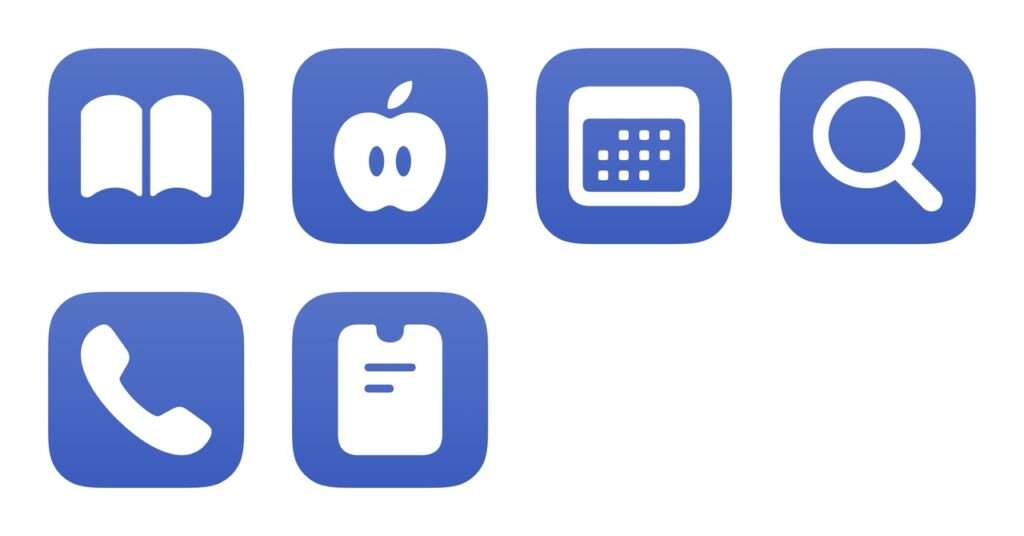
Opens the new top-level page for Manuals, Specs, and Downloads on the Apple Support website.

Opens support.apple.com so you can pick from a device to get help with, reset your Apple ID or password, schedule a repair, and manage billing and subscriptions.

Opens the link to Apple’s Get Support page where you can view a product and schedule personalized support.

Asks you to enter your query, then encodes the text and opens the URL on Apple’s website to the search results.

Dials the number for 1-800-MY-APPLE, the customer service line for Apple Support.

Dials the number for 1-800-APL-CARE, the phone number for getting assistance with products for which you’ve purchased AppleCare.
Opens the All Shortcuts tab to show your App Shortcuts plus your custom shortcuts.


Plays the preselected Replay 2019 playlist on Shuffle. My top artists included Vulfpeck, Big Wild, and Tycho.


Enhance your experience with bonus shortcuts, folder bundles, and exclusive perks.
