



Open Apple TV Sports
Opens the TV app to the Sports tab to show categories like football, soccer, baseball, and other sports alongside your Favorite Teams.

Browse the TV Store
Presents a menu for opening into the TV app to the Store section, either directly usnig a deep link, using the iTunes actions in Shortcuts, or Apple’s RSS feeds for top movie and TV content – plus categories for dedicated “rooms” in the TV app for special content.

Watch The Office
Opens the deep link into the TV app to The Office episodes. If you’re watching the series, prompts you to resume the latest or next episode.

Watch Mission Impossible
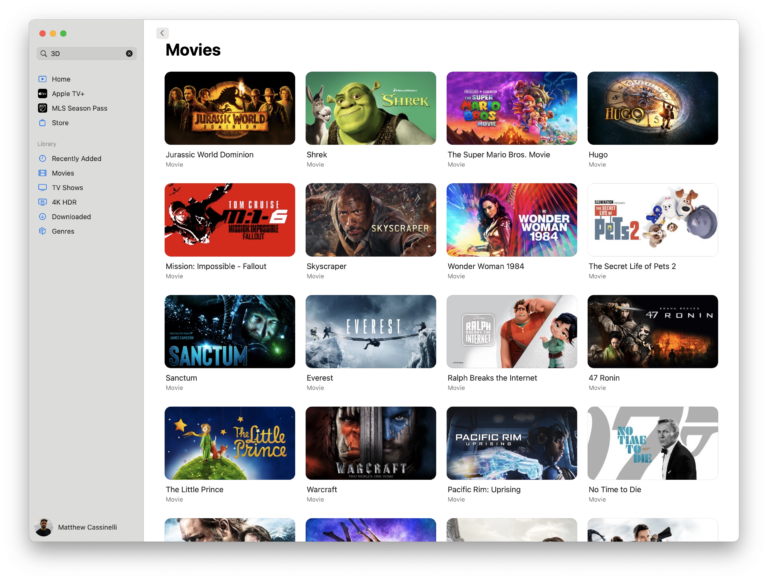
Presents a menu of the 7 movies in the Mission Impossible series (so far) and lets you open the film of choice in the TV app.


Open Apple TV+
Opens the TV app to the Apple TV+ tab to show content from your subscription.

Show Amazon Pharmacy
Opens the Amazon app to the Pharmacy page where you can find medications and refill prescriptions.

Toggle the Living Room lights
Toggles a set of 4 Hue lights and one Light Strip in my main living space.

Download iCloud Drive
Adds the entirety of your iCloud Drive folder offline by getting its contents.

Show my Clinical Notes records
Opens into the Health app to the Clinical Notes section of your Health Records where you can “connect to your providers to see your health records and get updates when there’s a new entry.”


Read about photography
Presents a menu to browse stories around photography, cameras, editing, photoshop, or individual photographer

Automators Membership
Enhance your experience with bonus shortcuts, folder bundles, and exclusive perks.


Action Directory
Discover endless possibilities by combining the building blocks for Shortcuts.