New in the Shortcuts Library: Action Shortcuts for the Action Button

After rebuilding my Action Button shortcut, I've shared the new version with subscribers – get Action Shortcuts now.

I’ve just added a new shortcut to the Shortcuts Library — my Action Button shortcut:

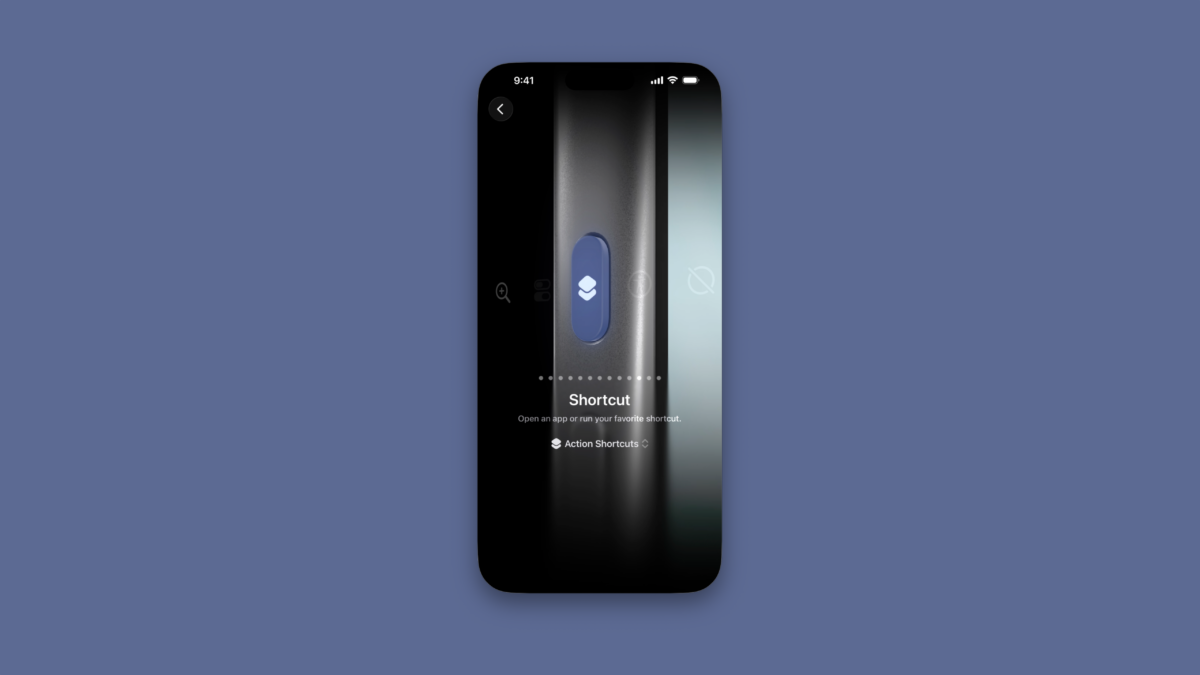
  • Action Shortcuts: Designed for running your shortcuts from the Action Button, this shows shortcuts from the visible app or by Focus Mode if not in an app. When in Work mode, also presents option to edit the shortcut. Also, using Orientation, sets DND if face-down and if upside down in pocket, opens Maps directions home.

Check out Action Shortcuts in the Controls folder on the Shortcuts Library.

Featured Shortcuts

shortcut-action-shortcuts-icon-4
Action Shortcuts
Designed for running your shortcuts from the Action Button, this shows shortcuts from the visible app or by Focus Mode if not in an app. When in Work mode, also presents option to edit the shortcut. Also, using Orientation, sets DND if face-down and if upside down in pocket, opens Maps directions home.

Posts You Might Like

New in the Shortcuts Library: One Thing Menu Bar shortcuts
My collection of shortcuts for One Thing for Mac, a Menu Bar applet that lets you display any text — automate your music, tasks, and current status.
New in the Shortcuts Library: Keynote shortcuts
If you're a fan of Apple's presentation tool, these shortcuts are for you – create from themes, open presentations in Rehearse and Show Mode, and create presentations from your own custom theme.
New in the Shortcuts Library: ChatGPT shortcuts
Get my shortcuts that take advantage of ChatGPT's actions for Start New Chat and Start Voice Conversation, from simple activation to advanced processing with other apps.
Smart Tech Today #26: Troubleshooting Your Smart Lights