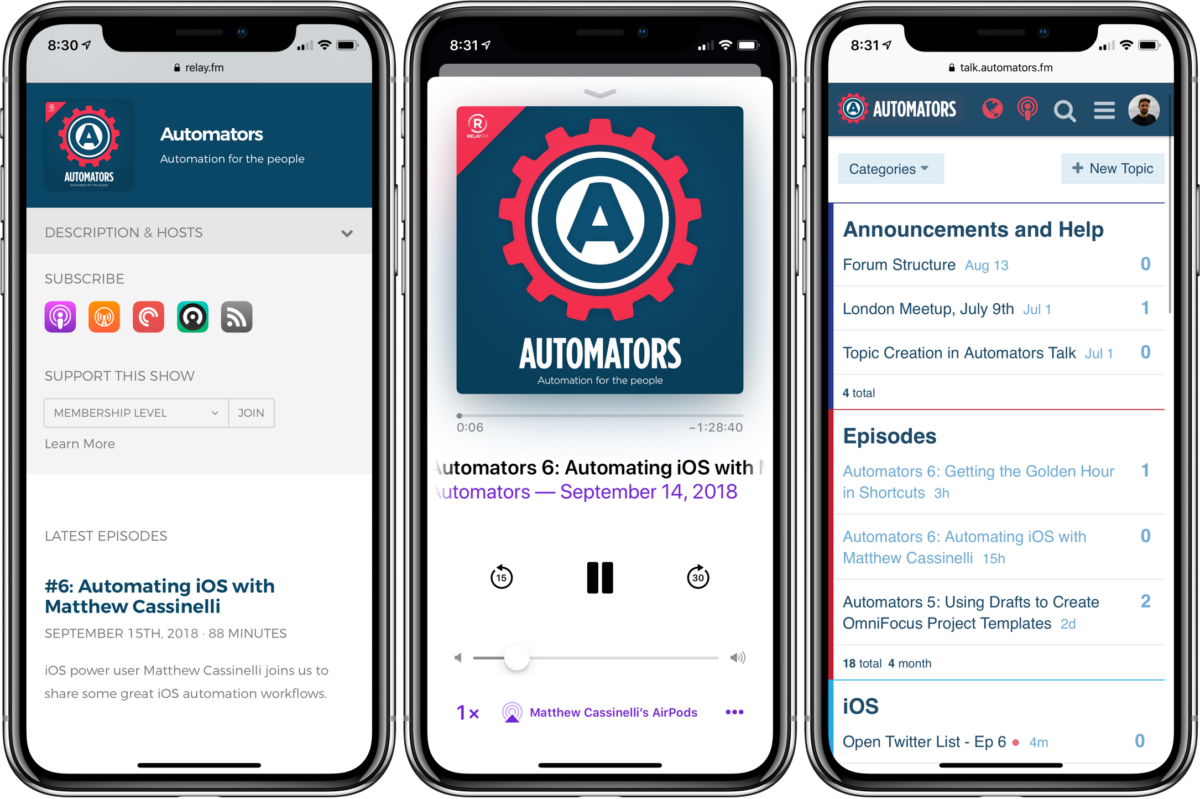

I had the honor of being on Relay FM‘s great new show Automators this week. Hosted by David Sparks and Rosemary Orchard, the show dives deep into automation with Apple products and covers a whole range of apps and devices.
With iOS 12 launching on Monday, David and Rosemary had me on their show to talk all about Shortcuts and walk people through two of my custom shortcuts – Open Twitter Lists and Golden Hour.
Apparently, I completely forgot this was supposed to be a 30-minute show, because we straight up talked about these for an hour and a half.
These are more like workflows than Siri-based shortcuts, as the Twitter lists one doesn’t involve Siri at all – I primarily run it from the widget.
But Golden Hour can be triggered by Siri and run headless on devices like Apple Watch, AirPods, and CarPlay – I used it in my testing video of the HomePod too when I discovered when shortcuts started working on more devices:
Yes, it’s finally here! Shortcuts now work on HomePod ?
Here’s mine telling me when Golden Hour is today pic.twitter.com/jdM0i4dvit
— Matthew Cassinelli (@mattcassinelli) August 30, 2018
The show mostly involved functional explanations of the shortcuts, so hopefully one day I’ll be back on Automators again to talk more about how I’m taking advantage of Siri, custom Shortcuts, and the new actions provided by other app developers besides Apple’s.
We also mentioned a shortcut for Apple Music Mixes that I wrote about for The Sweet Setup, but we avoided covering it again so check out the full post for all the details.
The episode should be a good listen – subscribe to the show, add the workflows/shortcuts from the show notes1 on their site or in your podcast app, and listen along as I explain both step-by-step.
Also, be sure to visit the Automators Talk forum where the community chats about all types of automation – definitely worth checking out.
If you’re coming here from Automators, feel free to follow my posts via RSS or subscribe to my twice-a-month newsletter, the first issue of which will be launching soon!
Thanks for listening, hope you enjoy it!