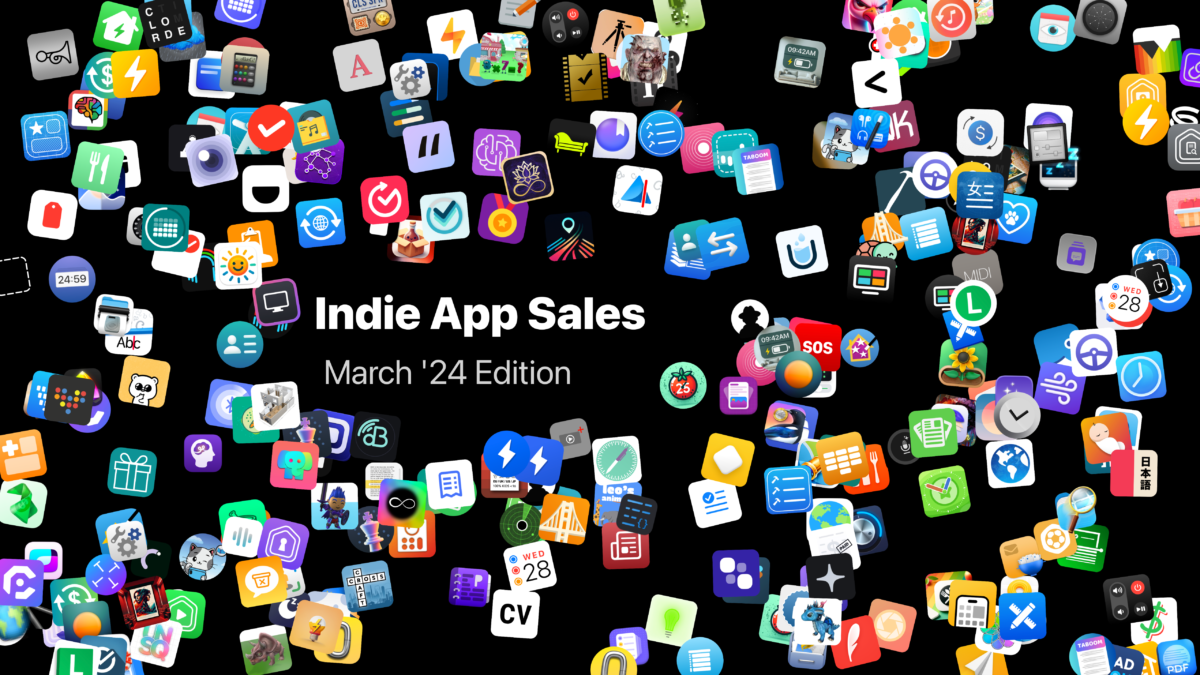
Save On 250 Apps with Indie App Sales’ Spring 2024 Release

This March 12 & 13, get discounts on over 250 apps as part of Indie App Sales – check out the full table on their site.
Save On 250 Apps with Indie App Sales’ Spring 2024 Release

Indie App Sales is back again for Spring 2024, offering discounts on a wide range of apps from independent developers for Tuesday—Wednesday of this week (March 12 & 13).

This period, there are over 250 apps participating, each offering their own discounts and sales as part of the program on up-front prices and in-app purchases.
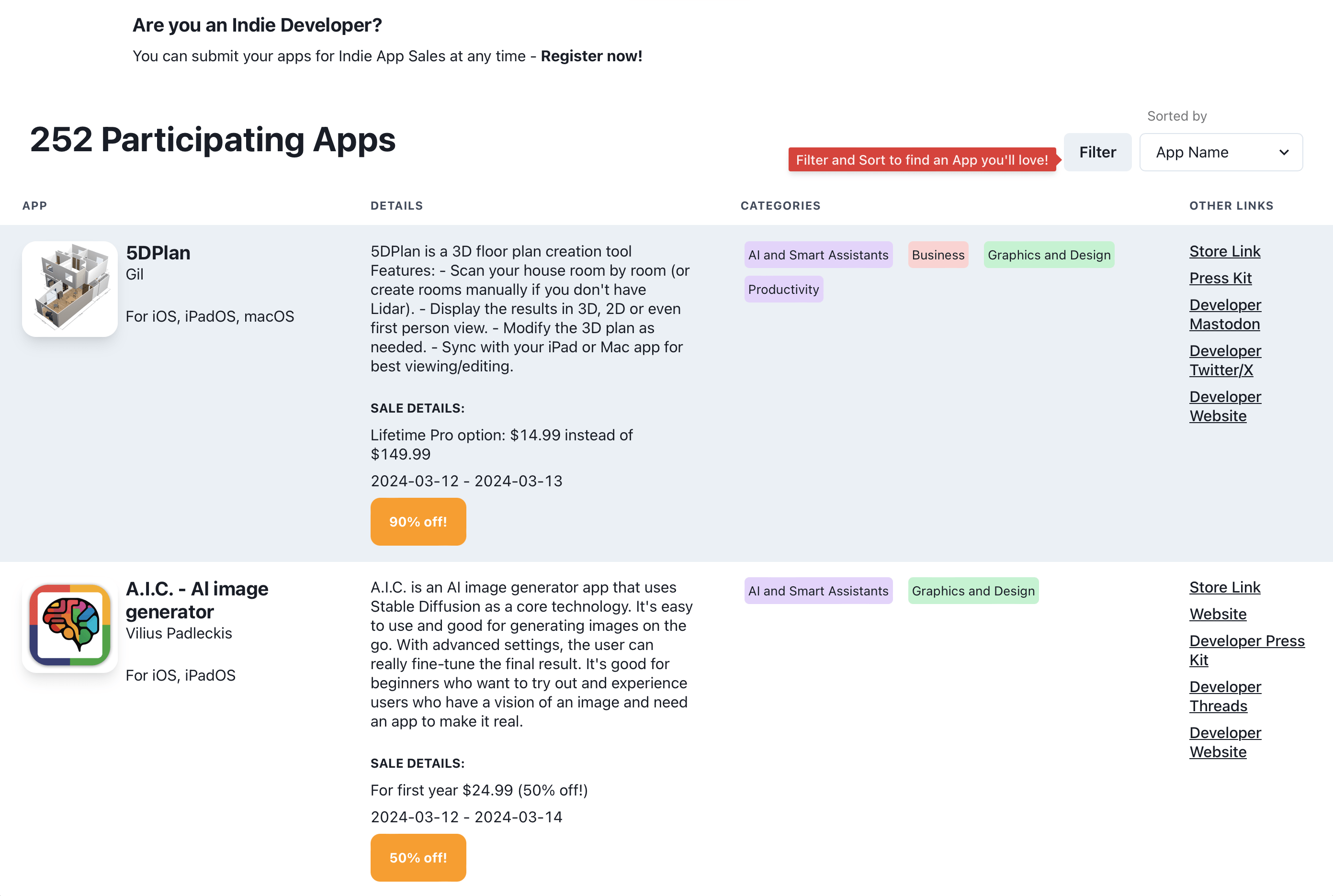
Each entry comes with the app name, icon, developer, description, category, and relevant links to the App Store, website, or social media.

The site shows all the apps in a large table, and you can use the custom filters on the database to find the apps relevant to you – or use Command + F to search by keyword.

Check out IndieAppSales.com, and use #IndieAppSales if you’re sharing about a great app you found – and don’t forget to rate your new apps on the App Store!

Posts You Might Like

New Member Discount: Get Monologue For Three Months Free
Developer Naveen Naidu has offered 3 months free off the annual subscription – I've been using this smart dictation app non-stop for 6 months now.
New in the Shortcuts Library: One Thing Menu Bar shortcuts
My collection of shortcuts for One Thing for Mac, a Menu Bar applet that lets you display any text — automate your music, tasks, and current status.
New video: Membership discounts on great Shortcuts apps!
Check out my video announcing the first set of partner apps with Shortcuts support who are offering discounts – watch on YouTube.
MacOS Sonoma Tip: Use Emoji For Custom Bookmark Favicons »
With the latest version of macOS showing favicons for websites, you might want to customize your bookmark – here's how to replace it with an emoji.