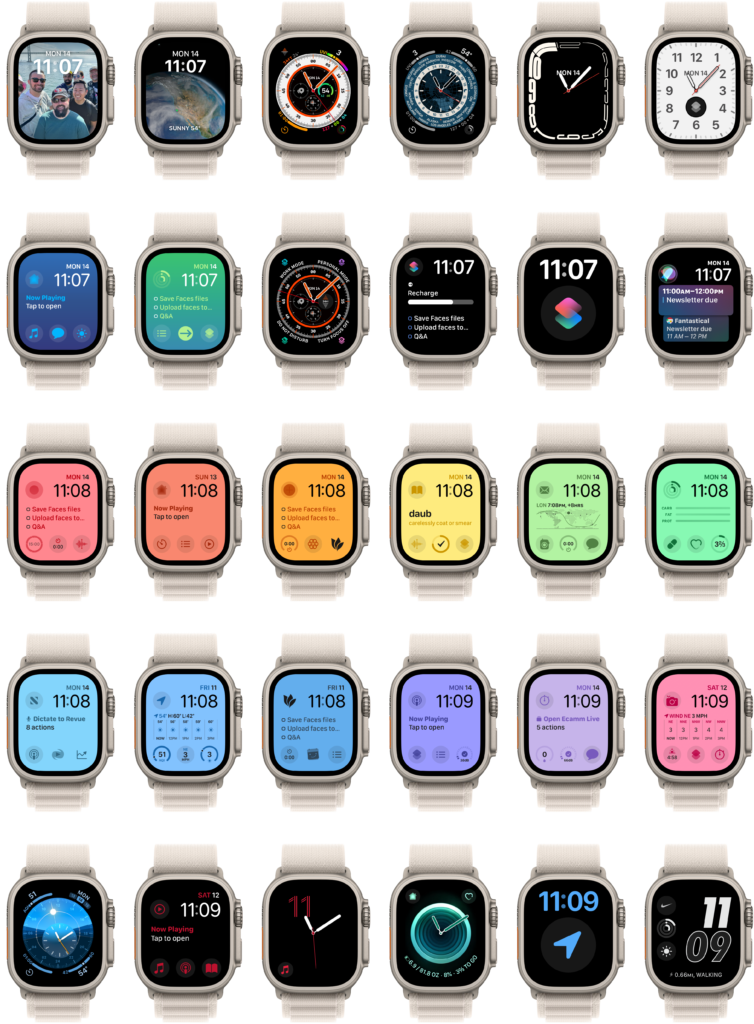
Hello folks!
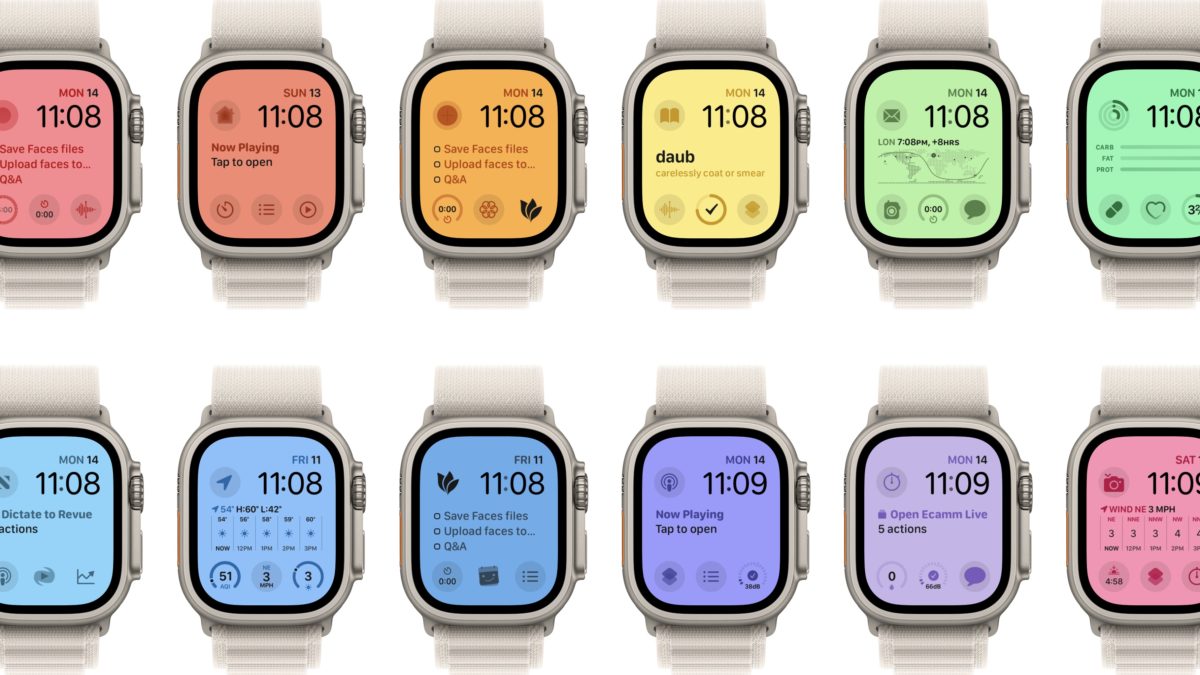
I’m excited to launch a new set of downloads for the membership program: my Apple Watch faces!
I’ve been using the Apple Watch since the first model and, after seven years, have developed very specific methods of using my watch.
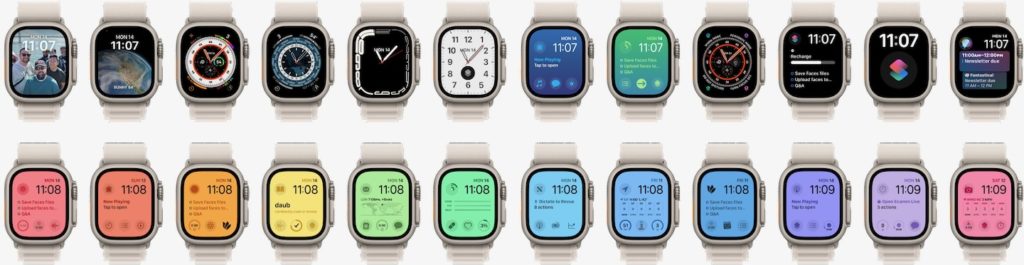
Combined with automatic switching with Focus Modes in iOS 16, I’ve designed a set of Watch faces for my various custom modes that get activated automatically and show contextual apps when I need them (and hide them when I don’t).
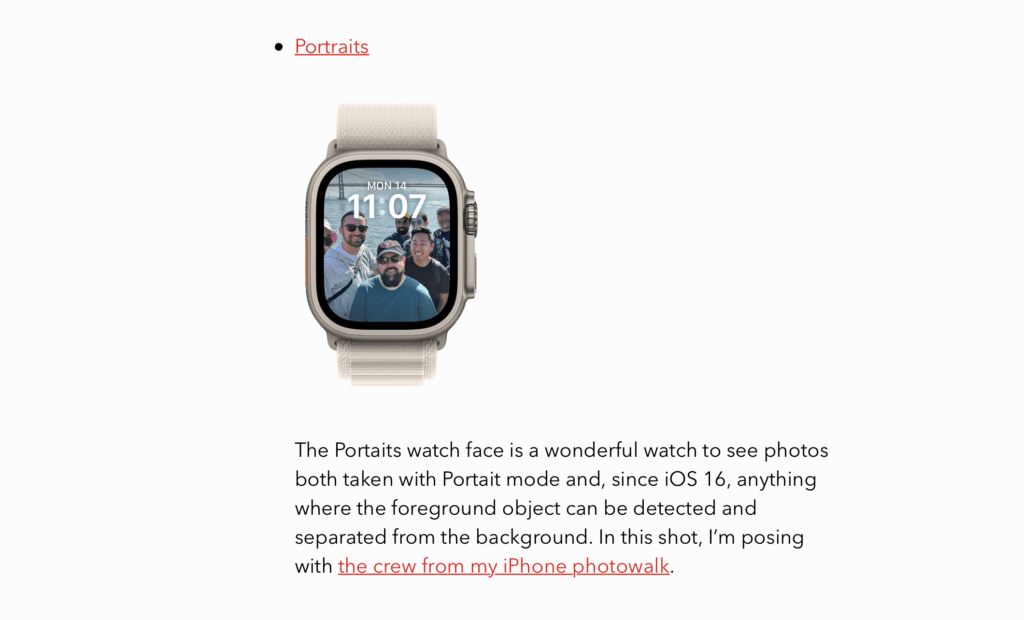
I’ve written up descriptions for each watch face that explains how I use everything, so check out the full page for all the details.
Each watch face has been shared as a file and uploaded to my website, so when you click on the links on the new page, the files will download directly and open in the Watch app so you can install the face on your device.
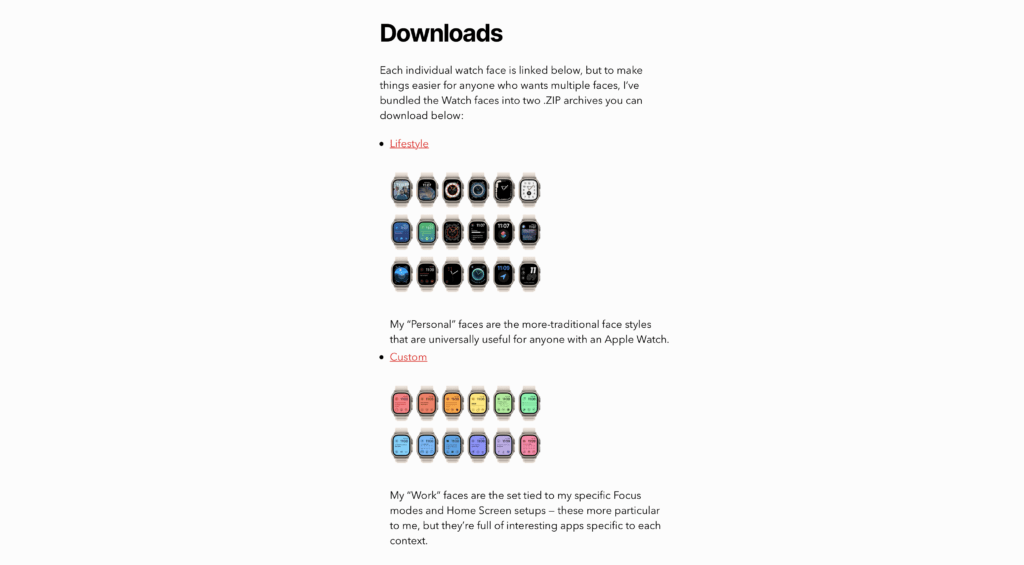
Plus, I’ve created two .ZIP bundles so anyone can download the faces in batches and get them all quickly.
I’ll be updating my Watch faces on occasion and will post new files accordingly, be sure to bookmark the page and check back every few months!
Plus, as always, I’ll mention updates in my Shortcuts newsletter and here on the blog (which you can follow easily via RSS).
Enjoy, and have fun setting up your own versions – let me know on Twitter if you build off my setup!