Updated in the Shortcuts Library: Apple Developer shortcuts

Updated in the Shortcuts Library: my Apple Developer shortcuts used for diving into sessions (and takings screenshots).

I’ve just updated a folder in the Shortcuts Library — my set of Apple Developer shortcuts:

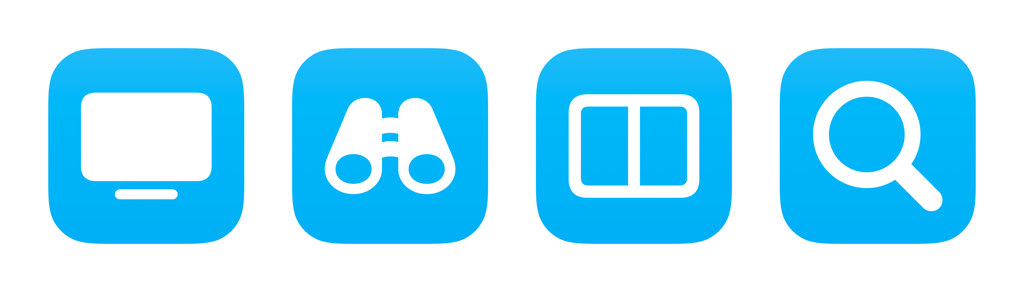
  • Watch Developer sessions: When run from Mac, opens the Apple Developer app and presses Command + 2 to switch to your Bookmarks. When run from iPhone or iPad, opens the Developer app on the Apple TV.
  • Browse Apple Developer topics: Presents a list of categories from Apple’s developer pages, then reformats the option of your choosing into the URL for that category and opens it.
  • Prep for session screenshots: Resizes the Apple Developer window to the second screen at my preferred size for taking screenshots, then opens Craft and centers it on the main display.
  • Search Apple Developer sessions: Asks you to enter a search query, then URL encodes the result, and opens the results on the web.

Check out the folder of Apple Developer shortcuts on the Shortcuts Library.
Posts You Might Like

Apple touts how to “Get More Done With Shortcuts” on macOS Sonoma »
Check out the Mac App Store story on Shortcuts apps, now updated for macOS Sonoma – and a teaser of my desktop widget setup.
15,000 ways you can use the Action button on Apple Watch Ultra
The new Apple Watch Ultra can set any shortcut to run from the Action button — and that means any app that works with Shortcuts has a new physical button.
Shortcut to set Alarms for today’s Calendar events »
Use this shortcut to set an alarm in the Clock app for every one of the next day's Calendar events.
Shortcuts for Mac: Scripting your desktop with Apple’s Mac-only actions
Shortcuts for Mac includes Scripting actions for Apps, Windows, and the Script Editor — here's how to take advantage of these Mac-only actions.