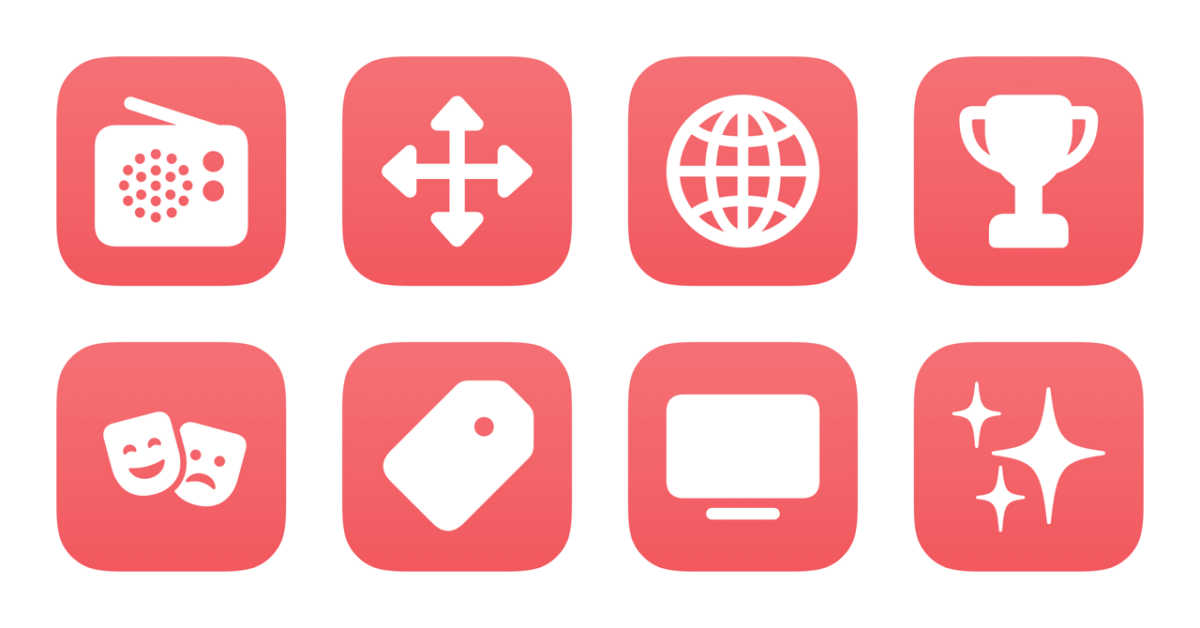
I’ve just updated a folder in the Shortcuts Library — my set of Apple Music shortcuts:
- Play my radio station: Plays the personalized radio station curated for you by Apple Music.
- Play Discovery station: Plays Apple Music’s newest “Discovery” station that plays curated tracks from outside your library or playlists.
- Play Apple Music 1: Plays the main curated radio station for Apple Music, previously known as Beats 1.
- Play Apple Music Hits: Opens the Apple Music Hits radio station that plays top tracks from the service (as opposed to the main Apple Music 1 channel).
- Open Mood playlists: Opens the curated pages of playlists for various Moods included in Apple Music.
- Open Genre pages: Opens deep link into the genre pages in Apple Music.
- Open Apple Music artists: Presents a list of Apple Music 1 radio shows and opens the corresponding URL to their curator page.
- Open Apple Music TV: Opens the deep link into Apple Music TV, immediately starting the currently-playing music videos.
- Open Apple Music Essentials: Opens the Apple Music curator page for Essentials playlists of the top tracks from popular artists – great for playing across an artist’s discography instead of picking an album.
- Open Apple Music News: Opens the News app to the special Apple Music curator page.
- Play my Favorites mix: Plays the automatic Favorites Mix curated by Apple Music for you, updated Mondays.
- Play my Get Up mix: Kick off some energetic tracks from your Get Up Mix in Apple Music, with new tracks added every Tuesday.
- Play my Friends mix: Starts the “Friends Mix” playlist from Apple Music’s Made For You feature – playlist is updated every Friday.
- Play my New Music mix: Plays tracks from the New Music Mix updated every Friday in Apple Music.
- Play my Chill Mix: Plays the Chill Mix that’s “Made For You” by Apple Music. Updated every Sunday, this one is good for unwinding in the evening or relaxing on the weekends.
- Share my Apple Music profile: Shares the link to your Apple Music profile found in the Music app.
- Open EDC live sets: Opens the editor page in Apple Music for EDC’s series of live sets from over the years.
- Open Soulection Radio: Opens the editor page in Apple Music for Soulection radio, a laid-back show that airs on Sunday nights.
- Open the Boiler Room: Opens the editor page in Apple Music for the Boiler Room, a series of shows for underground dance music with a webcam showing the set.
- Explore Apple Music hosts: Presents a playlist of Apple Music host pages and opens the deep link into that section of the Music app.
Check out the folder of Apple Music shortcuts on the Shortcuts Library.