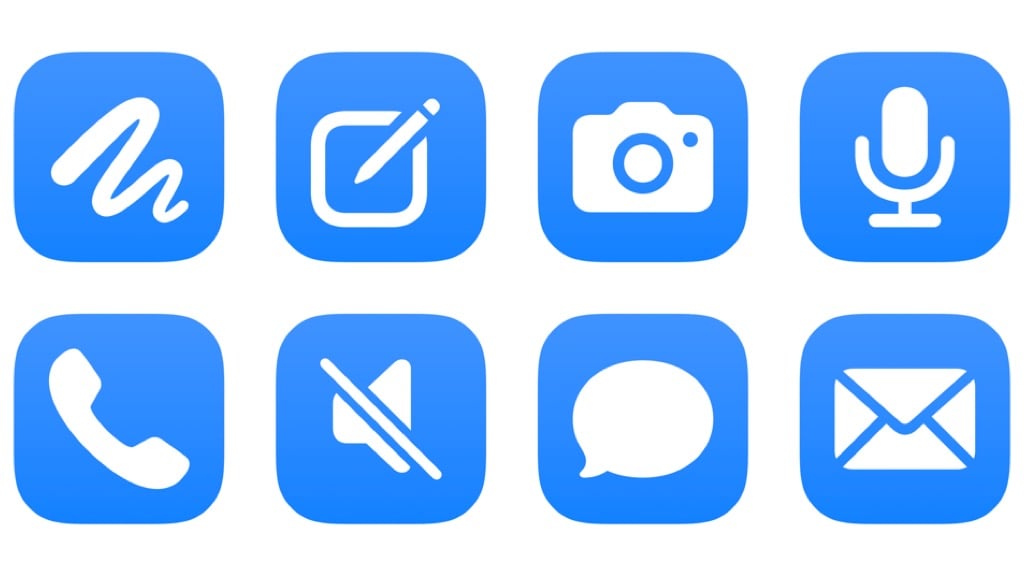
Create new chat in Muse
Creates a new side chat in the Muse app, adding to your history of separate conversations from the Main Chat.

Open Muse Camera
Opens the Muse app to the Camera in your Main Chat, letting you add context from the world around you.

Dictate and send to Muse
Opens the Muse dictation mode, letting you speak your request before sending it to the Main Chat.

Start a call with Muse
Opens Muse and starts a call, letting you chat with your agent and have it execute requests over voice.

Toggle microphone in Muse
Mutes or unmutes the microphone in Muse when on a call with your agent. Works best as an Action Button selection.

Forward iMessage to your assistant
Finds Messages from the last 7 days and asks you to choose one to send to Muse as context.

Forward email to your assistant
Designed for Mail automations, this sends the Subject, Content, and Sender to Muse for any email triggered by your automation.
Show the Dock
Activates Stage Manager with the Show Dock option toggled (and Recent Apps hidden).

Show my Hearing data
Opens into the Health app to the Hearing category where you can see headphone audio levels, environmental sound levels, environmental sound reduction, and any noise notifications or hearing test results.

Batch-send file to a group
Asks you to pick a file, then a Contact Group, then sends that file to each person in the group one-by-one.

Automators Membership
Enhance your experience with bonus shortcuts, folder bundles, and exclusive perks.