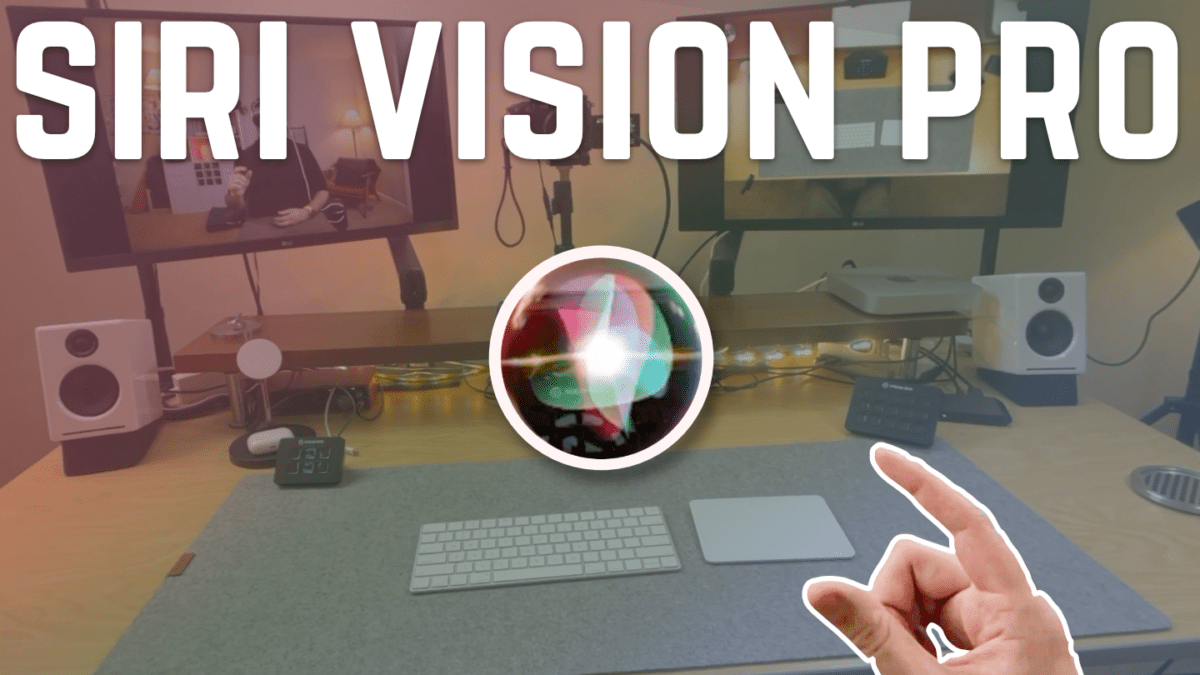
This Monday morning, I published a short concept video on YouTube built using Shortcuts and Apple Vision Pro:
This video demonstrates my concept for how Shortcuts can be used with Apple Vision Pro in visionOS 1.1 and beyond
In visionOS 1.0, Shortcuts can only open apps one-at-a-time. In the beta for 1.1, however, Open App can be used multiple times to open a set of apps.
Then, with Shortcuts, you can set up a folder for different contexts in your home. For this video, I’ve done just that – here are the apps I used in the video:
- Open Studio apps: Widgetsmith, Fantastical, Freeform, Music, and Photos.
- Open Music Room apps: MusicHarbor, MusicBox, and Ultimate Guitar Tabs apps.
- Open Video Game apps: Twitch, GameTrack, Xbox, Discord, and Telegram.
- Open Living Room apps: Books, Home, Calendar, Podcasts, News, Streaks, and Structured.
- Open TV apps: Letterboxd, TV Forecast, Fandango, IMDB, and a menu choosing between TV, Disney, Amazon Prime, MAX, Plex, or Juno.
To film the video, I first opened all the apps, placed them in position, and then use Hide All Other Apps to close them all.
What you see in the video is me running each shortcut and opening the already-running apps one-by-one.
Beyond visionOS 1.1, Apple needs to add a way to pin apps to specific locations – I propose the Find Windows, Move Windows, and Resize Windows from macOS get added to visionOS. Perhaps there’s also a tie-in with the Rooms from the Home app?
Check out the video on YouTube and get the folder of shortcuts.