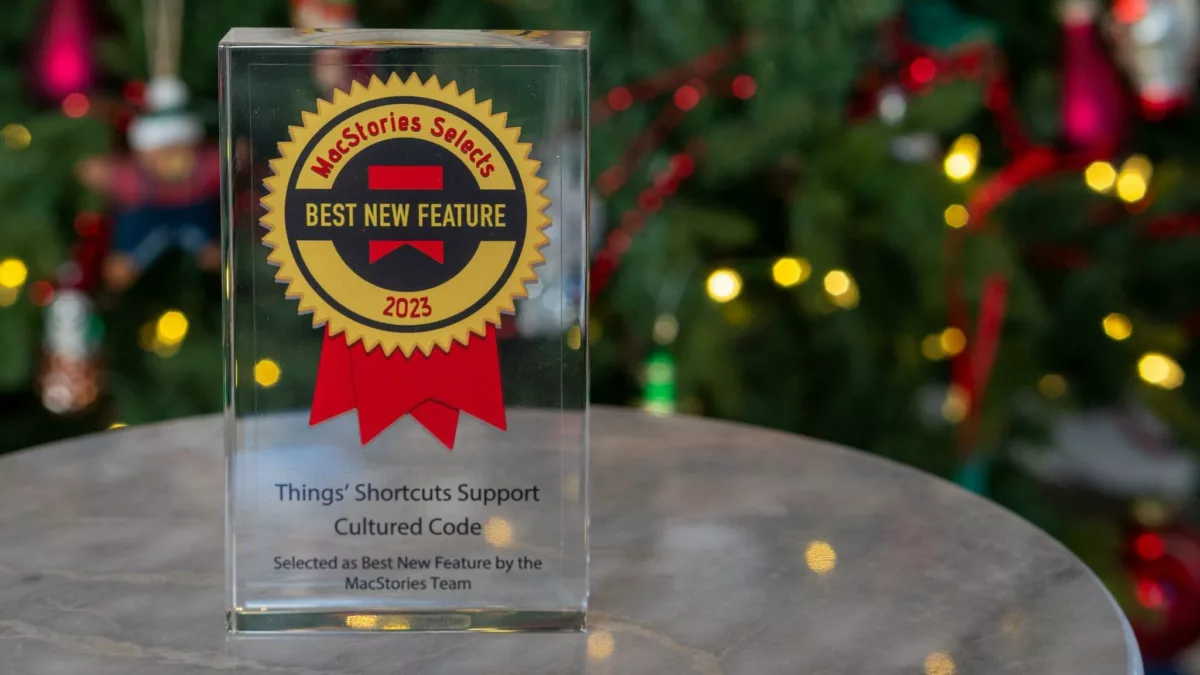
Earlier today, the team at MacStories announced the winners of their annual MacStories Selects awards, among which Things 3 won “Best New Feature” for their integration with Shortcuts.
Here’s what the team had to say:
Earlier this year, Cultured Code took an app whose automation features largely revolved around URL schemes and an action to create new tasks and turned it into a task manager that supports native Shortcuts automation for every functionality and corner of the experience.
And:
In other task managers, you would have to perform these actions manually; thanks to Things’ Shortcuts integration, you’re free to create your own enhancements for the app. Cultured Code didn’t make a button to change a task’s deadline? You can make your own using the app’s Shortcuts actions.
Finally:
There are no apps as tightly integrated with Shortcuts as Things at the moment, which is why the app’s Shortcuts support is the Best New Feature of MacStories Selects 2023.
I agree. Although I do want App Shortcuts support soon too… ?
Read about Things’ award and the other winners of the 2023 MacStories Selects.