
This last week, I published two posts – one post on The Sweet Setup and one on my website.
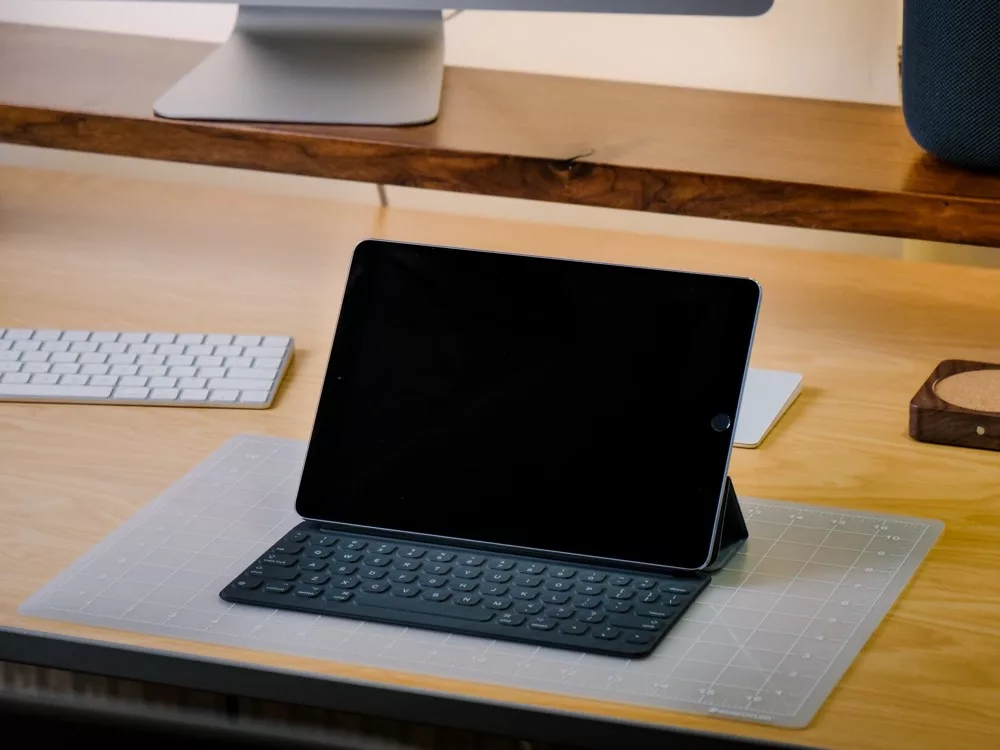
Over on The Sweet Setup, I shared “Losing my iPad Pro: what I missed (and love) about Apple’s tablet experience” where I talked about replacing my iPad after it was stolen and how it clarified the space in my experience the device fills for me:
The iPad has been my main computing device since the Pro line came out. Being without it for a few weeks has really highlighted why I prefer the iPad, and in many cases, has shown me how I can do more than on any other device.
Without an iPad, the joy of using a device doesn’t exist to the same extent. I still have an iMac, but since I lost the iPad and have had to use the iMac full-time again, I’m starting to feel the desktop’s limitations.
I had some good conversation on Twitter and a bit of discussion on Reddit – the conversation was positive, with many people sharing how they also prefer to use an iPad as their main device.
I’m seeing this more and more – it makes sense to me 🙂
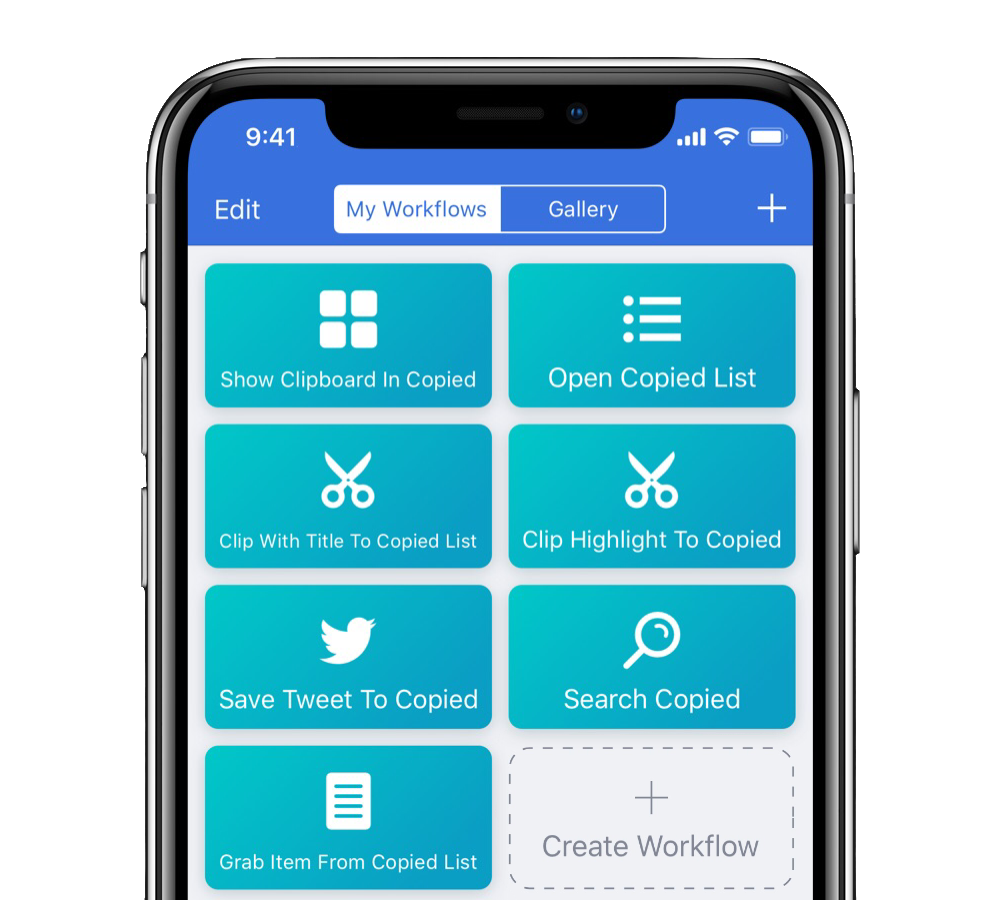
On my website, I only shared one post this week1 – ”Workflows and shortcuts for saving your clipboard to Copied”. In it, I wrote about 7 workflows I create for Copied, helping me utilize the clipboard manager beyond what’s already possible with their action extension:
To start taking advantage of Copied’s deeper features, I turned to the URL scheme and set up three workflows to show my clipboard, open a list, and add a clipping with a custom title.
Plus I made one specific workflow for saving Highlights out of Instapaper, and my favorite out of the bunch saves tweets into Copied so I can reference them for later projects.
At the end, there was two more example workflows – one for searching Copied, and another for grabbing a specific clipping from a list.
I was also thankful when I saw Federico Viticci linked to my Copied piece in the Interesting Links section of the weekly newsletter that members of Club MacStories receive. If you have the means and are interested in more about workflows & other great ways to use iOS, I suggest paying for the subscription and reading through the archives (here’s a sample from November).
Since this is my first weekly recap, I also wanted to share something from the week prior: I was grateful to appear on Rene Ritchie’s podcast VECTOR for episode 125 to talk about Siri, Shortcuts, and Workflow, marking one of my debut appearances on a podcast.
We had a great conversation and talked about what some of the changes coming in iOS 12 mean for workflows, getting things done, and some ways I could see Shortcuts being useful for everyone.

Unfortunately I screwed up the audio recording on my end and my microphone input didn’t get properly saved, so we had to default to the Skype call for my end. It doesn’t sound great, but hopefully the conversation topic made it still worth the time for listeners.
During the conversation, I also talked about my Log Water workflow – add it to your library if you want to try it out and examine it. I got really excessive with the logic and honestly confused myself many times while setting up the different messages that differ depending on how close you are to the daily goal, but it’s a fun look at the ways you can take a simple version of an automation and beef it up to be more dynamic.
I really enjoyed recording the episode and it gave me a lot of energy – I’m going to try this more often.
That’s it for this week.
I’ve spent an ungodly amount of time on Twitter (thanks for the data, Screen Time!) so I’ll be spending less time this next week refreshing my feed and more writing. That being said, it’s still worth following me there because I’m sharing there often too.
If you’re interested in receiving my upcoming newsletter, here’s the sign up form.
I’ll be publishing these recaps on Saturdays (unlike this time on Sunday) to play along with the calendar weeks – mostly because it’ll make my date workflows easier. ?
- Self-shaming myself with “only” because I want to be sharing here much more often. ↩