Amazon recently added App Shortcuts support to their iOS and iPadOS apps, making an “Open Amazon” action available in Shortcuts and automatically generating 14 App Shortcuts you can use with Siri and Spotlight.
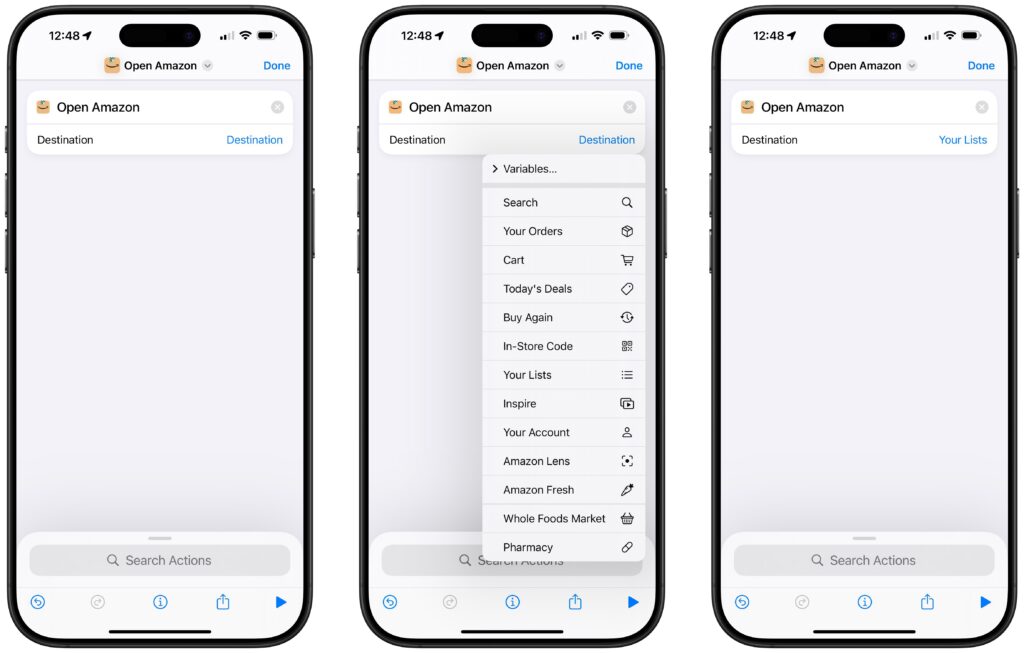
The “Open Amazon” action contains a parameter where you can select the Destination you want to open – Amazon offers the following destinations:
- Search
- Your Orders
- Cart
- Today’s Deals
- Buy Again
- In-Store Code
- Your Lists
- Inspire
- Your Account
- Amazon Lens
- Amazon Fresh
- Whole Foods Market
- Pharmacy
When making this “Open Amazon” action available, Amazon has preconfigured their App Shortcut so that Shortcuts automatically generates an instance of that App Shortcut for each destination, making it available in Spotlight, Siri, and Shortcuts as soon as the app is installed.
That way, rather than asking you which destination to open each time, you can specify a destination up-front with your trigger phrase and jump right to that page in the Amazon app – try saying “Open Today’s Deals in Amazon” (if you have the app installed) and it should immediately work, without any extra setup.
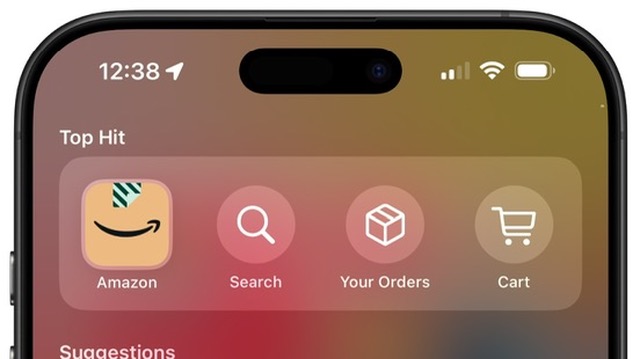
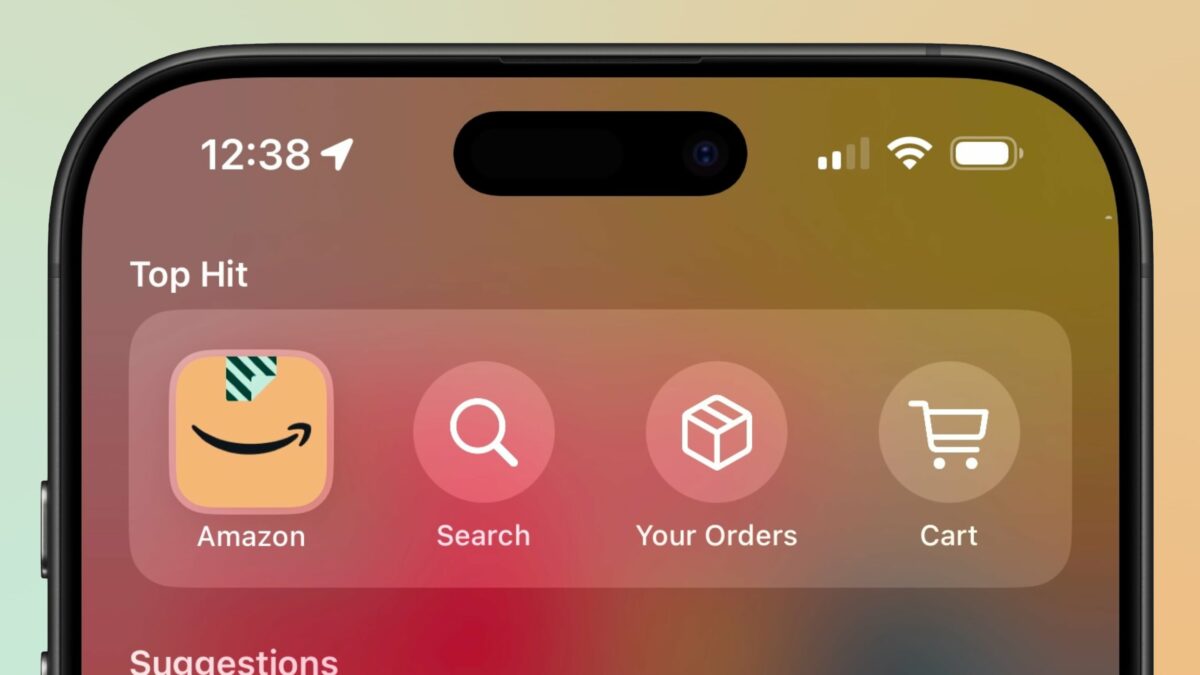
When you search in Spotlight for Amazon, you’ll also see the top three results displayed as App Shortcuts for Spotlight – you can see icons for Search, Your Orders, and Cart.
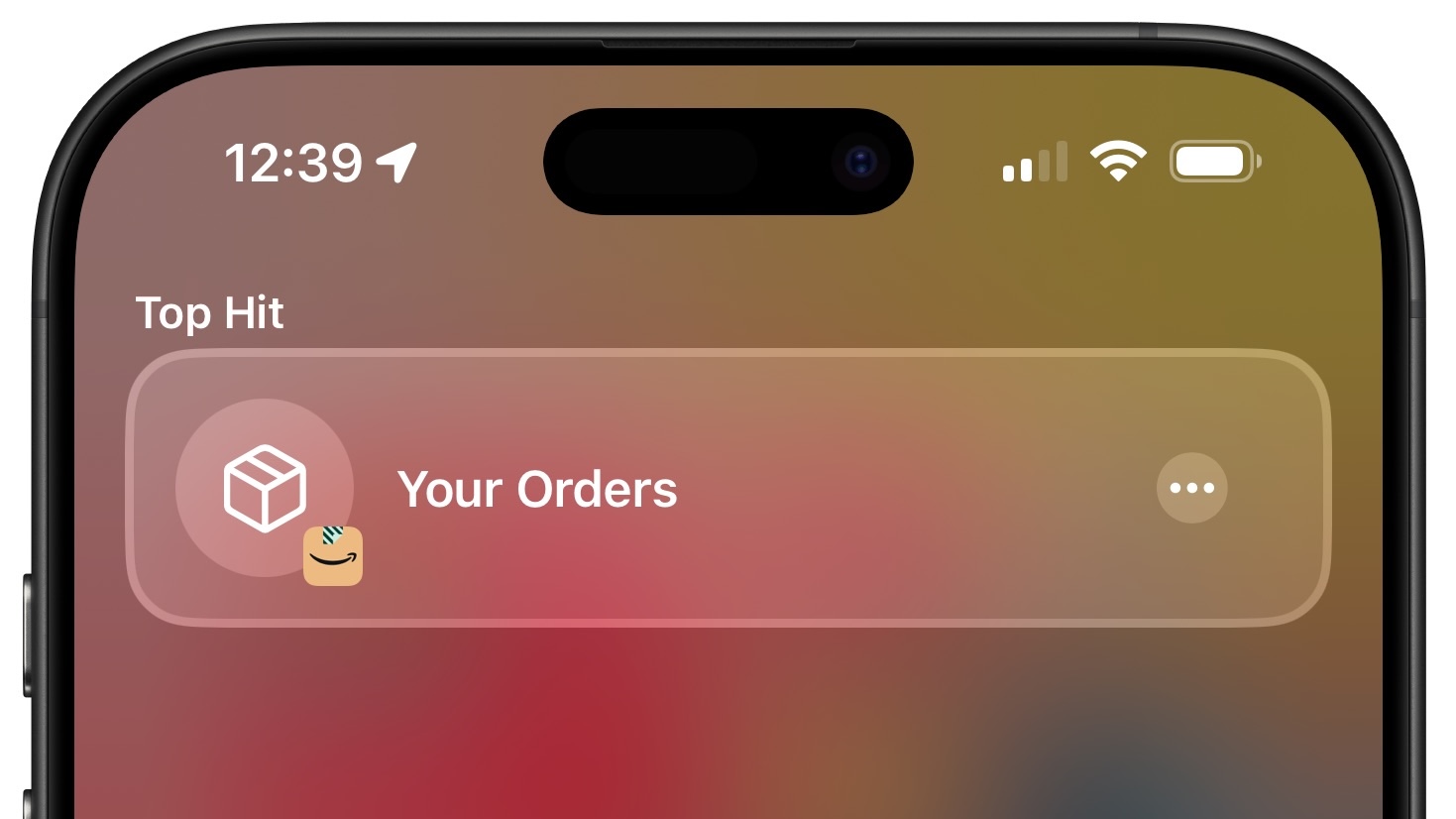
Going further, searching for any specific destination will return the App Shortcut for that instance of the action – tap it and you’ll be taken into the correct spot in the app as well. Plus, all the parameterized versions of the App Shortcut will be available via search, not just the first three.
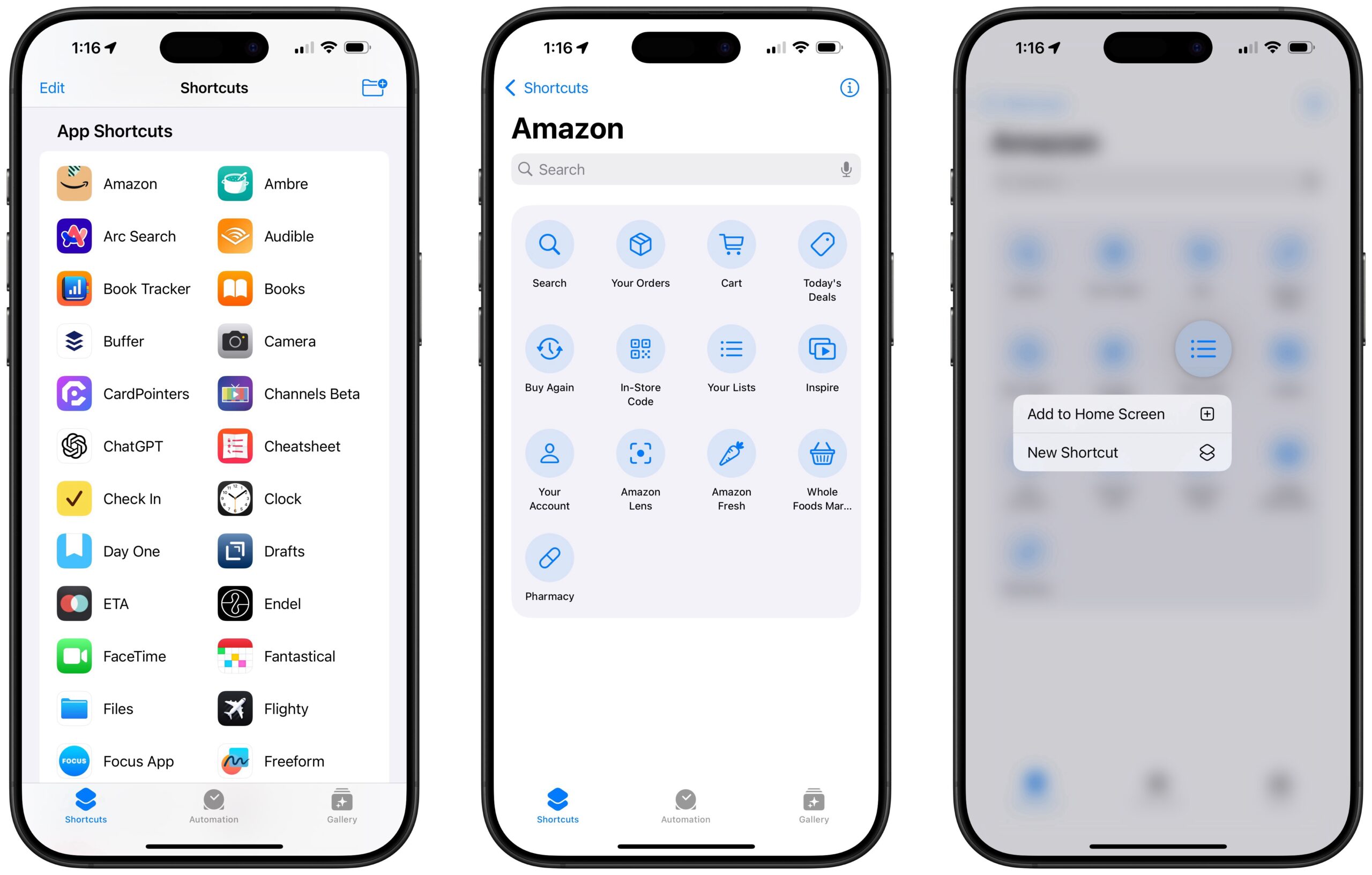
Finally, if you check the Amazon section in the App Shortcuts category of the Shortcuts app, you’ll see the a larger list of App Shortcuts available to select from and run – Amazon makes everything up to “Your Account” available here. Tapping on those lets you create a custom shortcut, plus use Add to Home Screen to put that destination onto your Home Screen.
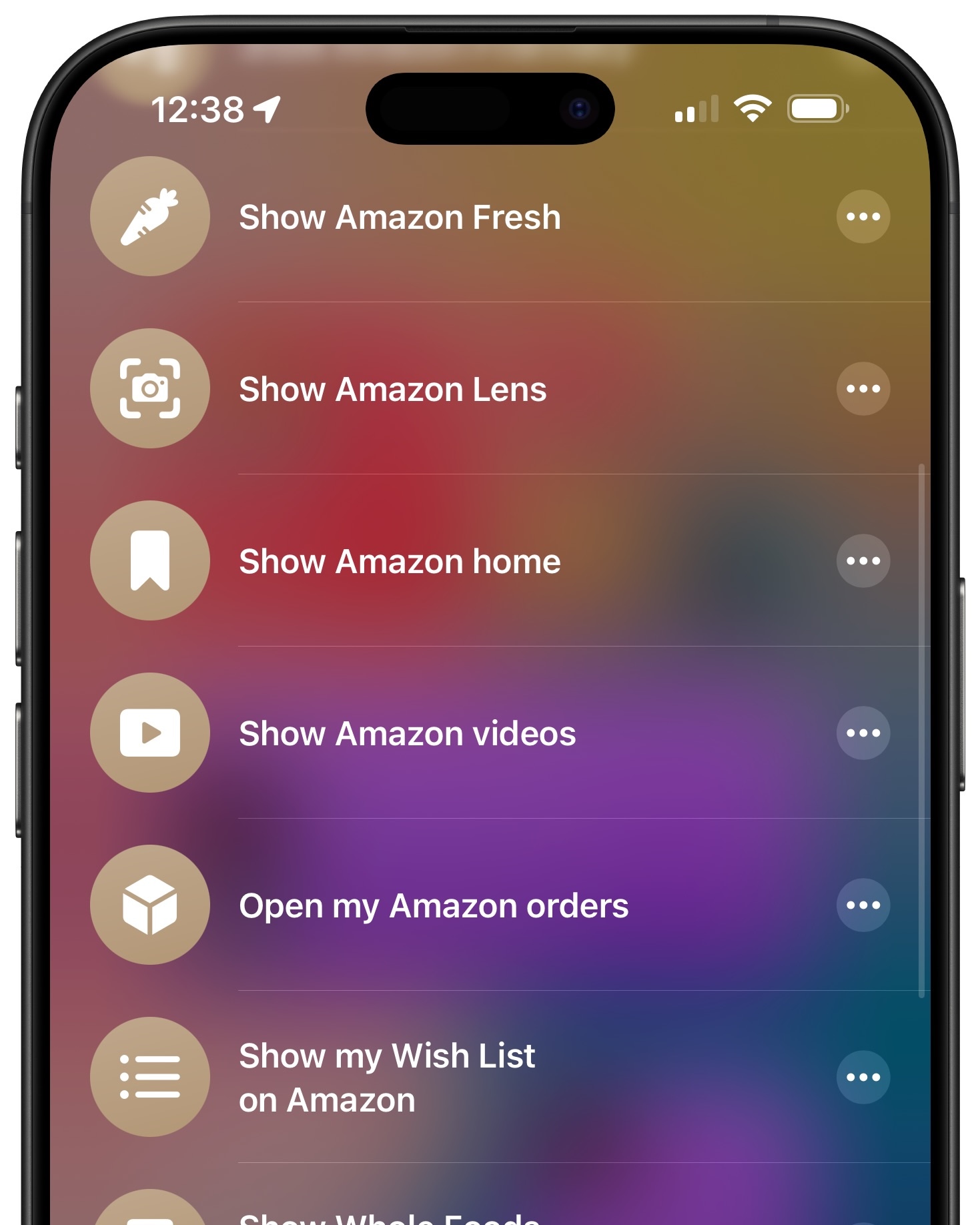
I’ve taken a moment to create individual custom shortcuts for all the possible destinations and have made the folder of Amazon app shortcuts available in my Shortcuts Library – that way anybody can download them to change the trigger phrase, add it to their Shortcuts widget, or create a custom icon of their choosing.
Get the Amazon app shortcuts in the Shortcuts Library, and get the Amazon Shopping app from the App Store.
If you already have the app installed, try searching for “Amazon” and look for the App Shortcuts in Spotlight; try triggering one with Siri as well.