Instapaper Adds App Shortcuts and New Actions

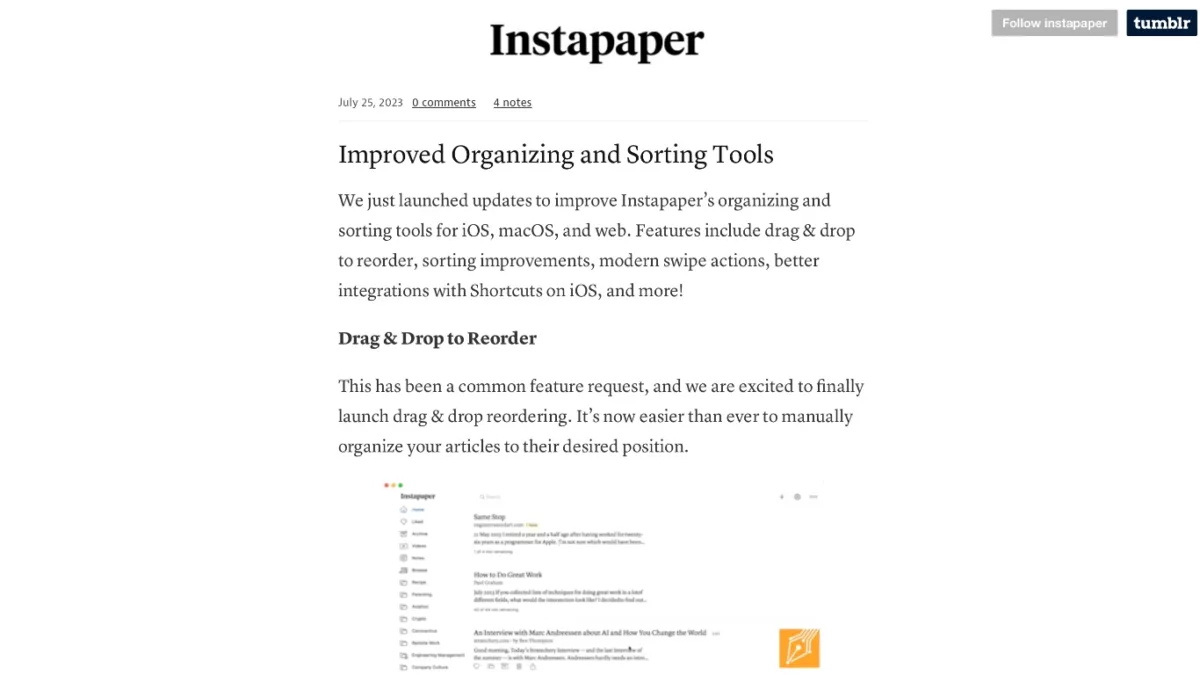
Instapaper has updated their Shortcuts support with new App Shortcuts based off the latest App Intents APIs – here’s why I’m glad about their particular implementation (and I give suggestions for improvement).

From the Instapaper blog:

Improved Siri, Search, and Shortcuts Integrations

We’ve launched a number of “intents” that improve Instapaper’s integration with Siri, Search, and Shortcuts.

For instance, you can open your most recent article by saying “Hey Siri, Open Last Article in Instapaper”. You can open a folder by saying “Her Siri, Open Folder in Instapaper”, and then saying the folder name when prompted.

For a full list of actions available, open the Shortcuts app, go to the App Shortcuts section, and tap Instapaper.

Instapaper is one of the first apps I’ve seen to implement their App Intents setup the way I figured Apple intended – make both App Shortcuts and corresponding actions, not one or the other.

Some improvements though – generate the options for “Open Folder” based on what’s in the user’s library, including a Folder option in Add Link, add more clarity around the use case for Open Article, and update the older Get Bookmarks action to work with App Intents & use the predicate filtering capabilities.

Read the full article.

Posts You Might Like

iA Writer Adds All-New Shortcuts in v7.1 »
Following up on their clever Authorship feature, the team at iA has added Shortcuts support to iA Writer.
iPhone 15 Pro Action Button Option for Shortcuts Potentially Revealed in iOS 17 Code »
Code has been found suggesting the Action button is coming to the next iPhone – here’s why I think the Shortcuts support needs to be improved.
Arc Search Lets You “Call” For Answers (And Comes With Action Button Shortcuts)
The Browser Company has added a new "Call" feature to their Arc Search for iPhone, plus Shortcuts support so you can trigger it with the Action button.
Shortcut to search replies and quotes for a tweet »
Search through a given tweet's Replies and Quotes using this shortcut from Twitter user @colleidoscope.