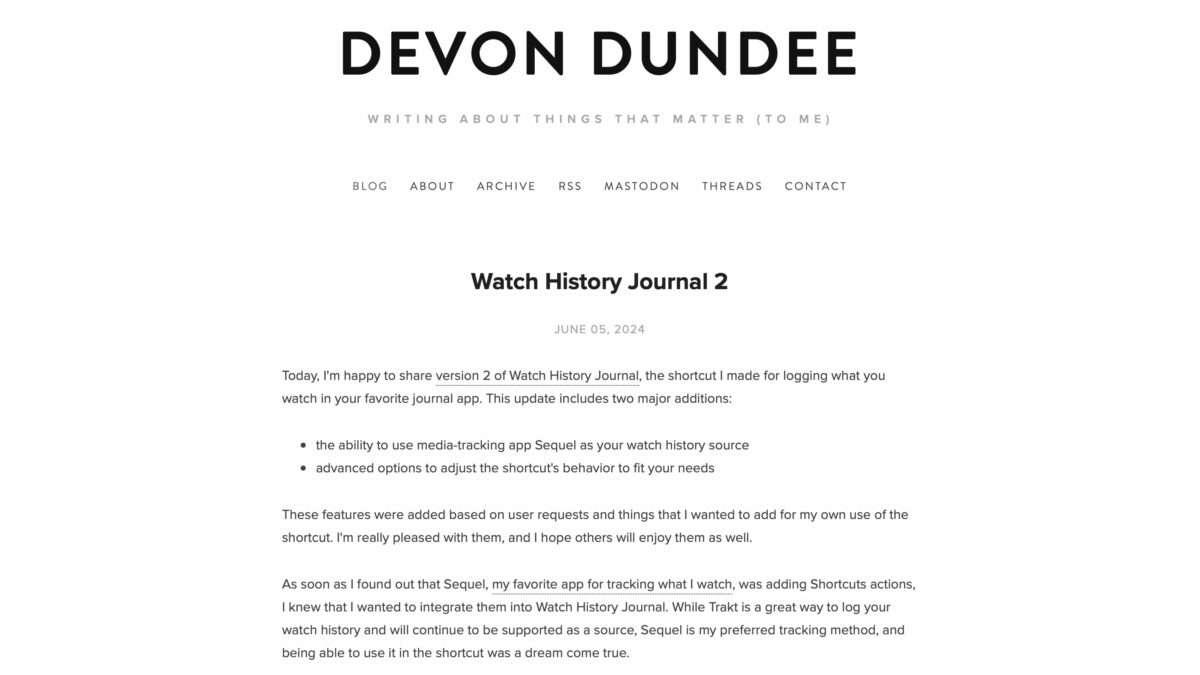
Check out Devon Dundee’s updated Watch History Journal shortcut »

Devon has updated his excellent Watch History Journal shortcut to support the new Shortcuts actions that just came to Sequel.
Check out Devon Dundee’s updated Watch History Journal shortcut »

From Devon Dundee:

Today, I’m happy to share version 2 of Watch History Journal, the shortcut I made for logging what you watch in your favorite journal app. This update includes two major additions:

  • the ability to use media-tracking app Sequel as your watch history source
  • advanced options to adjust the shortcut’s behavior to fit your needs

Devon’s shortcut (and site) is great – check it out.
View the original.

Posts You Might Like

How to change back to the old Twitter app icon on iOS »
With Twitter being rebranded to X, users are looking for ways to avoid the change and get the old icon back – using Add to Home Screen in Shortcuts.
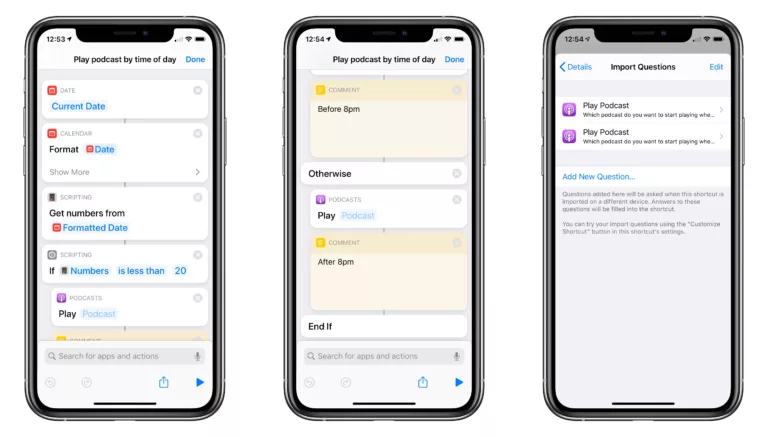
Playing a podcast by time of day using “If” conditionals
Ulysses Adds Action Button & Control Center Shortcuts Alongside Table of Contents & Writing Tools »
In the latest release, Ulysses has expanded their Shortcuts support with new Action button and Control Center functions – plus a Table of Contents feature and support for Writing Tools from Apple Intelligence.
» Mastering Apple Music: my favorite shortcut (on The Sweet Setup)
From Apple Music mixes to master playlists – here’s one shortcut to rule them all