I’ve just added a new folder to the Shortcuts Library — my set of Journal shortcuts.
These shortcuts come alongside new actions for Create Entry, Create Audio Entry, and Search Entries for the Journal app on iPhone, which are available in the iOS 18.1 developer beta (and possibly iOS 18, but I didn’t happen to come across them until my phone was updated).
Check out the new shortcuts:
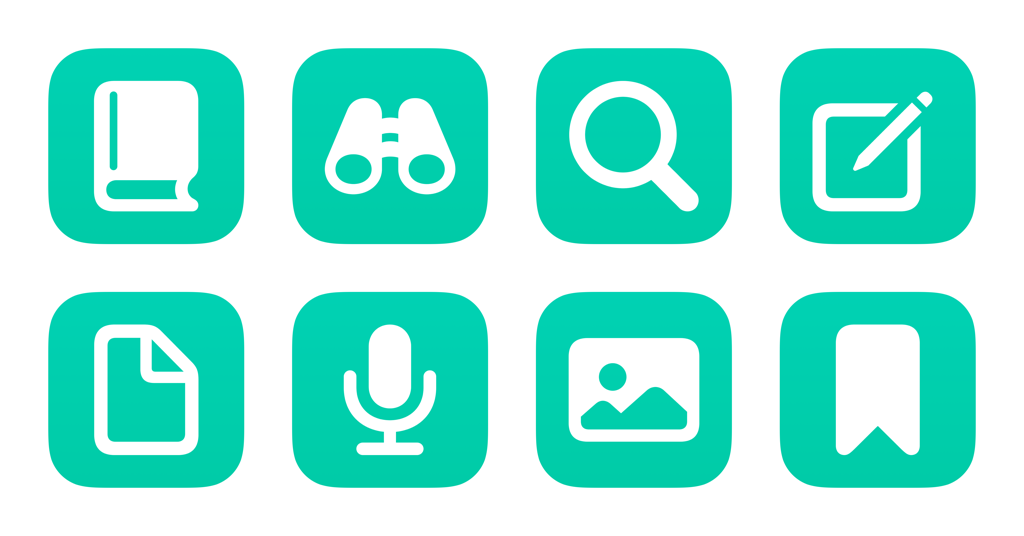
- Open my Journal: Opens the deep link into the Journal app for iPhone.
- Open from saved searches for entries: Presents a list of pre-programmed Search options, then searches for the chosen text in the Journal app.
- Search my Journal entries: Prompts you to enter a query, then opens to search results for your input text in the Journal app.
- Create Journal entry: Prompts you to add enter text, then uses that text to create a simple entry in the Journal app.
- Create audio entry: Opens the Journal app to the recording screen so you can create an Audio entry.
- Create photo entry: Asks you to select an image from Photos or Files, then some associated text, then attaches it to a new entry in the Journal app.
- Create bookmarked entry: Prompts you to enter text and a title for an entry, then adds it to the Journal app marked as “Bookmarked.”
- Open Journal settings: Opens the deep link into Settings > Journal where you can adjust features like Journaling Suggestions, whether to lock your journal, and your journaling schedule.
Check out the folder of Journal shortcuts on the Shortcuts Library.