No Name Photo Show: #57 – Taking Shortcuts with Photography

My friend Brian Matiash was kind enough to have me on his photography podcast—the No Name Photo Show—to talk Siri Shortcuts.

My friend Brian Matiash was kind enough to have me on his photography podcast to talk Siri Shortcuts:

When the topic of mobile photography is discussed, it’s almost always with reference to the cameras and sensors built into our phones. However, there is another side of this topic that is as interesting and can be quite impactful for photographers.

Brian is a great guy and I love talking Shortcuts with him because he gets just as excited, if not more so, than me. Especially when it comes to on-the-go photography and the capabilities of iPad, it’s never been a better time to build up a mobile photo workflow.

Listen to the episode and add his show for some good photography talk. Plus, check out his own photography too.
 

Posts You Might Like

Guest Spot: iPad Pros 90 & 91 – Shortcuts for iPadOS 14
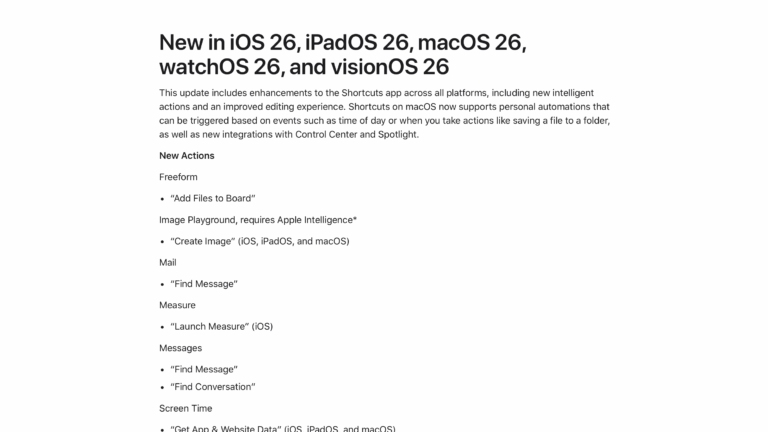
What’s New in Shortcuts for iOS 26 »
Apple has shared their release notes for Shortcuts across the iOS 26 platforms – including new & updated actions, updates to the Shortcuts Editor, plus Mac improvements like Spotlight, Automations, and Control Center.
New shortcuts for the Shortcuts app
While using the Shortcuts app, it's actually helpful to have a few shortcuts to manage the experience itself – this is that folder.
How to Use Custom File Names for Screenshots on an iPhone »
MakeUseOf has put together a guide on how to use the Take Screenshot action in Shortcuts to give your captures a custom filename.