15 ways to use Shortcuts with Pages, Keynote, and Numbers

15 ways to use Shortcuts with Pages, Keynote, and Numbers

Yours truly for iMore:

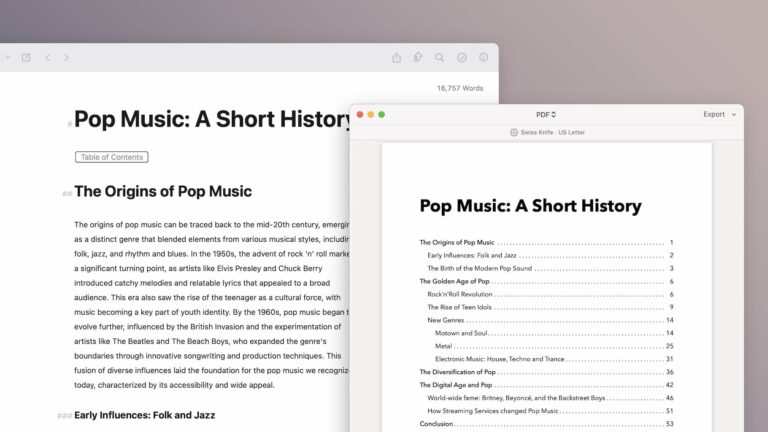
In iOS 15.4 and macOS 12.3, Apple updated their iWork suite of Pages, Keynote, and the Numbers app to include improved actions for the Shortcuts app across all three applications, bringing the feature to macOS for the first time, and improving on the previous iOS-only set of actions for the suite.

Each app has Open and Create actions to let users open files and generate templates, plus Apple included specialized actions to interact with their Keynote presentations and insert values directly into tables in Numbers.
Read the full story on iMore.

Posts You Might Like

How to create speaker groups for HomePod using Shortcuts
Ulysses Adds Action Button & Control Center Shortcuts Alongside Table of Contents & Writing Tools »
In the latest release, Ulysses has expanded their Shortcuts support with new Action button and Control Center functions – plus a Table of Contents feature and support for Writing Tools from Apple Intelligence.
How to Open Threads Profiles from Mastodon and Twitter Directly in the Threads App »
If you're running into issues opening Thread profiles into the app, this shortcut from MacStories is for you – set it up with Back Tap and you're good to go.
New in the Shortcuts Library: Apple Developer shortcuts
Updated once again now that I'm using it again a ton – shortcuts for the Apple Developer app. Works great with Stream Deck.