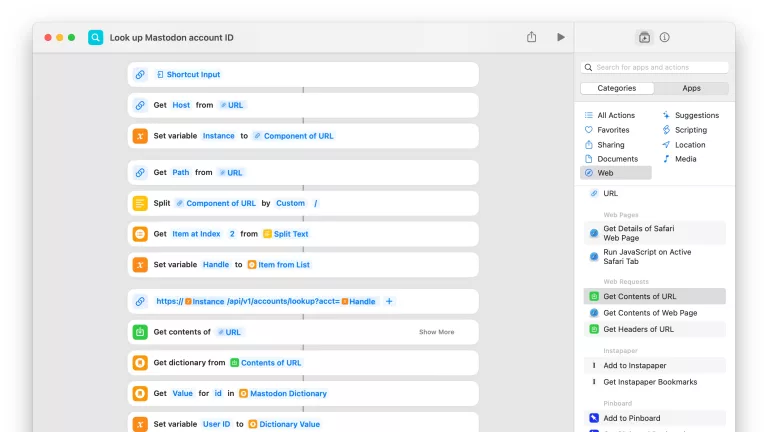
I’ve just added a new folder to the Shortcuts Library — my set of Accessories shortcuts to toggle your HomeKit accessories and scenes with the hidden Toggle Accessory action in Shortcuts (used in the Home widget).
For individual devices or accessories, select the device from the Toggle Accessory action. For complete rooms, set up a scene to control all the lights, then add the scene to your shortcut.
Get the shortcuts:
- Toggle Living Room lights: Activates a Home scene set to control all the lights in my living room, turning them on/off depending on the current state.
- Toggle Family Room lights: Activates a Home scene set to control the lamps in my family room, turning them on/off depending on the current state.
- Toggle Studio lights: Activates a Home scene set to control multiple lights in my studio, turning them on/off depending on the current state.
- Toggle Office lights: Activates a Home scene set to control multiple lights in my home office, turning them on/off depending on the current state.
- Toggle Studio Key Light: Turns my Eve Switch on/off depending on its current state, which controls the large 42” softbox in my studio for filming.
- Toggle Studio Fill Light: Turns my second Eve Switch on/off depending on its current state, which controls the secondary softbox in my studio space.
- Toggle the bedside lamp: Switches the Hue light bulb in my bedside on/off.
- Toggle the Sound Machine: Turns my Eve Switch on/off depending on its current state, which controls the sound machine we have in our bedroom for drowning out little noises and providing a constant background sound to sleep to.
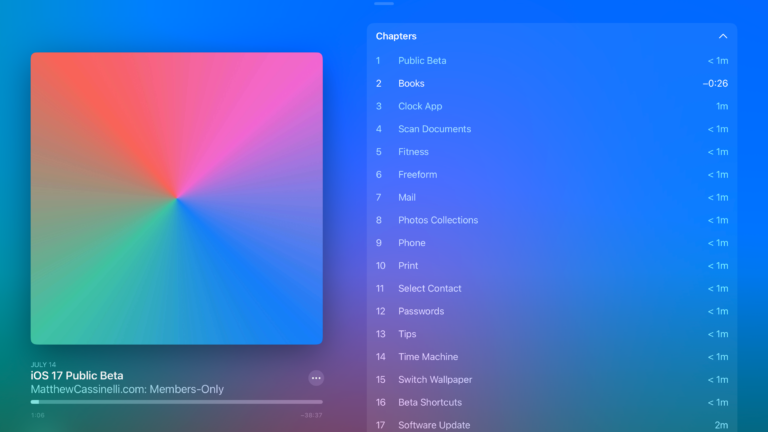
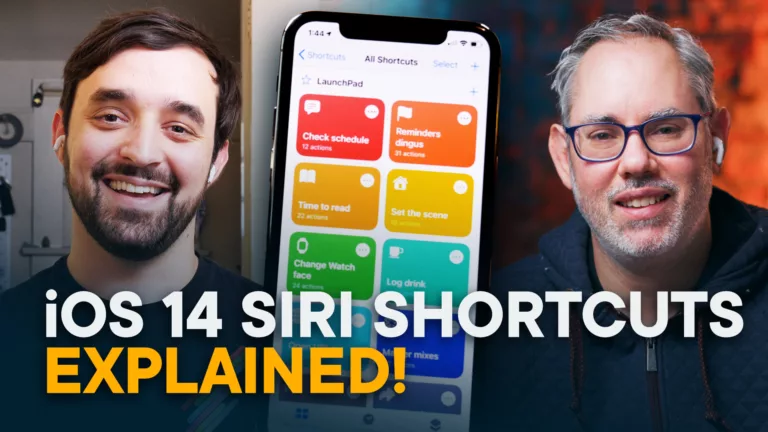
I first discussed the hidden Toggle Accessory action in my stream with Stephen Robles back in April (starting at the 26:02 mark).
Check out the folder of Accessories shortcuts on the Shortcuts Library.