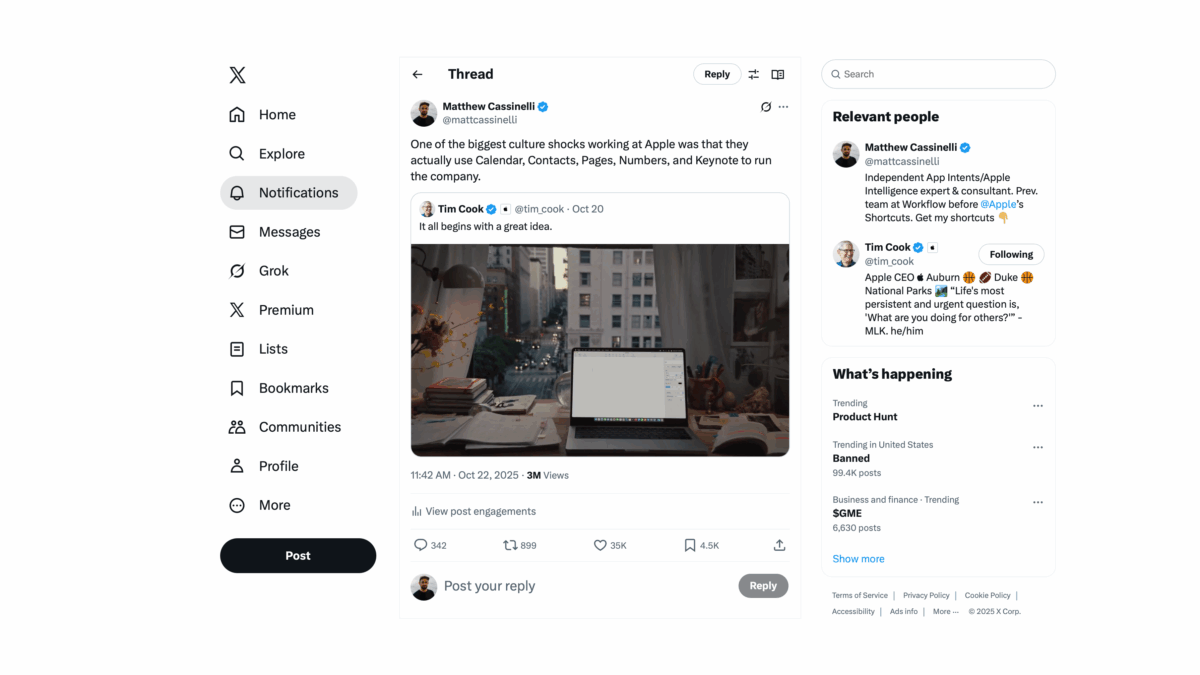
Accidentally wrote the perfect tweet – a technically-true point that can be wildly interpreted, which went viral on Twitter (and of course Grok got slightly wrong):
Former Apple engineer1 Matthew Cassinelli disclosed that the company conducts much of its internal operations using its own iWork apps, including Calendar, Contacts, Pages, Numbers, and Keynote, as a key aspect of its dogfooding practice. This revelation, shared on X and garnering over 15,000 engagements, highlights Apple’s commitment to testing products internally to drive improvements, with proprietary backend tools enhancing functionality for its needs. While users praised the apps’ integration and usability in areas like Keynote and Pages, criticisms focused on Contacts’ cumbersome interface and the occasional reliance on tools like Excel for complex tasks.
A few clarifications (you can find in more detail in the replies):
I both used and enjoyed these apps before I joined, but I had never seen a whole company committed to them.
Apple does not necessarily “conduct much of its internal operations” within iWork – they all have the apps and use them, but there are many other tools in place.
Employees are given these apps and use them by default, but do not exclusively use these tools; the people in Finance use Excel, for example, and anything specialized like CAD is also used – in addition to iWork.
Contacts and Calendar specifically are buoyed by an internal directory; Mail also has server-side rules that make filtering easy for them and not in the product.
I worked at Apple in 2017, so this is outdated – still true at a base level, but they’ve adopted more advanced tools like Slack since then.
On a basic level, Apple provides the apps because they make the apps, and it wouldn’t make sense to pay for a second set of tools for every employee while also not using your own freely-available product.
Plus, while you’re here – if you’re ever running into speed problems with apps like Contacts or Calendar, you should look into Shortcuts. For example, the new Use Model action for Apple Intelligence makes tasks like processing contact information much easier to build within a few steps.
For what it’s worth, I was a Product Specialist and not an engineer – I studied Business Administration and Marketing before joining Workflow. I became a programmer because of Workflow (now Shortcuts), but I don’t want to misrepresent myself as a former Apple engineer. ↩
Feel free to repost your own wildly-misinterpreted version of my point so I can hit Creator Monetization and get paid. ↩
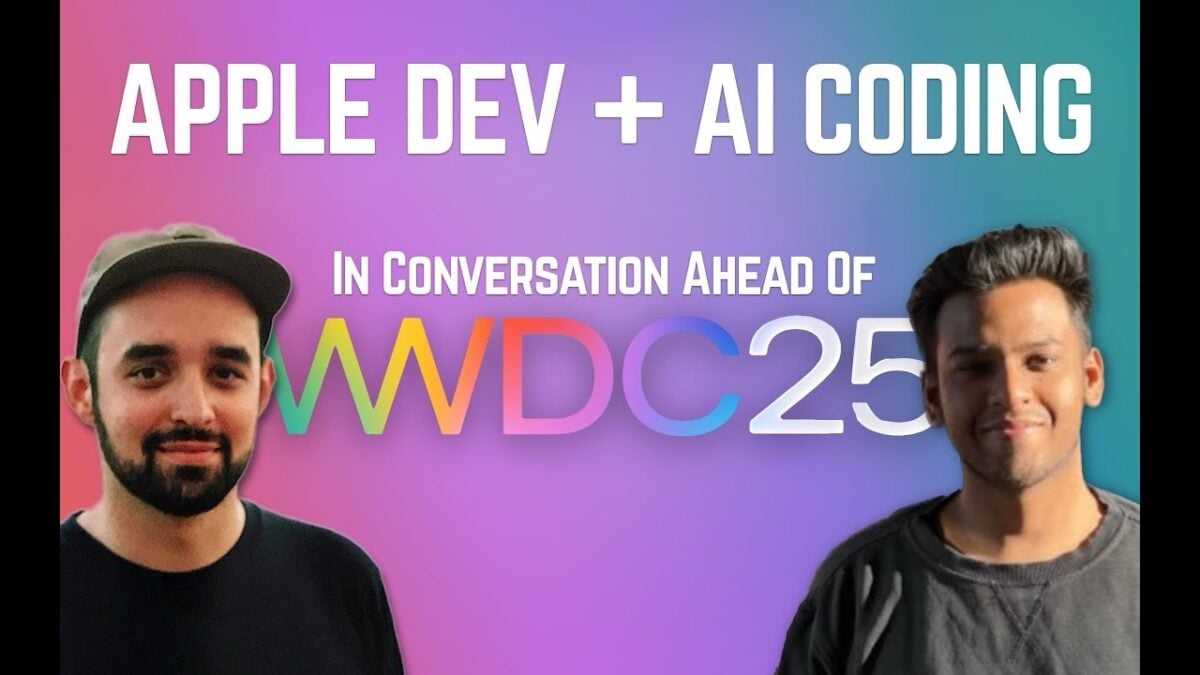
From my stream with Rudrank Riyam on YouTube Live — tune in:
This week, developer Rudrank Riyam, author of the AiOS Dispatch newsletter, joins me to talk about his experiences developing for Apple platforms using AI-assisted coding, and what we’re interested in ahead of Apple’s Worldwide Developer Conference (WWDC).
From my stream with Vidit Bhargava on YouTube Live — tune in:
This week, designer and developer Vidit Bhargava joins me to talk about his framework for app development centered around designing actions first, particularly as it relates to Apple Intelligence.
From my stream with Connor Hammond on YouTube Live — tune in:
AI consultant and app developer Connor Hammond joins me to talk about the future of app development in a world of AI, particularly in relation to Apple’s App Intents APIs.
We discussed questions such as:
What does it mean to develop with AI at your side?
As AI tools speed up development, how can app developers harness new capabilities within Apple’s schedule?
If App Intents is Apple’s strategy, what does that mean for all AI platform?
How can apps take advantage of App Intents to deploy their functionality across Apple’s platforms?
How do AI-enabled apps provide more value than the AI tools themselves?
On Sunday, September 8, on the Mac Power Users podcast, I had the pleasure of joining hosts David Sparks and Stephen Hackett – here’s the show notes:
Matt Cassinelli joins the show to discuss his background with Workflow and Apple and how it led to him becoming the “Shortcuts Guy.” The group then discusses Apple’s automation tools across its platforms, and how those tools have extended to the web.
Apple’s Worldwide Developer Conference (WWDC) is underway for 2024 and one of the big announcements out of their keynote is Apple Intelligence, their big artificial intelligence play.
Check out the recap of the announcement and all the capabilities coming – and stay tuned for follow-up videos where I cover each feature in-depth.
WWDC is just two weeks away and iOS 17.5 has been out along with new iPad Pros for a bit now, bringing new Shortcuts actions for Puzzles in Apple News, a Squeeze gesture for Apple Pencil Pro that can run a shortcut, and Vocal Shortcuts coming as an accessibility feature next year.
On my front, I’ve been guesting on MacRumors and Automators to wrap up the end of the year, gave a big presentation to the iOS Developer Happy Hour group about App Shortcuts for developers, and set up a variety of folders in the Shortcuts Catalog.
I also don’t normally like to tease stuff, but I’ve been reaching Peak Home Screen and Peak Stream Deck, with lots more in store for the summer – I have Elgato gear to give away at WWDC too ?.
We’re far out of the Apple Vision Pro hype cycle and WWDC tickets are in developers’ inboxes already – however, iPad rumors are still swirling for May as well.
iOS 17.4 has been released, which brought new actions to Shortcuts for the Action button, as well a general stability that’s been much needed – there are still Feedback reports to file for 17.5, however.
In the Shortcuts Catalog, I’ve been going deep on entertainment shortcuts, plus Mac window management on the livestream. Plus, I linked to many videos, app updates, and stories worth checking out.
This issue is full of Apple Vision Pro links, and my return to YouTube with one unboxing video, a livestream, and a concept video – plus handy media shortcuts, a fix from Feedback, app updates you might’ve missed, and new Tim Robinson-inspired AirTag gear?
In this first issue of the new year, I’ve recapped everything from December and early January – from multiple sets of shortcuts I’ve released, to news about former Shortcuts team members, to the upcoming Apple Vision Pro launch.
Plus, I’ve redesigned the front page of my site – check it out: matthewcassinelli.com.
Since the last issue in September, I’ve entirely moved from California to Oregon—hence the lack of regular issues as of late—while Shortcuts has gone pro in a big way as one of the main features of the new iPhone 15 Pro – the Action button.
I’ve collected a swath of Action button ideas from the community, shared a big set of apps that are updated for iOS 17, and released a whole new collection in the Shortcuts Library – including a massive new section for members.
Plus, for today only, there’s a special Cyber Monday discount on annual memberships – get your subscription locked in before the price goes up next year.
And, just to leave you with a teaser, I have my first set of Apple review units to cover soon – iPhone 15 Pro, M2 iPad Pro, and the OG Apple Watch Ultra… ?
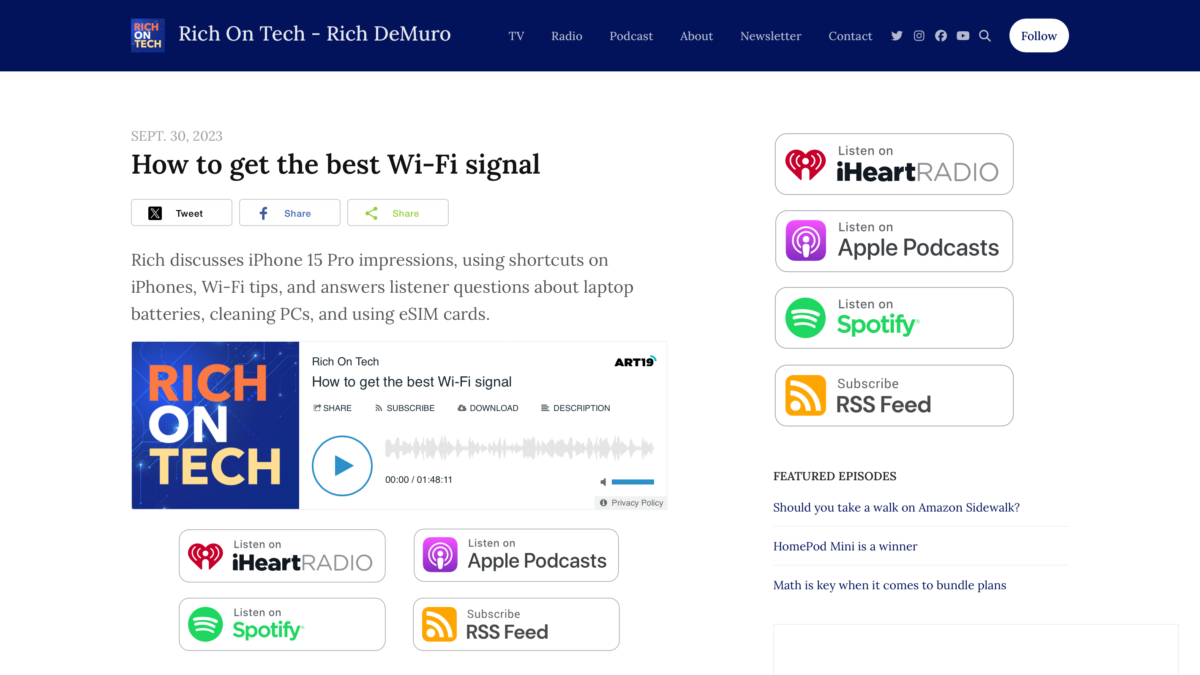
On Saturday, November 18, I had the pleasure of joining KTLA’s Rich DeMuro as a guest on Rich On Tech to talk about Shortcuts – my segment starts around 53:00:
Rich discusses iPhone 15 Pro impressions, using shortcuts on iPhones, Wi-Fi tips, and answers listener questions about laptop batteries, cleaning PCs, and using eSIM cards.
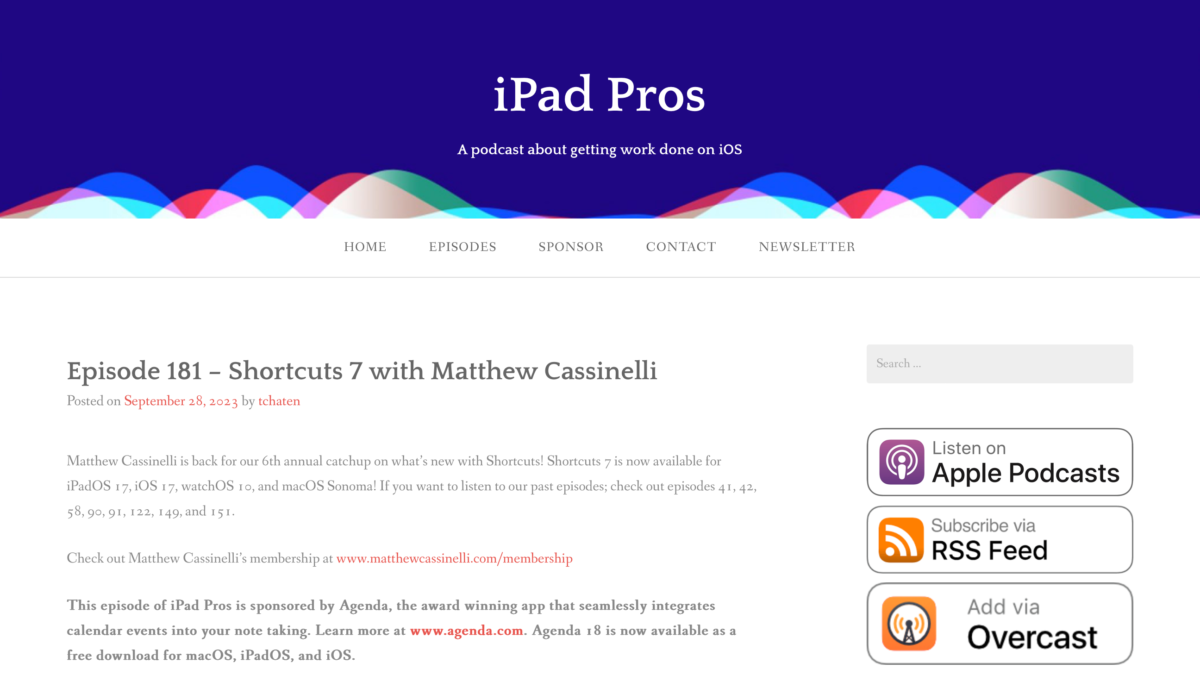
On Thursday, September 28, I had the pleasure of joining Tim Chaten as a guest on iPad Pros to talk about:
Matthew Cassinelli is back for our 6th annual catchup on what’s new with Shortcuts! Shortcuts 7 is now available for iPadOS 17, iOS 17, watchOS 10, and macOS Sonoma! If you want to listen to our past episodes; check out episodes 41, 42, 58, 90, 91, 122, 149, and 151.
Since the last issue mid-August, things have slowed down as developers gear up for iOS 17 and the betas stabilize a bit more.
We have some good news around Alex Hay’s apps, a new release of Obscura, and I’m ramping up podcasting again with Clockwise and my second members-only show – I talk about a lot of updates coming soon in that episode.
Otherwise, I wanted to thank you for your support as a reader of my newsletter – here’s to the next 100 issues!
Since the last issue at the end of July, we’ve seen two beta releases – and with it, a major change to Shortcuts automations in the form of Location automations gaining true background support.
Plus, App Shortcuts are coming to Apple Watch and HomePod – make sure to read up on the limitations, however.
Further, the Camera app actions teased in the developer sessions are now out – I got to test them in a real-life situation at a music festival this weekend.
Also, I made Apple Music’s new Discovery Radio into a shortcut, and released a set of Keynote shortcuts I’ve been using lately for some client work.
Otherwise, we’re looking ahead at the home stretch ahead of the full iOS 17 release coming in September – I hope apps are updating their App Shortcuts for Spotlight!
Since the last issue in mid-July, news has been a bit quiet on the Shortcuts front thanks to a delayed second public beta – developer beta 3 was a bit rough, and now beta 4 is out today along with the public beta late in the he day.
As such, I held off on a few stories related to beta features that I have yet to cover, so my Automations and Widget coverage are coming tomorrow morning instead.
However, I did discover a new action in the betas, plus uploaded my new Threads scraping tool to the Library too – shortcuts are live now, and stories on those are coming later this week as well.
Otherwise, I published a couple of holdover posts on Threads, a few interesting tips related to power user features you might use if you’re a Shortcuts fan, and a series of linked posts to check out.
It’s been too long since my last newsletter – but we’re back just after the iOS 17 public beta, with coverage in full swing after my post-WWDC vacation (and first case of COVID ?).
Since last time, I’ve revamped my process for the Shortcuts Catalog, restarted regular coverage on my blog, dug deep on YouTube videos (coming very soon), and, last but not least, have just published the first episode of my new membership podcast.
My goal with these changes is to cover the same material I’ve always published in the newsletter, while exposing each story to a larger audience. Plus, this change makes it feasible to produce regular newsletters now that I’m without a tool with quick integrations like Revue – I’m using MailerLite’s excellent RSS integration instead.
Members will also receive more frequent, shorter emails covering new members-only content when it is published – look out for those in your inbox if you’re subscribed.
And, as always, you can subscribe to all my blog posts using your feed reader of choice using matthewcassinelli.com/rss.