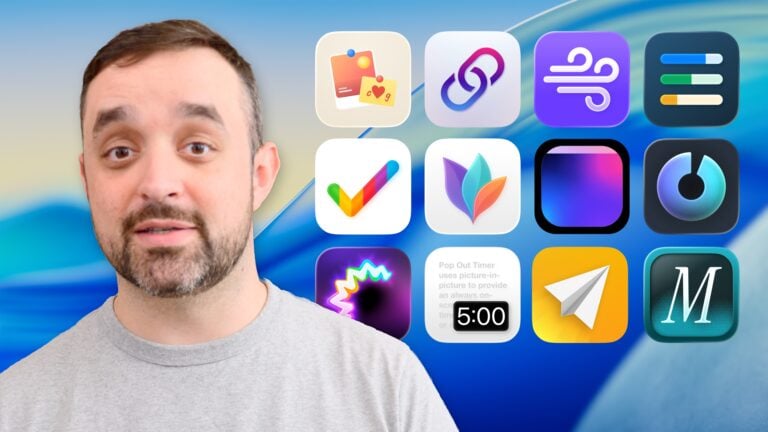
New video: Membership discounts on great Shortcuts apps!
Check out my video announcing the first set of partner apps with Shortcuts support who are offering discounts – watch on YouTube.
Check out my video announcing the first set of partner apps with Shortcuts support who are offering discounts – watch on YouTube.
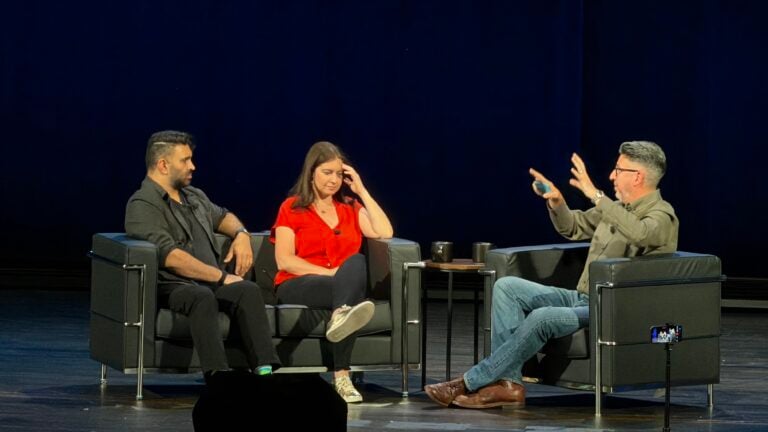
Watch the recording of John Gruber interviewing Joanna Stern and Nilay Patel afte WWDC26 – where I was in attendance in the audience,
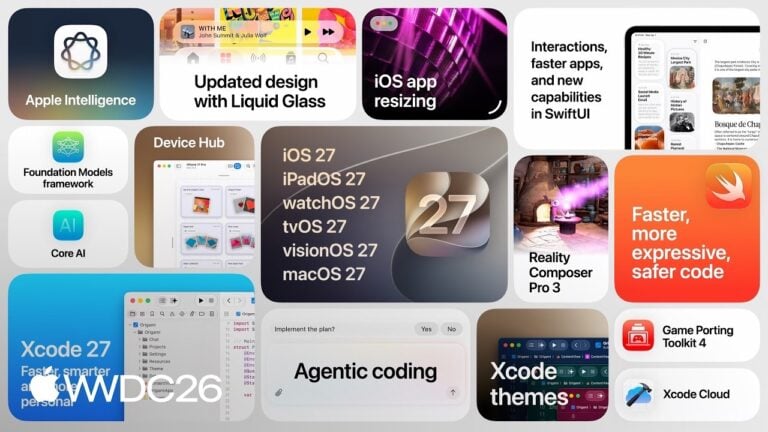
Videos from Apple’s WWDC26, including the Keynote, SOTU, Special Presentation, and sessions related to App Intents & Siri AI.
I am now the proud owner of a “Hiboy S2 Pro Daily Commuting Electric Scooter” thanks to this video and Facebook Marketplace.
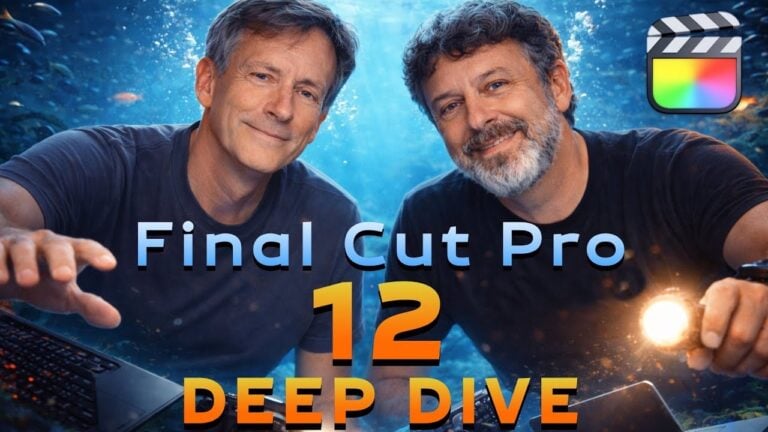
Mark and Steve from Ripple Training have a great walkthrough of everything new in Final Cut added alongside Apple Creator Studio – I learned so much from these guys.
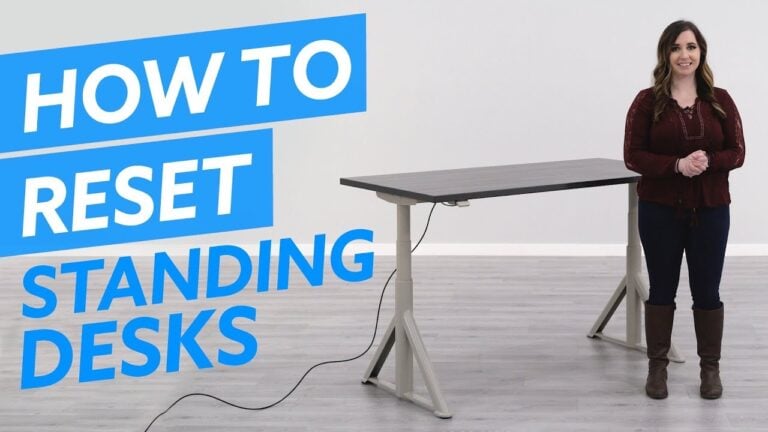
If your standing desk isn’t working and only goes down, it might need to be reset – you can do so by lowering it to the furthest position.
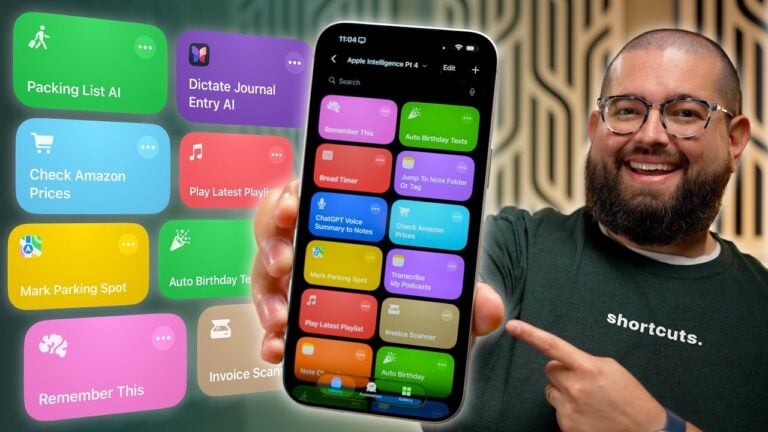
Stephen Robles has 17 new real-life use cases for putting the Use Model action for Apple Intelligence to work in Shortcuts.
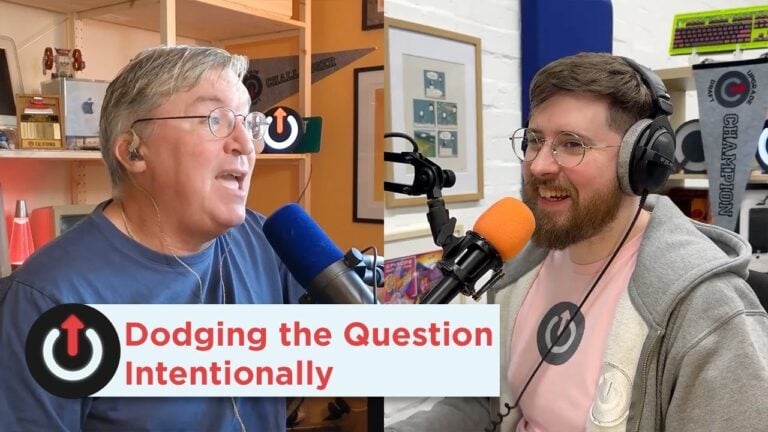
Jason Snell and Myke Hurley discussed the theoretical possibility that Apple Intelligence could query the data on your phone – but that idea is very much real in the form of Entity Queries in App Intents.
Tune into TBPN’s livestreams on weekdays or catch the show after – using my set of shortcuts.
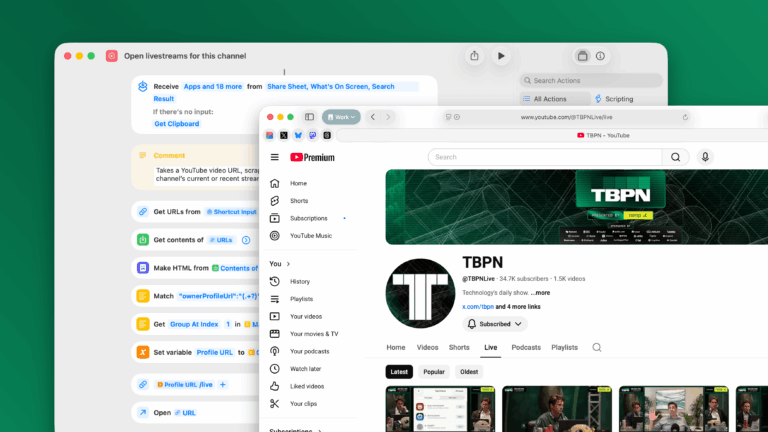
YouTube has the same permalink for every profile that redirects to the channel’s streams – here’s how I take advantage of it (and my shortcut to do it for you).
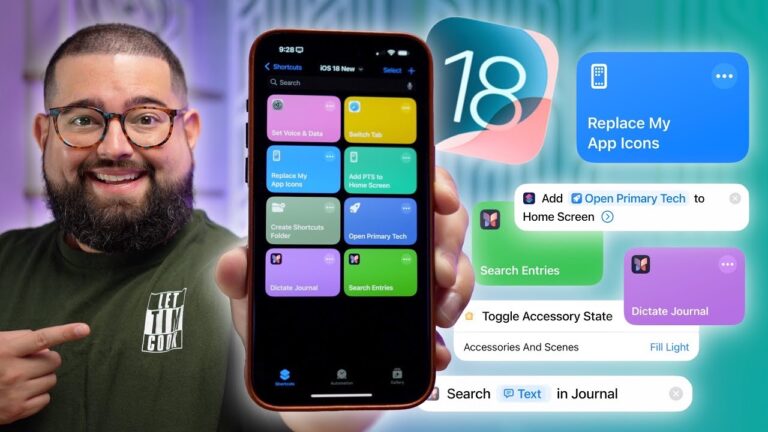
Stephen Robles covers the action updates coming to iOS 18, including a redesign and the Add to Home Screen & Journal actions.
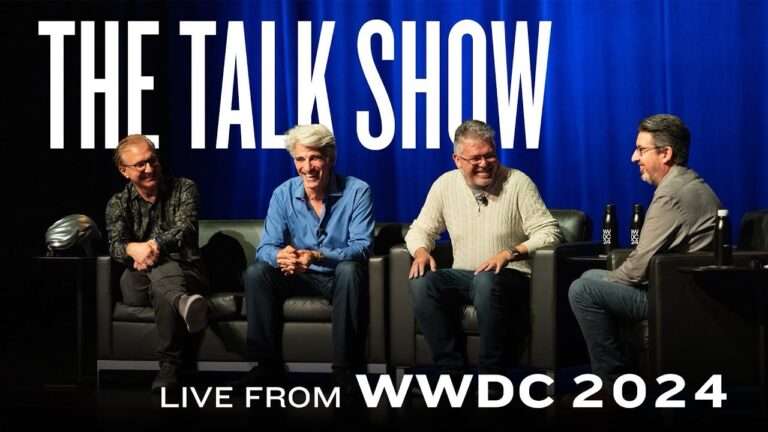
Check out the discussion between John Gruber and Apple executives about everything just announced at WWDC.
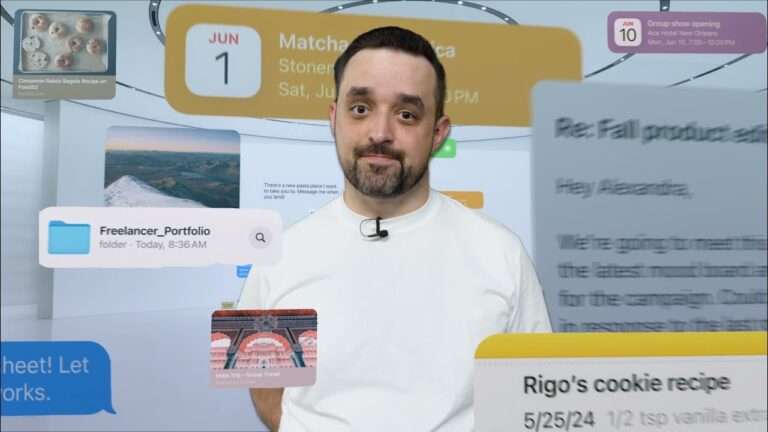
After the WWDC keynote, I filmed this quick video summarizing what’s new with Apple Intelligence.
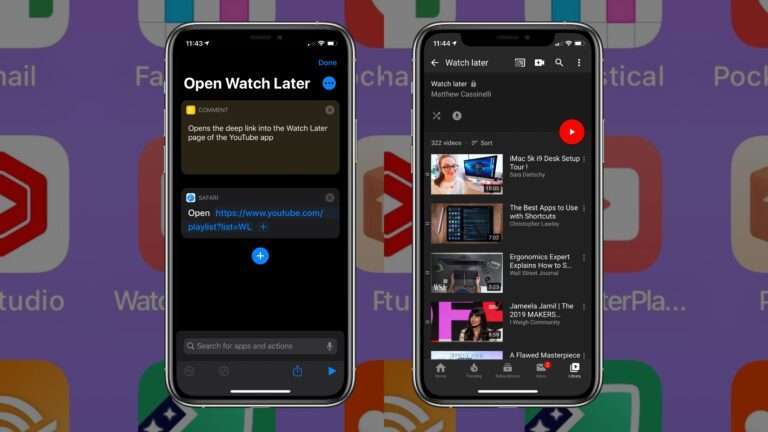
Creator Levi Allen shared his tip on Threads about adding the Watch Later playlist to Shortcuts and putting it on his Home Screen.
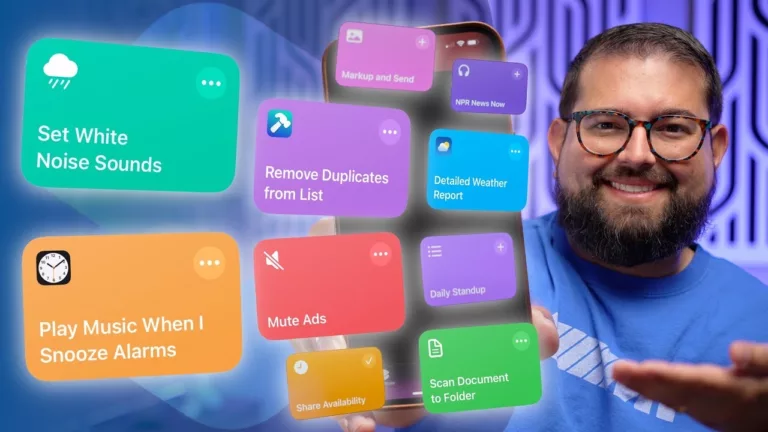
Stephen Robles continues his Shortcuts series on YouTube by building shortcuts off listener requests – a great watch as always.
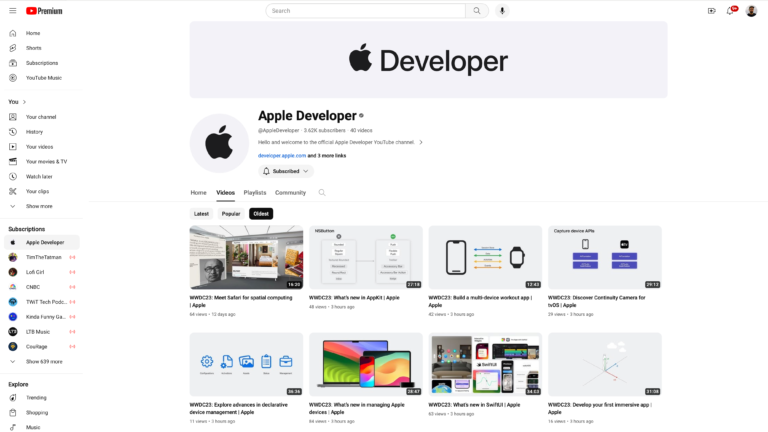
Apple has a new @AppleDeveloper account on YouTube where they’re hosting videos from last year’s and this WWDC – which means they can be automated via Shortcuts…
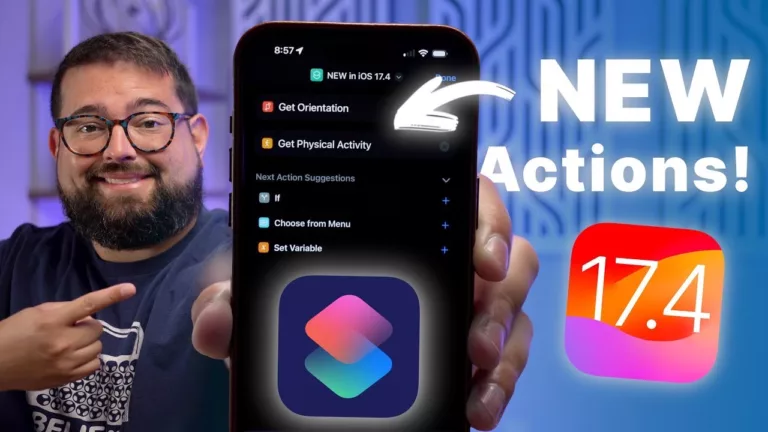
Stephen Robles has a quick 10-minute video on using the new Get Orientation and Get Physical Activity actions from iOS 17.4.
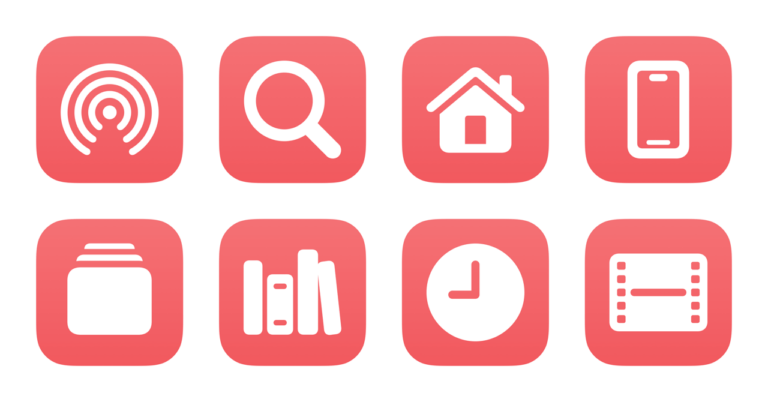
I’ve just released a new set of shortcuts for the YouTube app – from opening the main feed to accessing your library to interacting with YouTube on TV.
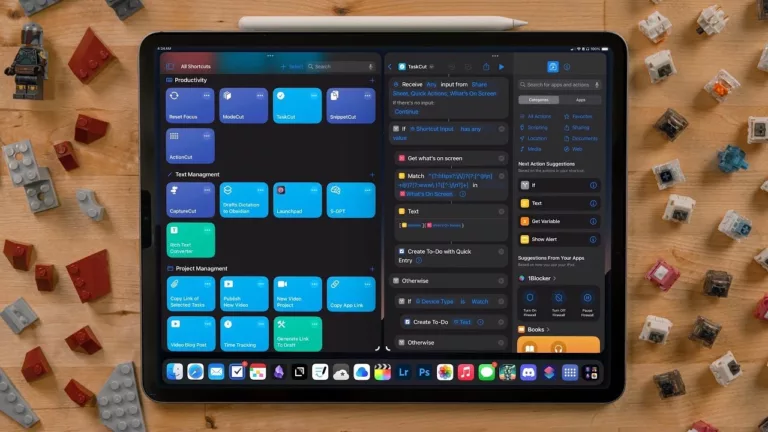
Chris Lawley shares his top shortcuts and automations for working on the iPad – I always love seeing the latest versions of Chris’ workflow.
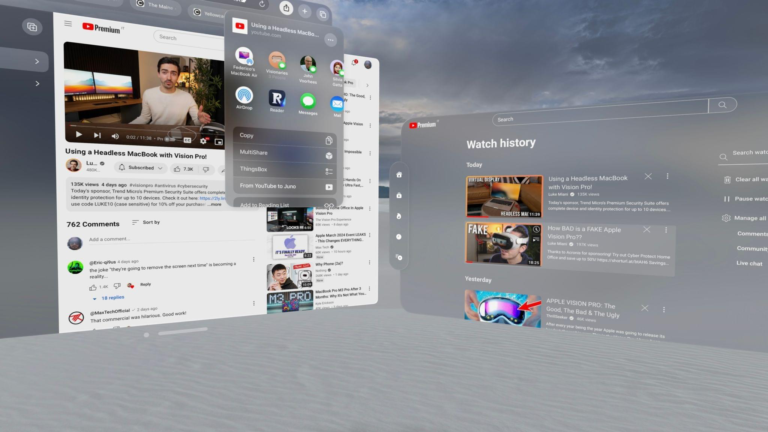
Developers Christian Selig and Marcos Tanaka have added URL schemes for their apps Juno and Play to pass YouTube links back-and-forth – and MacStories built out shortcuts for it all.