The Talk Show: Live From WWDC 2026

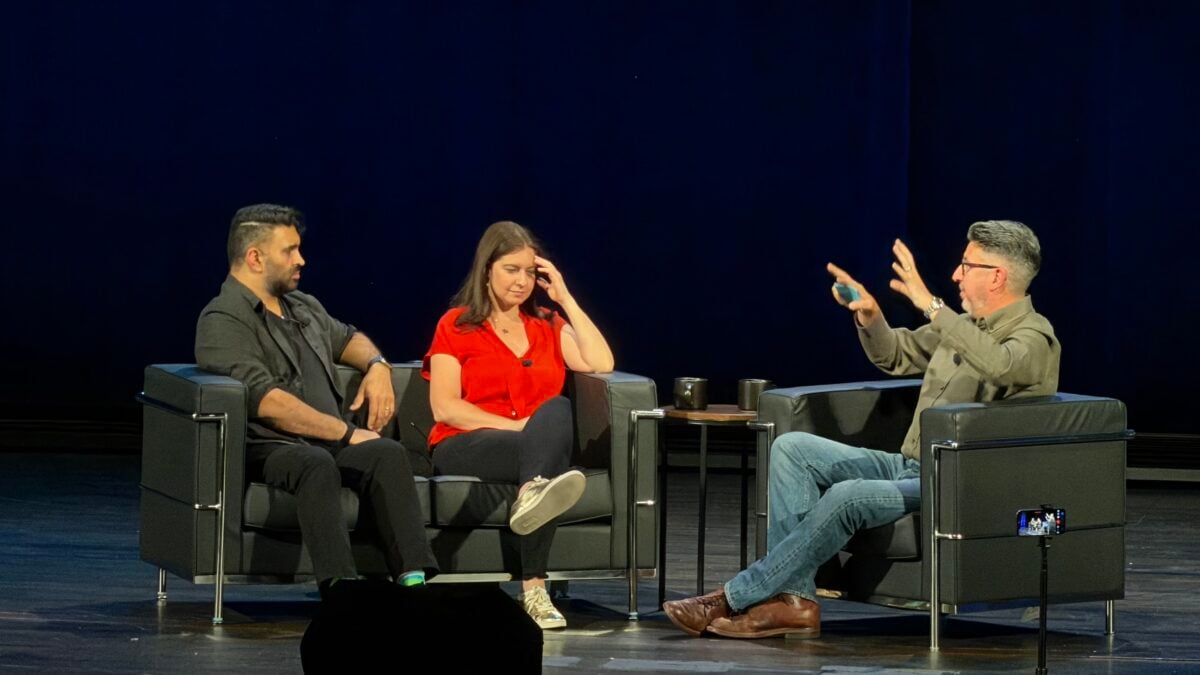
Watch the recording of John Gruber interviewing Joanna Stern and Nilay Patel afte WWDC26 – where I was in attendance in the audience,
The Talk Show: Live From WWDC 2026

From Daring Fireball on YouTube:

Recorded in front of a live audience at The California Theatre in San Jose on Tuesday 9 June 2026, special guests Joanna Stern and Nilay Patel join John Gruber to discuss Apple’s announcements at WWDC 2026.

[…]

Time stamps:

00:00:00 – Welcome and sponsors

00:06:40 – Reviewing the WWDC keynote

00:25:30 – Parental controls

00:41:00 – Siri AI

01:01:00 – Privacy, PCC architecture

01:15:30 – ChatGPT integration

01:18:46 – The DMA = No Siri AI in EU

01:33:18 – Performance and quality improvements across OSes

01:44:05 – Cook out, Ternus in

I’m 10 days late to posting this, but this was a good conversation – I was there live, and the header image for this is an 8x photo I took from the audience.

Watch the full show on YouTube.
 

Posts You Might Like

Day One Introduces Shared Journals »
The developers behind Day One have introduced Shared Journals, an excellent update to a long-standing app – I’m glad to see Automattic continuing to support this app’s development.
New Vision Pro immersive Environment added to Apple Developer app for WWDC »
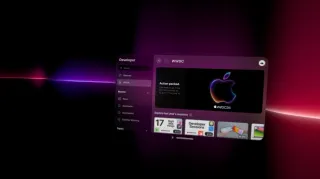
Apple has added a sweet new immersive Environment for WWDC to the Apple Developer app – check out the details on 9to5Mac.
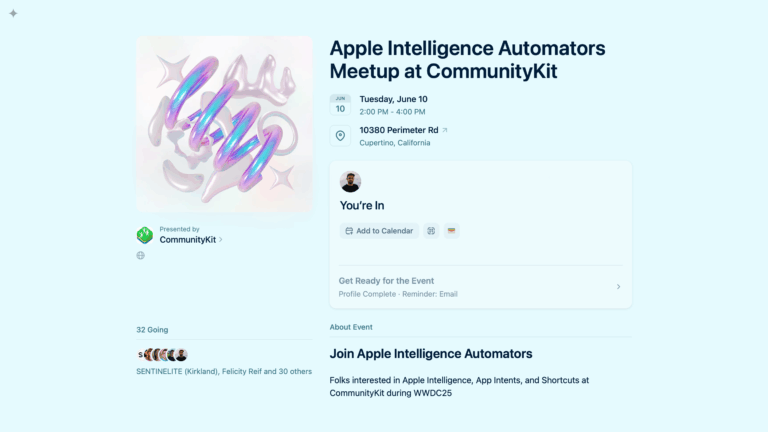
Announcing My WWDC Meetup: Apple Intelligence Automators at CommunityKit
Join me post-WWDC at the Hyatt House near Apple Park to discuss Apple Intelligence, App Intents, and Shortcuts!
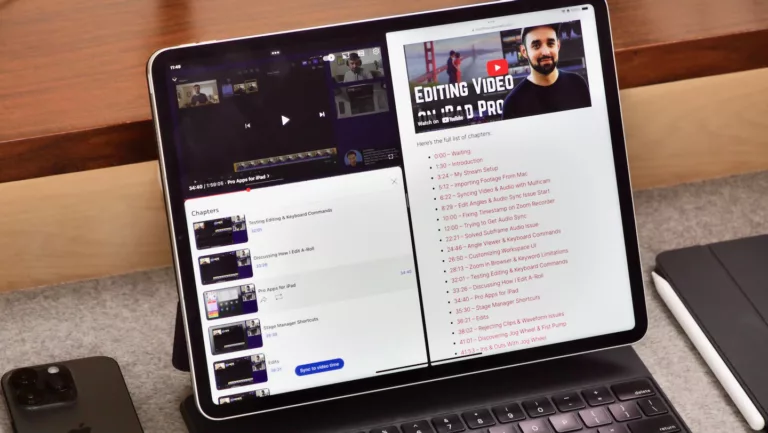
How to quickly link all your YouTube chapter markers using Shortcuts
If you publish YouTube videos or livestreams with chapter markers, you might want to link back to those moments – here's how to generate the full list using Apple's Shortcuts app.