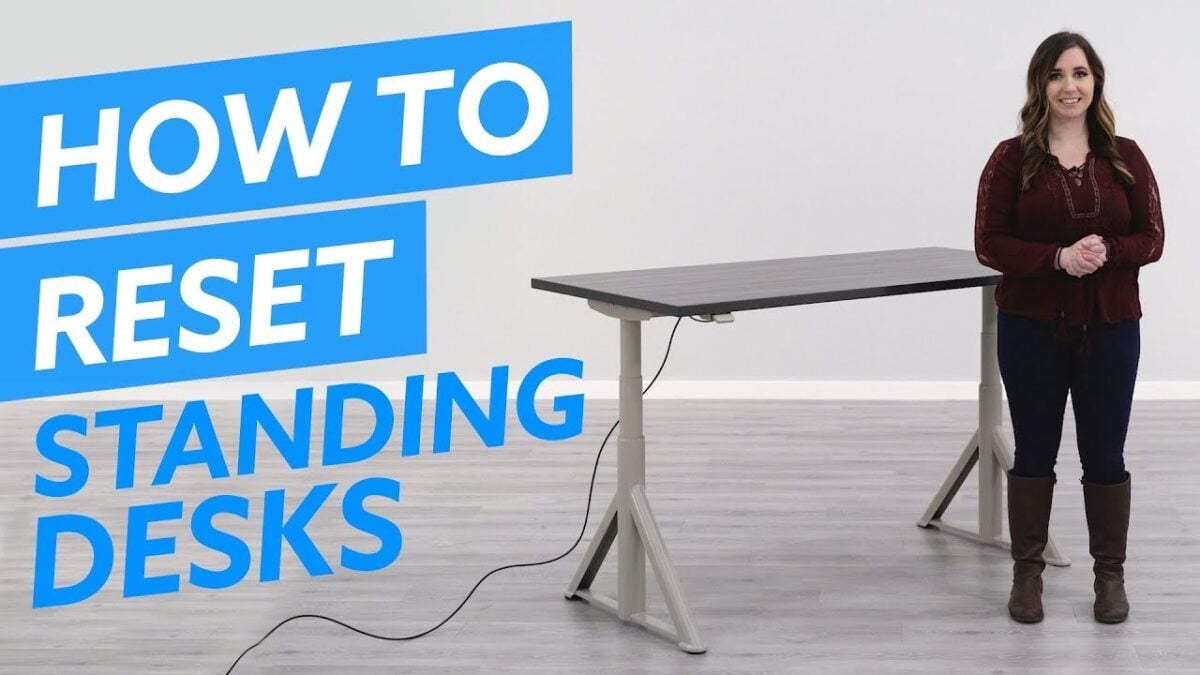
Today, my standing desk started to make a clicking sound and only showed zeroes on the display. It wouldn’t raise, but it would move down – there was clearly nothing wrong with the motor, but I didn’t want to continue lowering it in case it wouldn’t raise back up. While looking for replacements, I thankfully found this video that explains what to do – reset the motors:
If your desk loses power, it also loses its memory – which means it no longer remembers which position it is in. Therefore, your desk needs to find a reference point – that being the lowest position.
Pretty simple, but something I hadn’t run into before – I was not happy with the idea that I’d have to replace the entire controller for ~$400.
The video also highlights the importance of moving anything out of the way too – standing desk motors are powerful and won’t stop if something is in the way. I’ve had my desk lift itself off the ground because it caught on the drawers nearby, which could have been more serious if my desk was fully automated1.
Watch the full video on YouTube.
- My standing desk is older so I have to hold down buttons to move them to the presets. ↩︎