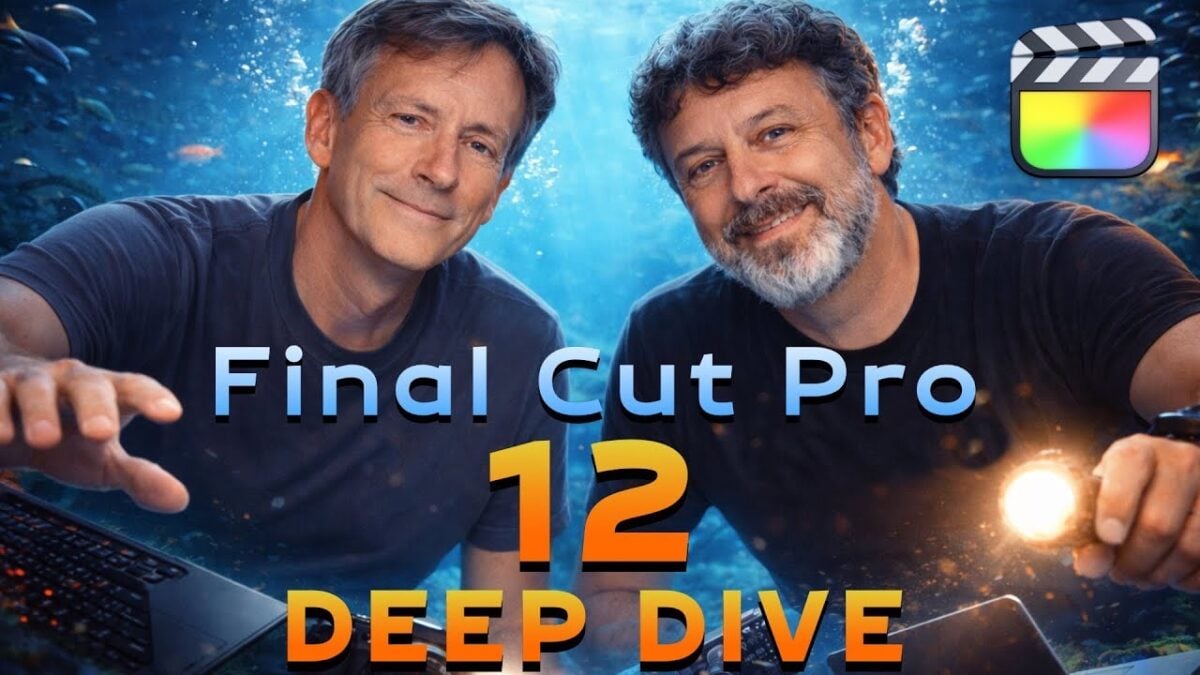
Final Cut Pro 12 Deep Dive (Ripple Training on YouTube) »

Mark and Steve from Ripple Training have a great walkthrough of everything new in Final Cut added alongside Apple Creator Studio – I learned so much from these guys.

From Ripple Training on YouTube:

Take a deep dive learning adventure with Mark and Steve as they show you everything you need to know about the new Final Cut Pro 12 Update from Apple.

Whether you’re a beginner, small business owner who wants to learn how to edit marketing videos like a pro, film editing enthusiast, or a professional video editor who wants to level up, we’ve got courses in Final Cut Pro and DaVinci Resolve.

Ripple’s training course taught me everything I know about Final Cut Pro, and this video does the same for the new features releases alongside Apple Creator Studio – absolutely worth watching in full to learn the depth of what’s new (and where the limitations lie).
Watch the video on YouTube and check out Ripple Training.

Posts You Might Like

How to migrate from custom intents to App Intents »
Tyler Hillsman shared the Tech Talk from Apple that guides developers through the process updating from older Shortcuts APIs to the newer App Intents.
Chris Lawley’s MUST have Shortcuts Automations: What’s on my iPad »
Chris Lawley shares his top shortcuts and automations for working on the iPad – I always love seeing the latest versions of Chris' workflow.
Automatically switch to a different app every time you open Twitter »
Jay Robinson shared this great Automation idea for building better social networking habits – automatically switch to a different app when you use a particular network.
The must-try iPhone shortcut to help you remember everything »
Kurt Knutsson has written about Apple’s “Remember This” shortcut – an excellent starter shortcut for anyone trying to learn the app.