8 ways to get help from Apple Support using Shortcuts

Yours truly for iMore:

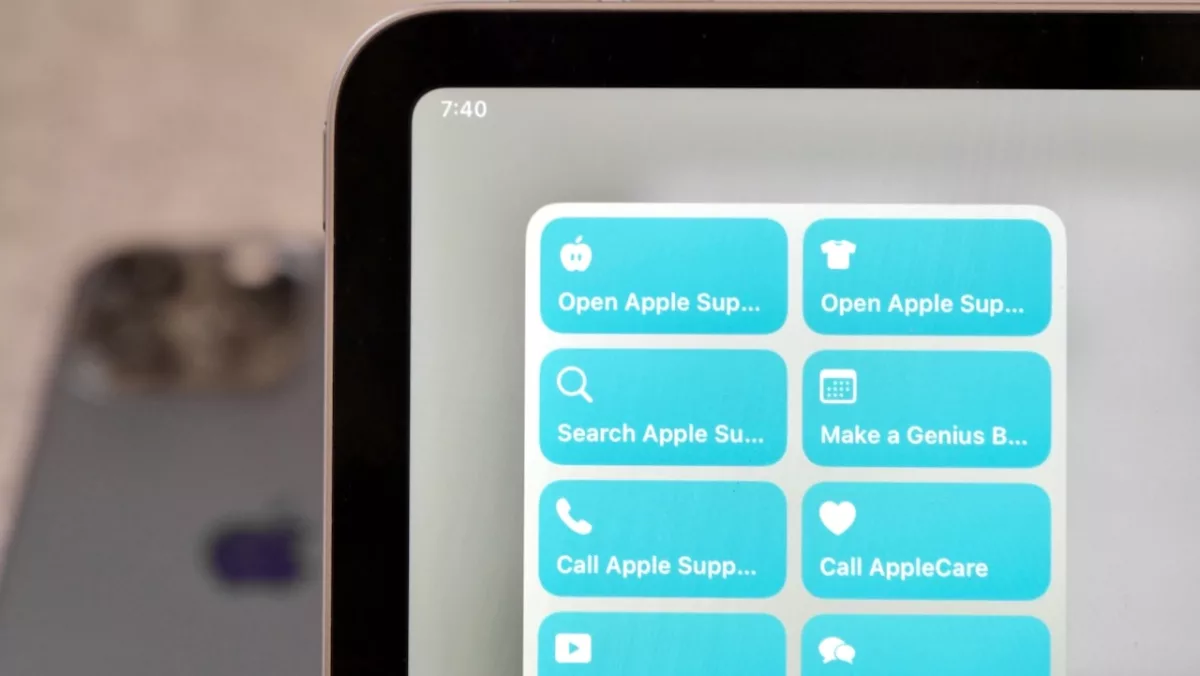
Apple’s Support resources are incredibly helpful when you’re running into issues, need to repair a device, or for learning more about how to use your devices.

With an entire Knowledge Base online, the Apple Support app, and their social media pages, there’s a lot of ways to access help pages, get direct support, and browse more to learn on your own — so here’s a set of shortcuts to help you do just that.

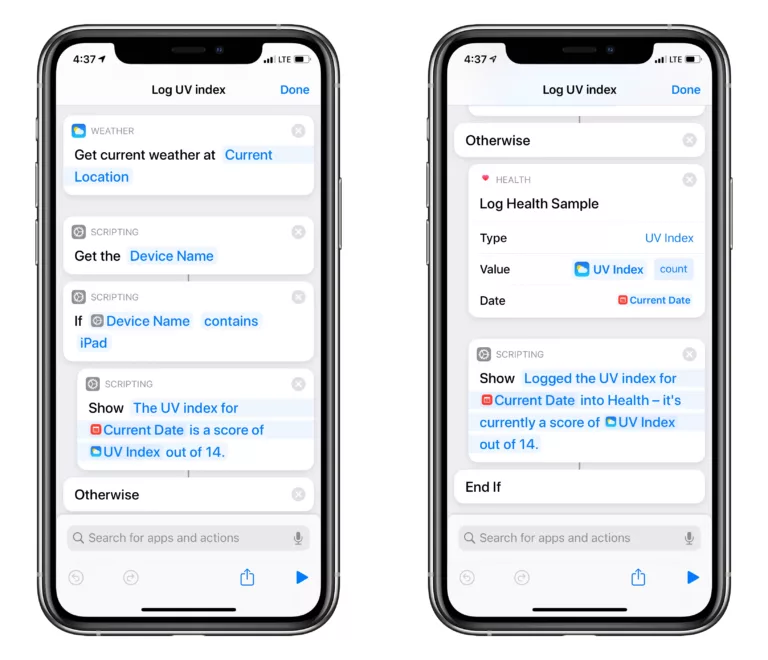
Read the full story on iMore.

Posts You Might Like

Why the Menu Bar is the best way to get started with Shortcuts for Mac
Shortcuts for Mac lets you run shortcuts from the Menu Bar. Here's how to set it up, optimize your shortcuts, and add advanced interactivity for your macOS experience.
How to Automate Your Life With Apple’s Shortcuts App »
Lance Whitney from PCMag covers all the basics of Shortcuts to get you started, including creating shortcuts/automations, adding them to the widget/Share Sheet/Apple Watch, and finding new shortcuts online.
Shortcuts has new Automations in iOS 17 and iPadOS 17: Transaction, Display, & Stage Manager
Shortcuts has three new automation types in iOS and iPadOS 17: Transactions, Display, and Stage Manager – here’s an overview of what’s new.
How To Play A Headphones-Only Alarm On iPhone
Esther from Mastodon shared a great tip for using Personal Automations for psuedo-alarms when you don’t want to play alerts out loud – I built off her idea with a tip around Alarm automations.