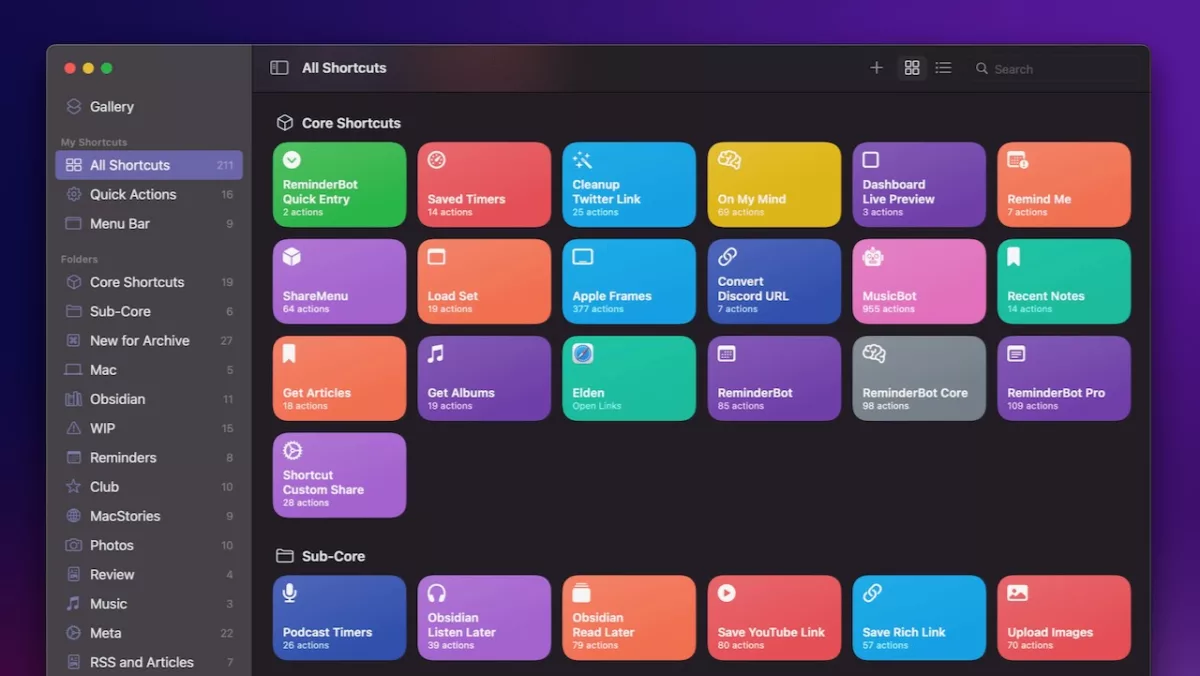
As part of Club MacStories, Federico Viticci published an Automation Academy guide on Tips for Optimizing Your Shortcuts for macOS Monterey.
In the post, Federico explains some tips he’s developed over the last six months working on the Mac that are super useful for Shortcuts users, especially if you’re coming from the iPad — things like changes with variables, how to use actions native to Mac from the Automator experience, and innovative ways to utilize AppleScript (that I’m definitely going to adopt myself and integrate into my own shortcuts).
Here’s the list of techniques:
- Check Your Current Platform
- Right-Click to Choose Variables
- Get the Title of a Webpage
- Get the Text Selection of a Webpage
- Check If a Specific App Is Running
- Pass Multiple Variables to AppleScript
- Check the Frontmost App
- Modifying a File with Quick Actions and Overwriting the Original Version
In the intro, Federico included this line:
Grab your favorite note-taking app, open the Shortcuts app for Mac, and let’s get started.
I should have listened right away, because I ended up pulling up Craft halfway through and jotting a ton down. ?
The linked post is exclusive for Club MacStories members, so sign up to get access and then read the full Automation Academy post.