My notes on the Shortcuts developer sessions at WWDC ’22 ?

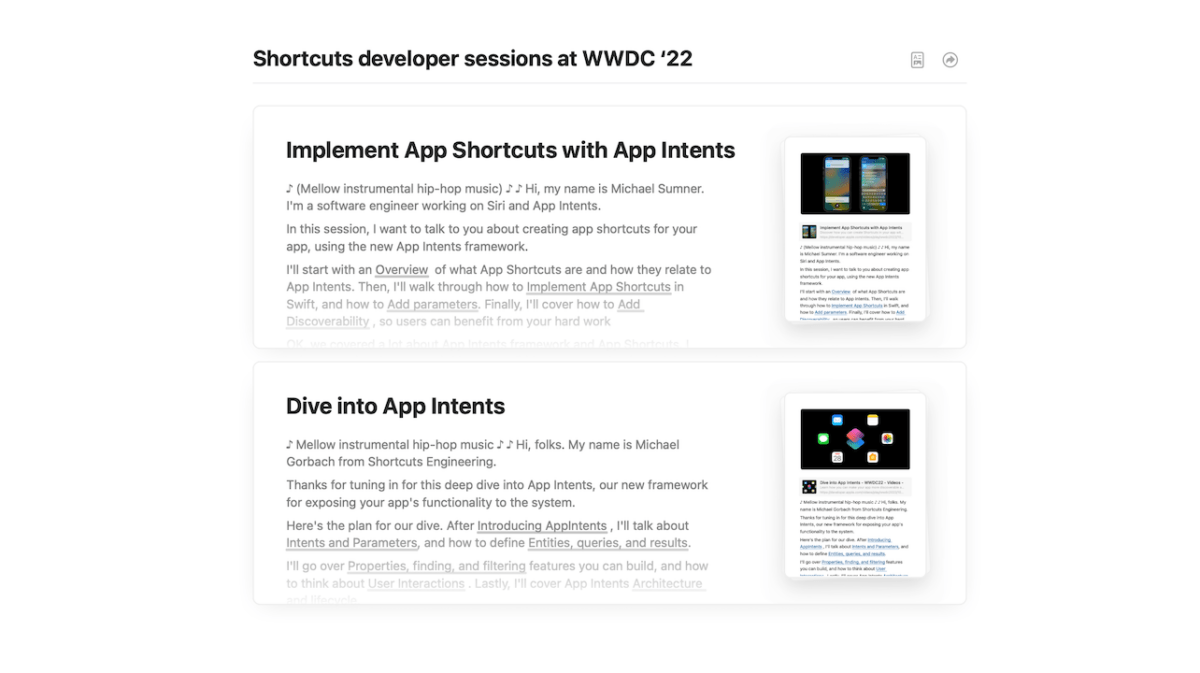
Today, Apple released two WWDC sessions around Shortcuts — Dive into App Intents and Implement App Shortcuts with App Intents.

I’ll be covering the material and what it means soon, but for now I’ve taken extensive notes & screenshots on the available sessions and have made them available for members. Plus, comments are open, so add yours if you have any thoughts:

Today, Apple released two WWDC sessions around Shortcuts — Dive into App Intents and Implement App Shortcuts with App Intents.

I’ll be covering the material and what it means soon, but for now I’ve taken extensive notes & screenshots on the available sessions and have made them available for members.

(These notes are members-only – you’ll need a membership to access it.)
Posts You Might Like

The iPhone’s Today View Is The Most Convenient Place to Run Your Shortcuts »
In his iPhone setup video, Stephen Robles mentioned how he finds the Today view off to the left of your iPhone Home Screen is the best place to use Shortcuts – I agree.
You can set the new Action button on Apple Watch Ultra to anything in Shortcuts
The new Apple Watch Ultra features a dedicated Action button — and it can be customized with any shortcut.
Siri Vision Pro: my Spatial Shortcuts visionOS concept video
Check out my short concept video for using Shortcuts with Apple Vision Pro. Built using the visionOS beta, these shortcuts use Open App – and I want Apple to add my simulated "pinning" functionality.
All 25 of the Mac-Only Actions Coming to Shortcuts for Mac ?