13 Features of iOS 13: Shortcuts (Six Colors)

Jason Snell, giving an overview of Shortcuts in iOS 13 for Six Colors:

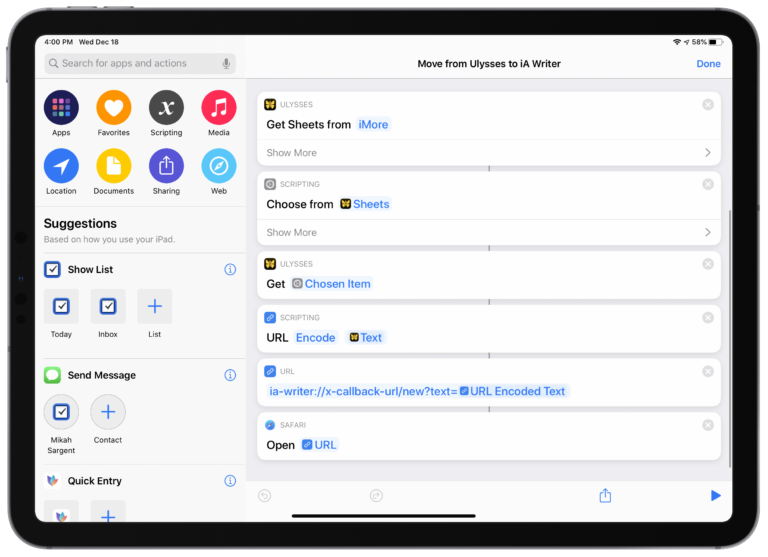
Shortcuts just got a lot more useful if you use Siri, too. You can now create interactive Shortcuts that can ask questions and accept text input, especially useful if you’re not able to look at a screen because you’re using AirPods or CarPlay. And the redesigned Share Sheet in iOS 13 means that you can prominently place specific individual Shortcuts in the Share sheet, making it easy to access them with a single tap.

Jason and Dan are covering iOS 13 feature-by-feature – this piece is a nice summary of what you can expect from Siri Shortcuts in iOS 13.

Check out the full article on Six Colors (they’re celebrating their 5-year anniversary today!).
Posts You Might Like

Test This iOS 17 Soundboard App With Interactive Widgets »
Interactive widgets are coming to iOS 17 and this developer has teased Klang, a new soundboard app, now available in TestFlight.
Covering the Siri Shortcuts update for iOS 13 live on YouTube
After bugs plagued my main video, I took to a livestream to share about the updates for Siri Shortcuts in iOS 13. Make some popcorn, tune in, and learn what’s new.
8 Tips for Optimizing Shortcuts for macOS from Club MacStories
How Siri could actually win the AI assistant wars
Check out quotes from my interview with Jared Newman on App Intents, Apple Intelligence, and Siri's ability to compete with other assistants.