How to create speaker groups for HomePod using Shortcuts

How to create speaker groups for HomePod using Shortcuts

Yours truly for iMore:

In iOS 15.4, Apple added new parameters to the Set Playback Destination action that updated the capabilities from being able to switch destinations to additionally being able to add and remove destinations.

With this functionality, Apple users can create and break apart speaker groups on-the-fly using Shortcuts, something that’s only otherwise been possible by manually selecting and deselecting speakers in the Control Center view.

This article covers four shortcuts that utilize the Set Playback Destination action, making it easy to change speakers, add to a group, remove from a group, and cast to multiple speakers at once:

Read the full story on iMore.

Posts You Might Like

Take Control Of The TV App With These 10 Shortcuts
Access each and every part of Apple's TV app with these shortcuts built of the web URL counterparts for each section.
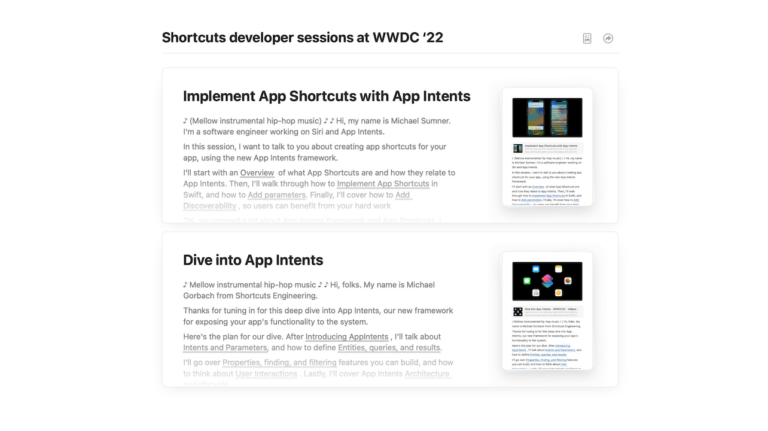
My notes on the Shortcuts developer sessions at WWDC ’22 ?
New in the Shortcuts Library: Waveform podcast shortcuts
If you're a fan of the Waveform podcast from MKBHD & team, check out these shortcuts for interacting with the show, the YouTube Playlist, the clips channel, and the main channel.
New in the Shortcuts Library: Keynote shortcuts
If you're a fan of Apple's presentation tool, these shortcuts are for you – create from themes, open presentations in Rehearse and Show Mode, and create presentations from your own custom theme.