The first look at Personal Context for Apple Intelligence is here as APIs available in the iOS 18.4 developer betas allow apps to further their content for the system to understand. This sets the stage for the most significant update to Siri so far, where all your apps can provide Siri with the available views and content to work with – in a secure and private manner, too.
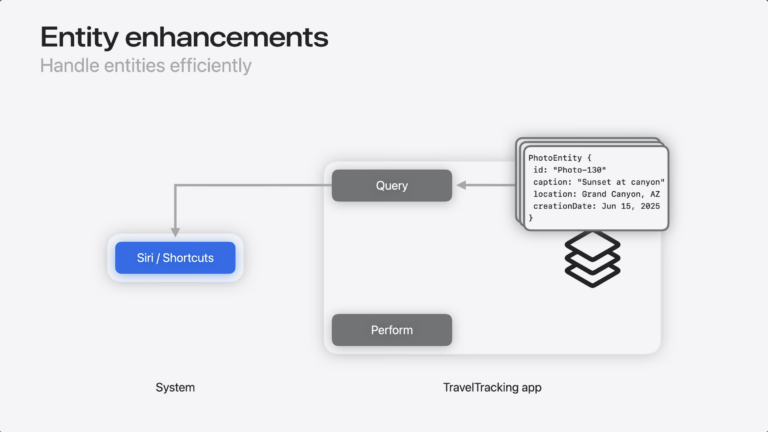
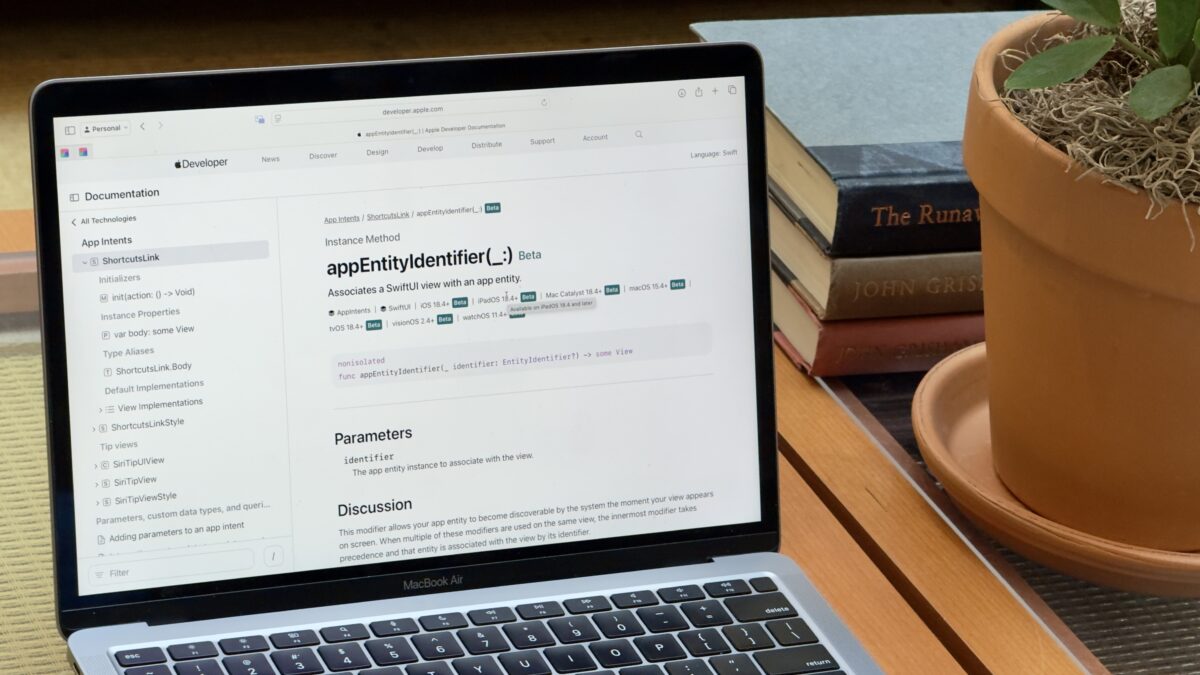
As first mentioned by Prathamesh Kowarkar on Mastodon, there is now a suite of APIs in beta that associate an app’s unique content, called an entity, with a specific view – this allows Siri to read what’s indexed on-screen and use it with other app’s actions when triggered by a command.
APIs like this are necessary for the coming Siri update to actually do what Apple says Apple Intelligence is capable of – now that the functionality is here, however, it’s up to developers to implement everything to make sure the experience works well.
Here are the new pages:
- appIntentsDataSource
- NSCollectionViewAppIntentsDataSource
- UICollectionViewAppIntentsDataSource
- appEntityIdentifier(forSelectionType:identifier:)
- appEntityIdentifier(_:)
If these APIs are in beta now, it stands to reason they’ll leave beta after iOS 18.4 releases in full – which means Personal Context might be coming as early as iOS 18.4.