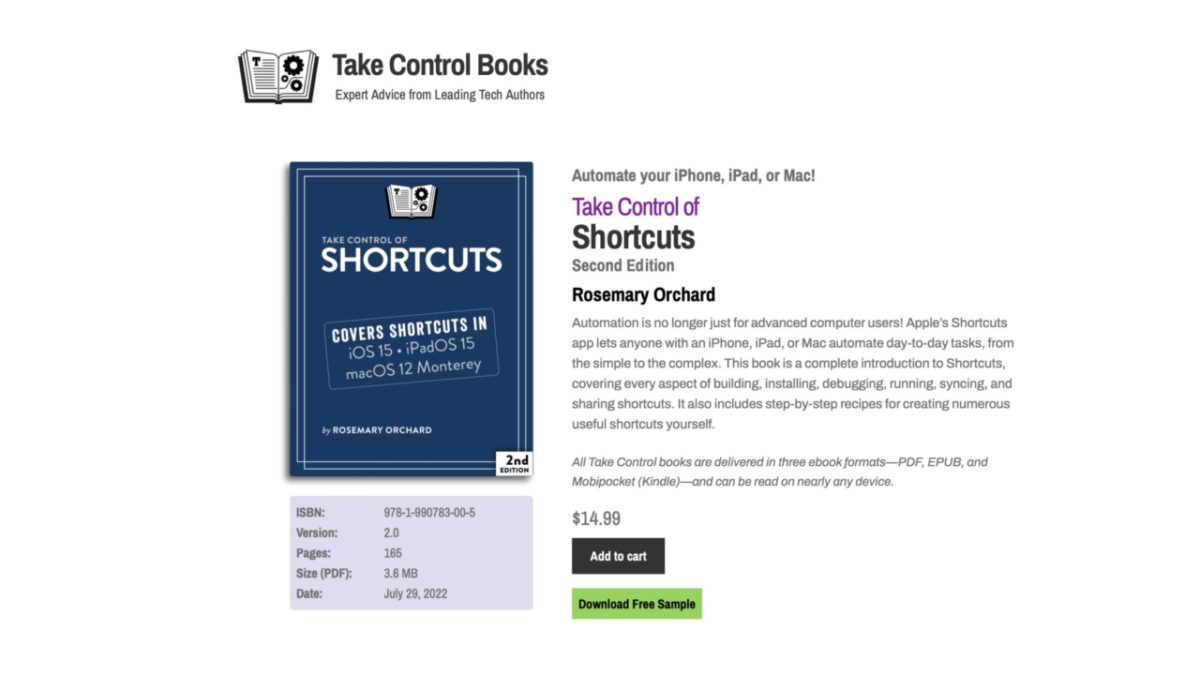
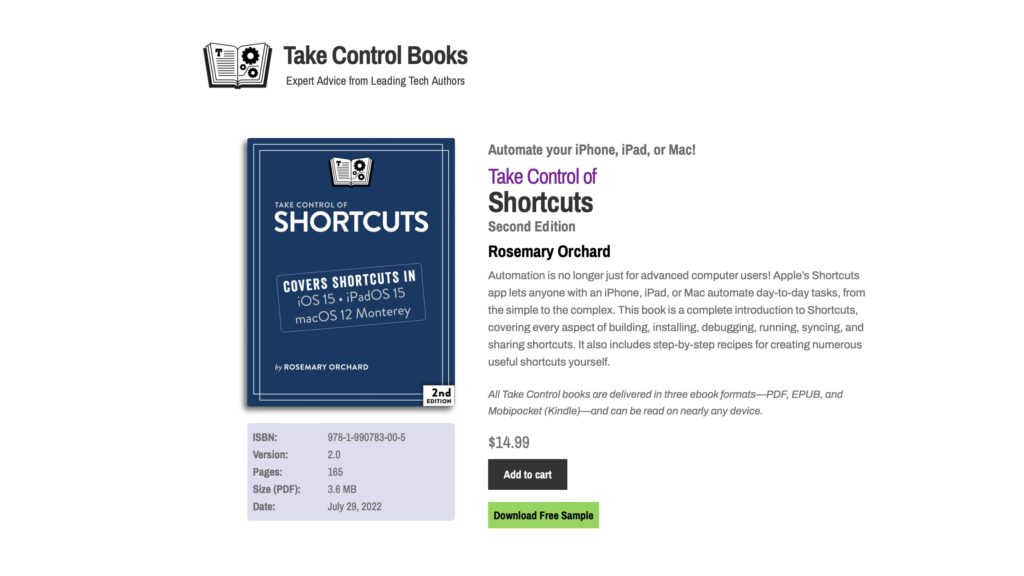
As part of Take Control Books, Rosemary Orchard has updated her book Take Control of Shortcuts to the second edition, now covering iOS 15, iPadOS 15, and macOS Monterey now that Shortcuts has expanded to the Mac.
Here’s the description of the book from their website:
Automation is no longer just for advanced computer users! Apple’s Shortcuts app lets anyone with an iPhone, iPad, or Mac automate day-to-day tasks, from the simple to the complex. This book is a complete introduction to Shortcuts, covering every aspect of building, installing, debugging, running, syncing, and sharing shortcuts. It also includes step-by-step recipes for creating numerous useful shortcuts yourself.
Take Control also notes that the book will be updated for free during the iOS 16 cycle for anyone who purchases this edition, so that means you’re covered for everything new this upcoming year as well.
If you don’t already know Rosemary, you should familiarize yourself — she’s the host of Automators, iOS Today, and Nested Folders, plus she’s an all-around amazing person.
She’s taught me so much and anyone who uses Shortcuts should get her books & listen to her shows — congrats on the launch, Rose!