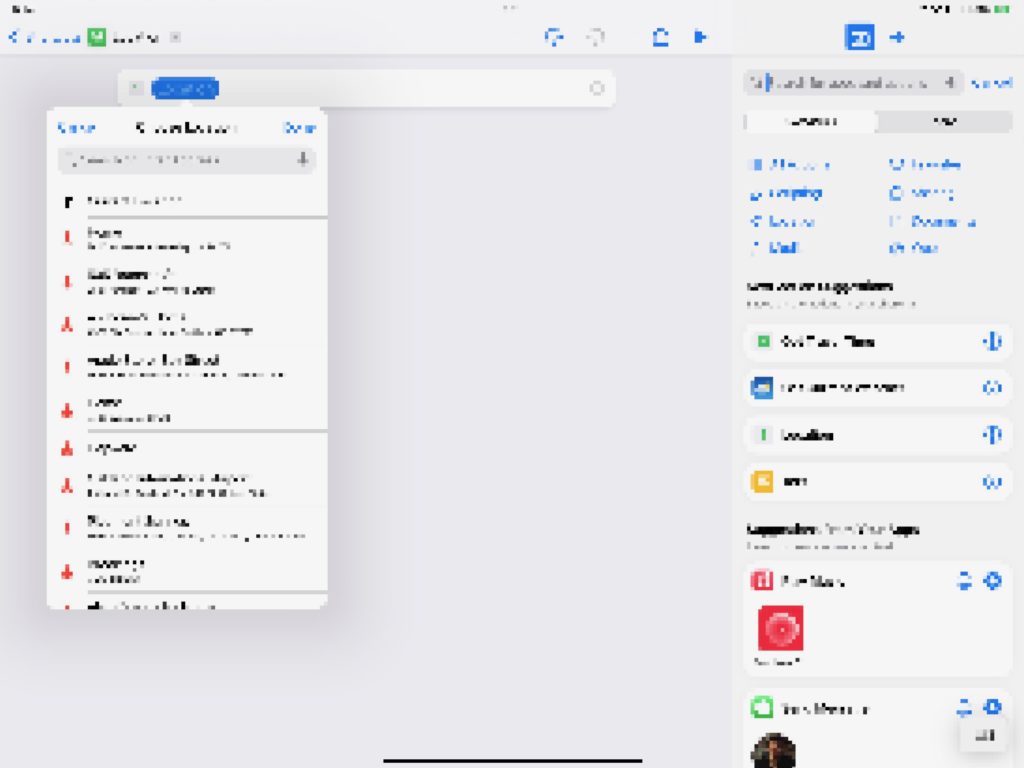
I am writing this post because I am frustrated with the fact that Shortcuts shows personally identifiable information about me when live-streaming about the app, when Apple could easily change the interface to show the same information without exposing me and my girlfriend to personal safety problems.
To fix this Apple needs to overwrite personally-identifiable information in Shortcuts with generic placeholders that the user can understand from context, and they need to add the ability to remove Suggestions.
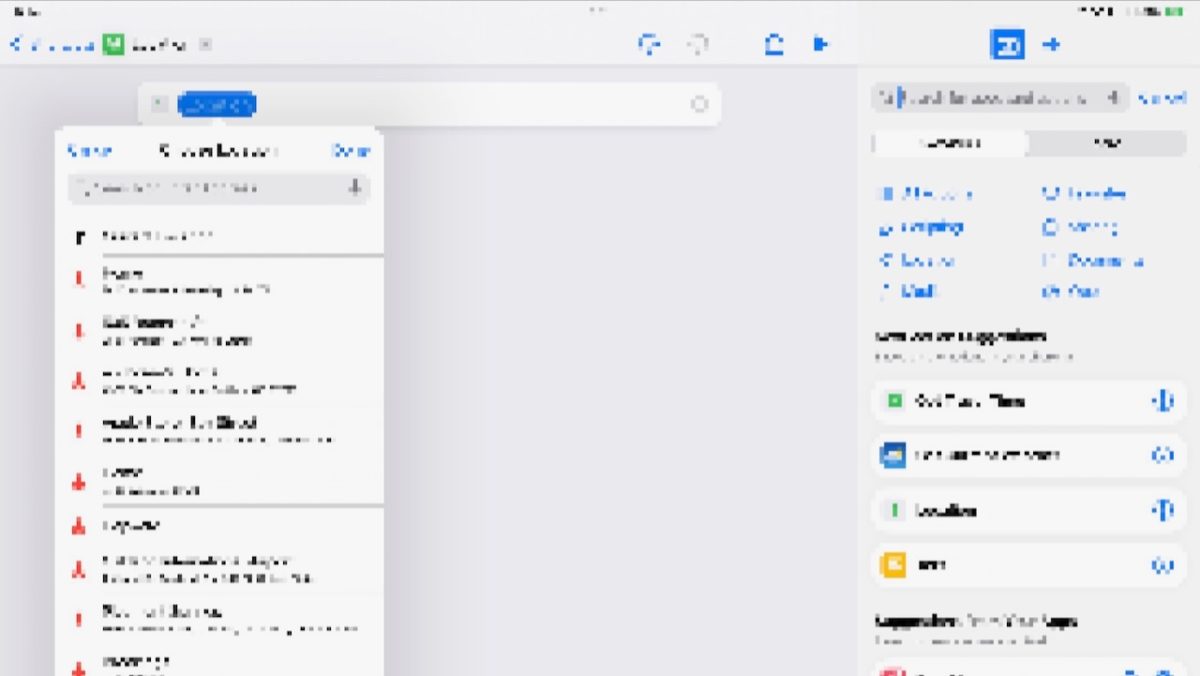
Every time you go into Shortcuts and try to pick a location, it will show your Home Address in the view — please just change this to say “Home” and do not input the address into the Location field, Home is plenty.
When you first open Shortcuts to a blank shortcut, in the bottom right there are often “Suggestions” based on your recent activity. However, there is no way to remove this information, meaning that recent contacts will always show up there and your friends & family have no choice but to have their names, images, and sometimes phone numbers appear on-screen. I’ve had Apple PR contacts of mine appear in this view when producing public content, for example.
Any suggested actions in the Shortcuts app should also be able to be removed — in my Reminders suggestions, the app is currently recommending that I make a shortcut with my most-recently added reminder, which includes information I do not want on-screen and cannot remove before trying to record my screen.
I originally sent this feedback to Apple on July 24, 2019 as FB6809181. It’s now been three years and I’m basically lucky this hasn’t been a bigger issue so far.
I really hope Apple takes this post to heart and adds these small but significant changes to the Shortcuts app in iOS 16.0 — I really don’t want this to become a much larger and much more personal issue by having my family’s privacy violated because I choose to share about this cool app I like to use.