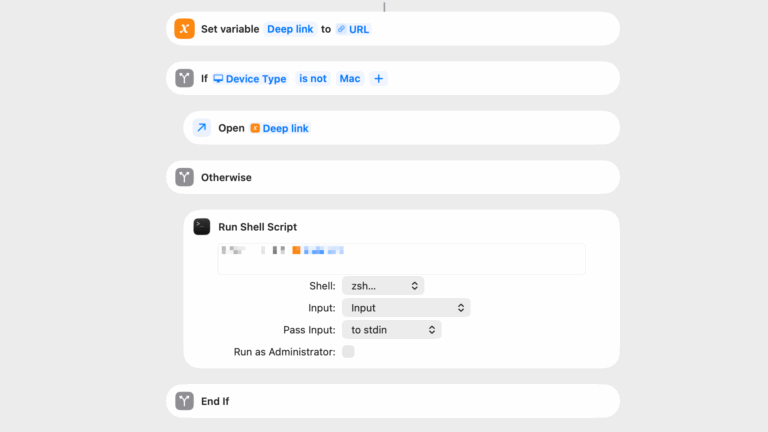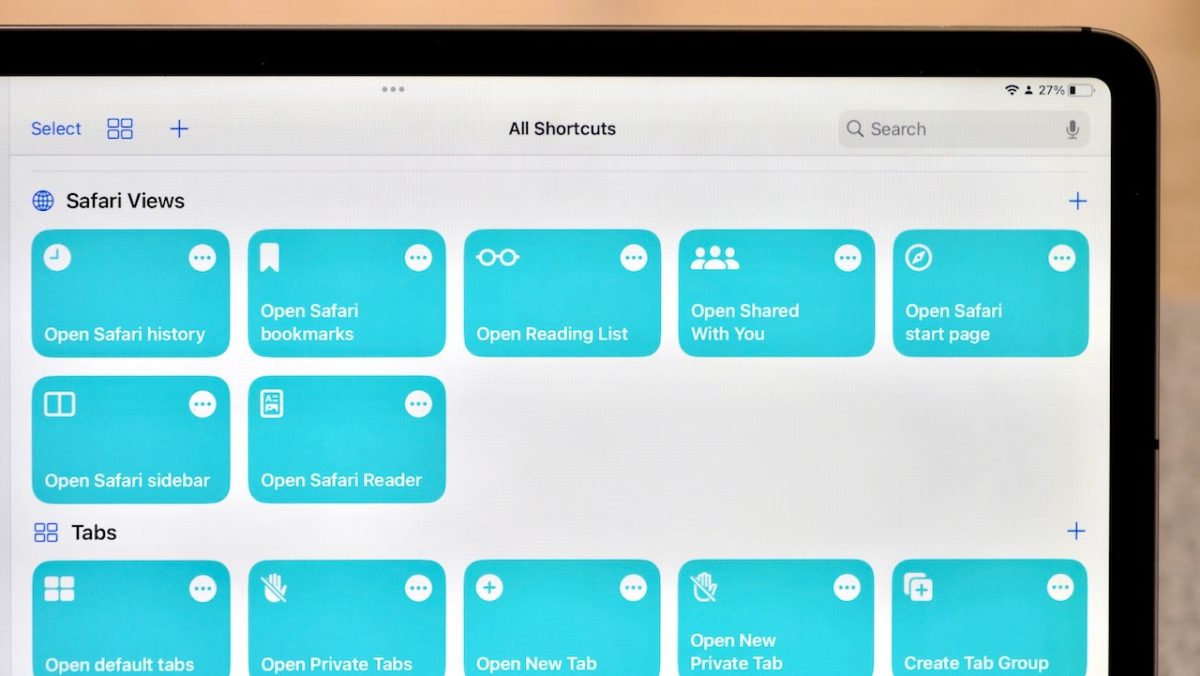
Tune into the latest episode of Shortcuts Live, where I streamed for a little over an hour covering the new Find Tab action that I discovered in iOS 16 public beta 2.
Join me from just after the launch of iOS 16 public beta 2 to build Shortcuts live — this stream, we’ll cover the new Find Tabs and Reading List actions that I just discovered in the betas, plus the Reminders actions that just reappeared after disappearing after the first developer beta.
The Safari actions are pretty exciting, so come share your ideas in the chat and we’ll come up with some great use cases together!
Here’s a list of the chapters:
- 00:00 – Start of stream
- 05:45 – Markdown list of current tabs
- 12:52 – Filter Links That Don’t Contain Specific Website
- 15:17 – Find Bookmarks & Reading List filters
- 20:13 – Find Tab Groups
- 22:00 – Find Tabs from Specific Tab Group (doesn’t work, but we covered Focus Filters & Scripting)
- 35:37 – Add to Reading List, Instapaper, Pocket
- 38:15 – Set Playback Destination / Speaker Groups
- 39:45 – Stream Deck teaser
- 42:12 – Saving Links to Clipboard
- 45:58 – Auto-Lock
- 48:32 – Open Tab & Choose From List
- 49:53 – Search Tabs
- 53:25 – Quick Note
- 57:20 – Quick Note with Link
- 1:00:04 – Get Article Details From Tabs
- 1:03:21 – Mail app
- 1:04:45 – Reminders Smart Lists
- 1:07:11 – Reminders Templates
- 1:10:47 – Add Tabs As Rich Reminders
- 1:12:43 – End of building / Revue discussion
- 1:15:27 – Wrap-up / Logging shortcuts
- 1:24:00 – Actual Goodbye
If you’re watching the replay, you can still leave comments and I can respond to them afterwards!
This content is marked as members-only – you’ll need a membership to access it.