Shortcuts gains powerful Find Tabs action for Safari, more in second public beta

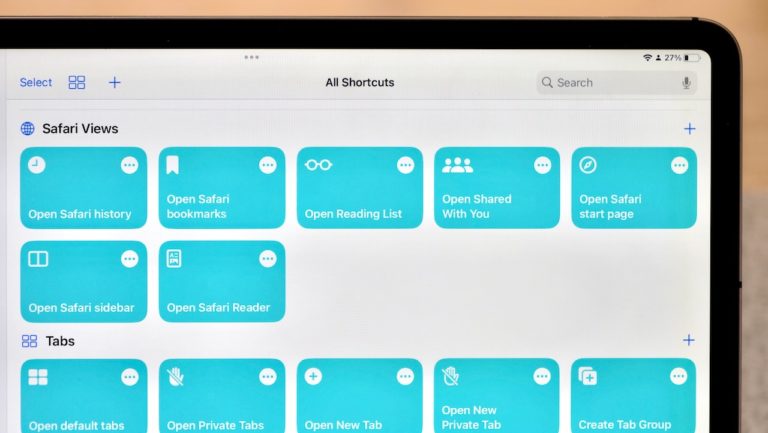
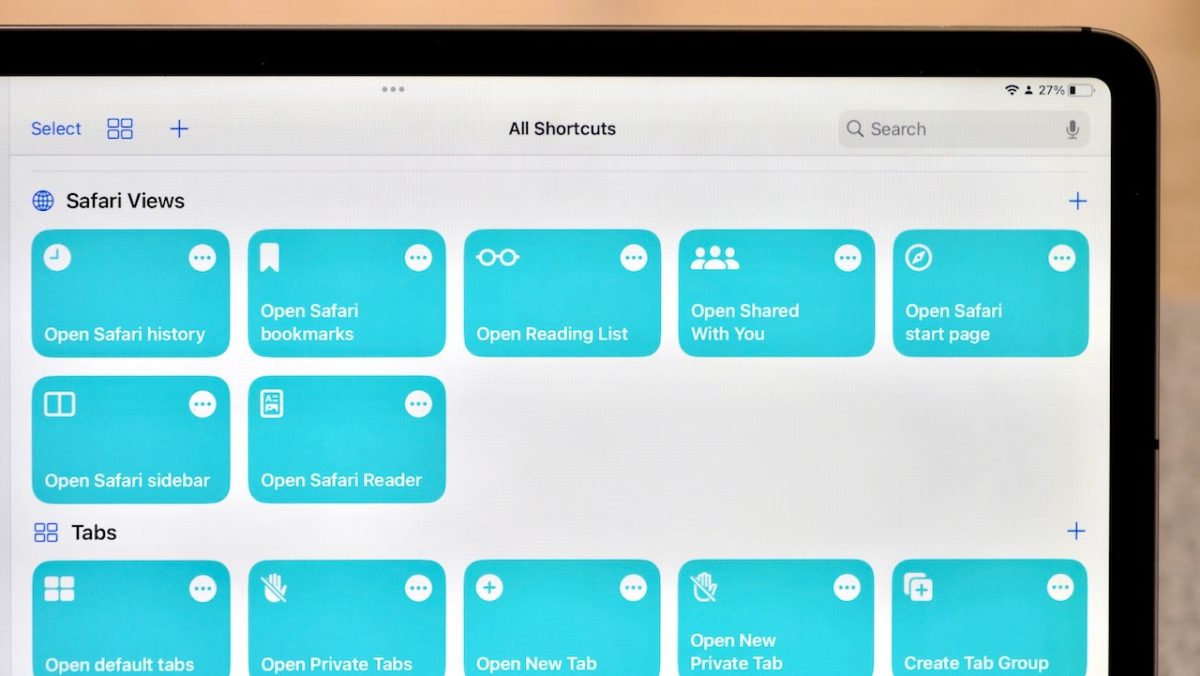
In my piece for iMore on iOS 16 public beta 2, I covered the new set of actions for Shortcuts that work with Safari, Mail, and Reminders.
Shortcuts gains powerful Find Tabs action for Safari, more in second public beta

Yours truly for iMore:

On Thursday, Apple released iOS 16 public beta 2, which includes a set of new actions for the Shortcuts app that work with Safari, Mail, and Reminders.

These actions include Find Tabs, Find Tab Groups, Find Bookmarks, Open Bookmarks, Find Reading Lists, Open Reading List Items, Search Mail, Open Mailbox, Open Smart List, Create Reminders List, and Search Reminders.
Read the full story on iMore.

Posts You Might Like

Photograph of the App Shortcuts feature open on an iPhone, with a bookshelf in the background showing the corner of Shortcuts' original logo as the Workflow app as artwork on the shelf.
How Apple put its weight behind App Shortcuts in iOS 16
Apple released automatic App Shortcuts to power every action from your apps — here's how this new Shortcuts feature plays into its Siri strategy.
What’s New in Shortcuts – Issue 98
In between betas, we saw a new action come to Shortcuts, interesting rumors related to the future of Siri, stories sharing helpful tips, and more to do with Threads by Instagram.
The must-try iPhone shortcut to help you remember everything »
Kurt Knutsson has written about Apple’s “Remember This” shortcut – an excellent starter shortcut for anyone trying to learn the app.
The best ways to get started with Shortcuts on iPad
With such a large hand-held touchscreen, iPad is perfect for Shortcuts. Here are four ways to take advantage of the platform in your automations.