12 ways to get the most out of Shortcuts for iPhone

Shortcuts for iPhone is always with you, fits in your pocket, & utilizes the iPhone’s special features — here's how to best use it.

Yours truly for iMore:

The best automation is the one you have with you, and that means Shortcuts for iPhone is the biggest opportunity for people to take advantage of Apple’s automation platform.

When building Shortcuts for iPhone, users should try to think about automation opportunities that work well for a small screen, can be carried around with you, and take advantage of the device-specific features.

With that in mind, here are four areas (with 12 example shortcuts) that are good to focus on in your own adventure:
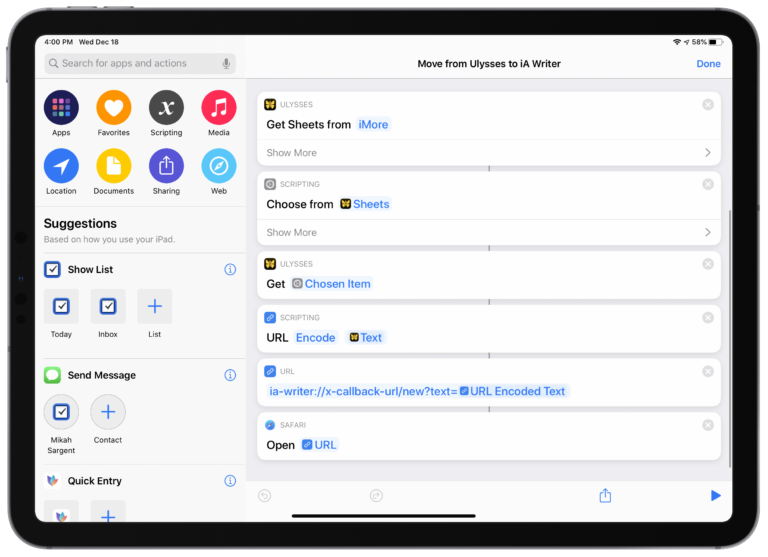
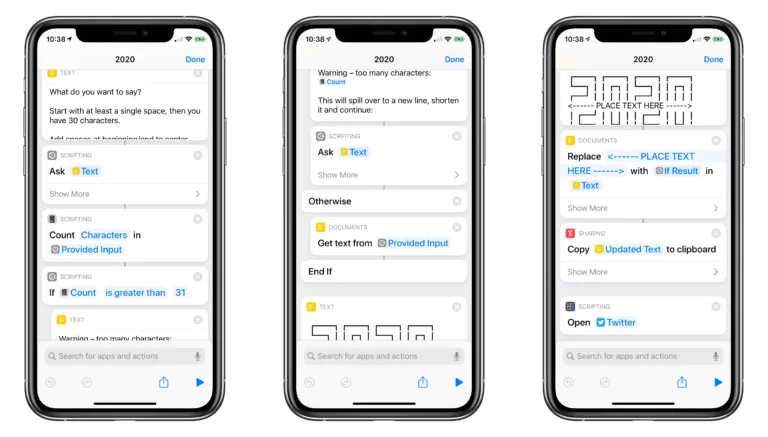
Read the full story on iMore.

Posts You Might Like

Smart Tech Today #7: Make Your Smart Home Work for You
Apple’s developer APIs for Shortcuts are way better this year
Mona 6 Moves from High Visual Customization to Advanced Automation »
Mona, a highly-customizable Mastodon client, has added extensive Shortcuts support, including the ability to schedule posts – check out the story from Jonathan Reed on MacStories.
What’s New in Shortcuts in iOS and iPadOS 16.4, macOS 13.3, and watchOS 9.4 »
Apple has posted updated notes for the new actions added in iOS 16.4 – here's the full release quoted.