
In my most recent piece for iMore, I wrote about the ways you can get new Siri Shortcuts for your collection without having to build them for yourself.
In it, I cover getting shortcuts:
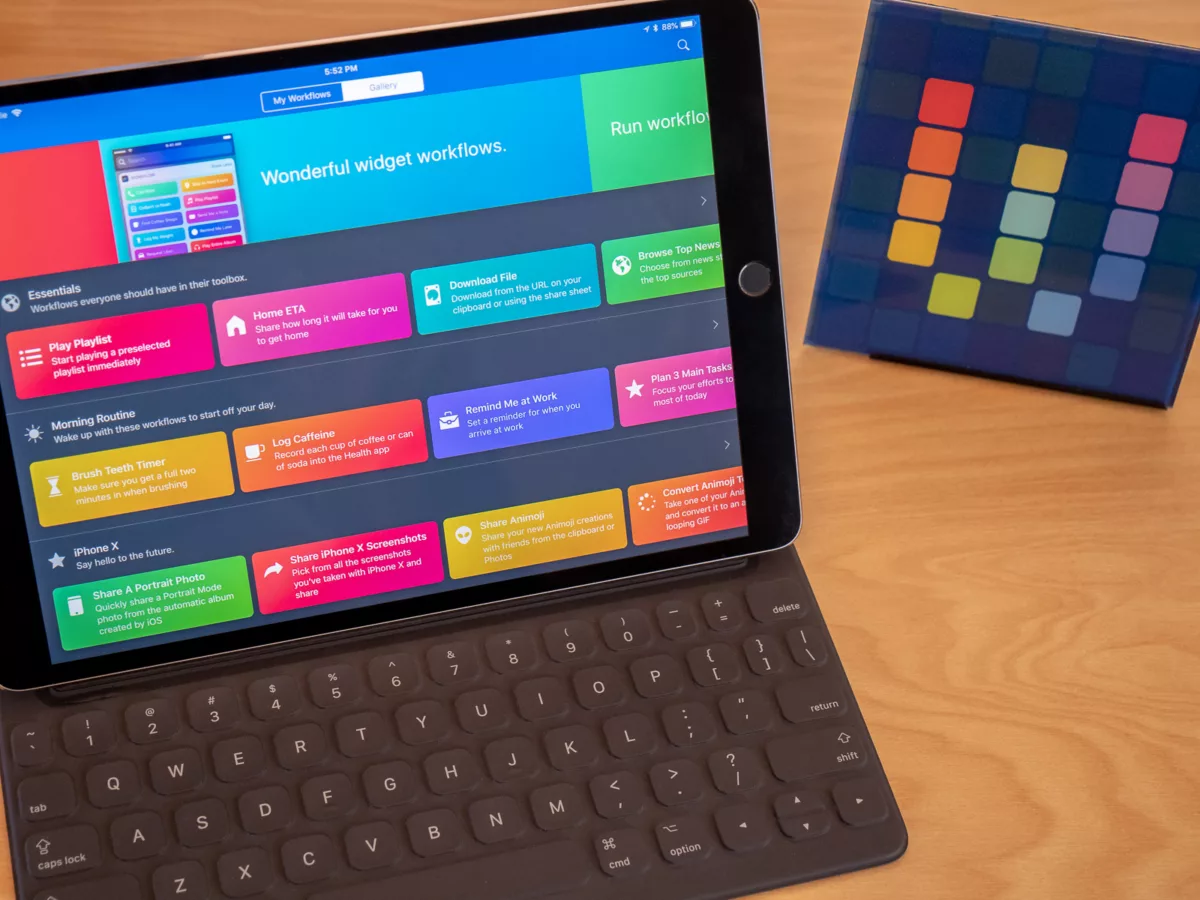
– from the Gallery
– from shared links
– with import questions
– as a .wflow file
– from the community online
But my favorite part was the overall angle – you can just use other people’s shortcuts and never actually build one yourself. Shortcuts is a fantastic visual programming tool, but if you don’t give a shit about that and just want to save time instead of learning how it works, you totally can.
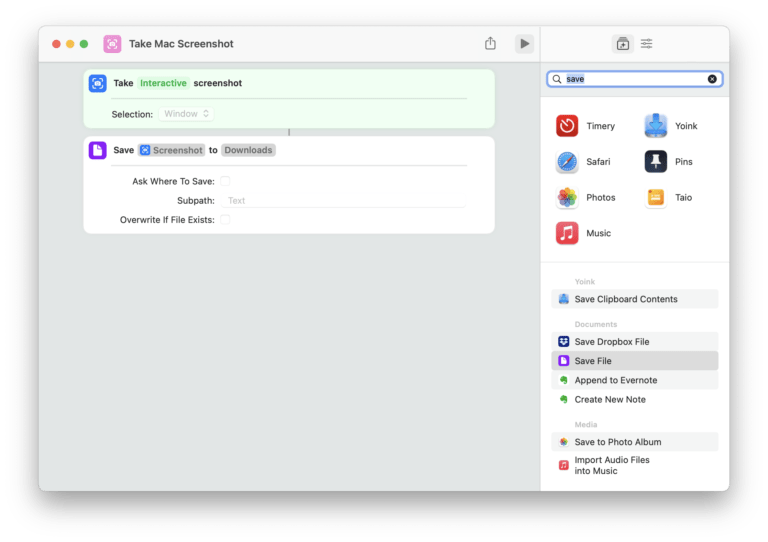
Just find and add workflows, run them from the app, widget, action extension, or Apple Watch, and you’ll almost never have to go into the Shortcut Composer to move things around1.
I’m working on a “Shortcuts” page for my site coming soon where I’ll keep my own curated collection of workflows I use, some I’ve built for other people, and links to my own writing plus writers in the Workflow community.
If you have an idea for a shortcut or want me to build you one2, comment below, email me, or hit me up on Twitter.
Read “How to get shortcuts for your iPhone and iPad” on iMore.