15 ways to use Shortcuts with Pages, Keynote, and Numbers

Yours truly for iMore:

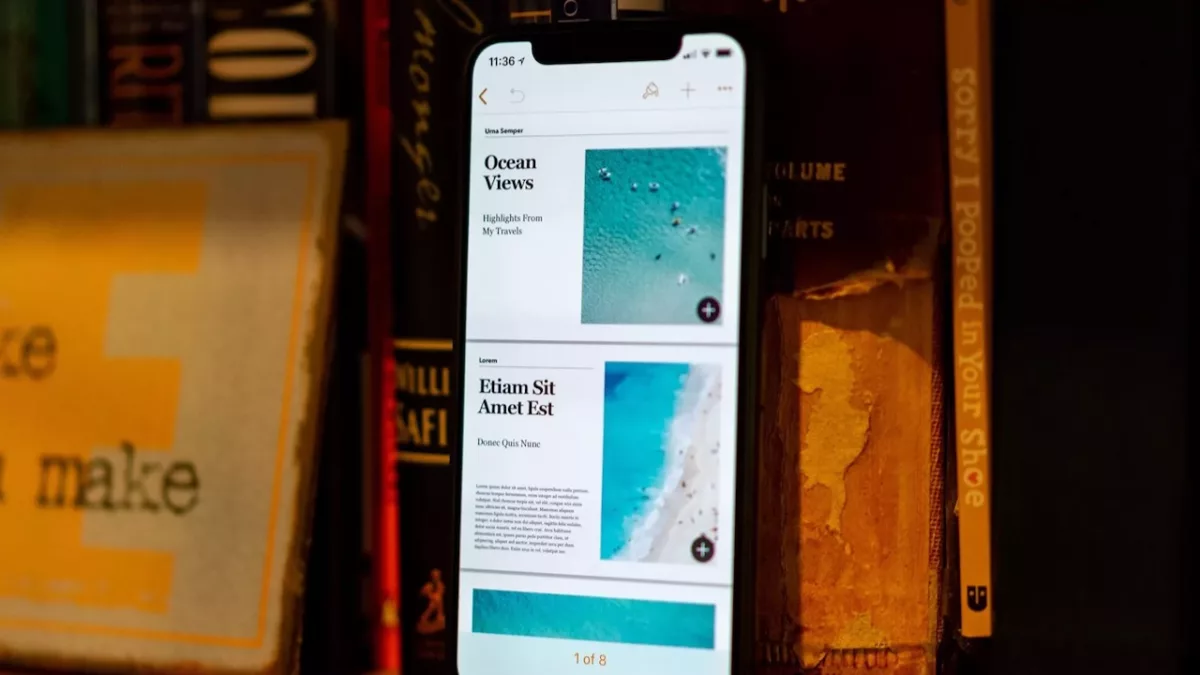
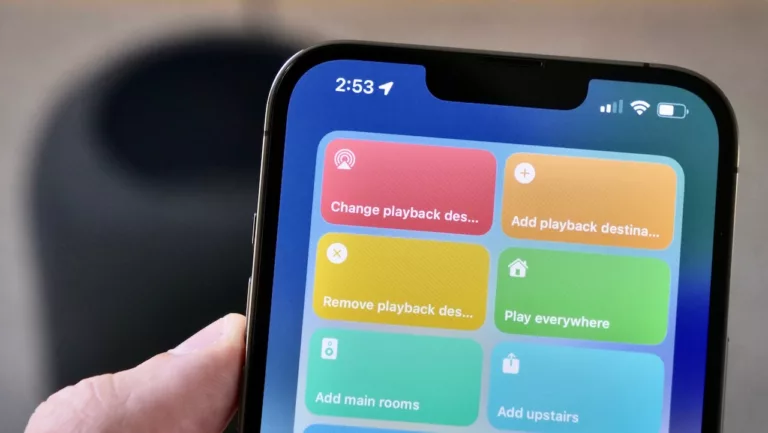
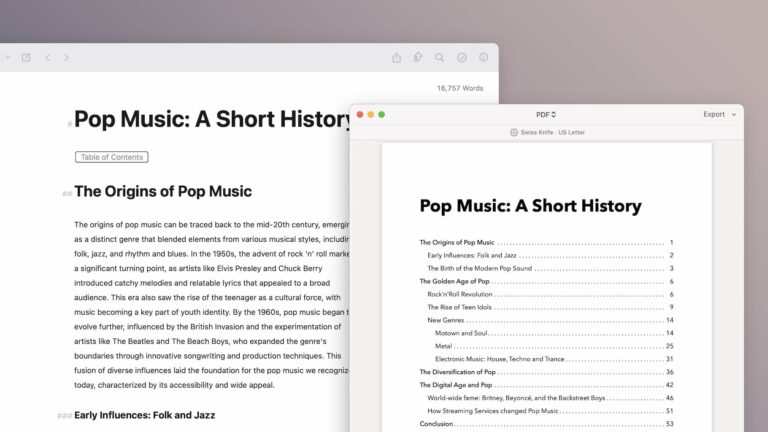
In iOS 15.4 and macOS 12.3, Apple updated their iWork suite of Pages, Keynote, and the Numbers app to include improved actions for the Shortcuts app across all three applications, bringing the feature to macOS for the first time, and improving on the previous iOS-only set of actions for the suite.

Each app has Open and Create actions to let users open files and generate templates, plus Apple included specialized actions to interact with their Keynote presentations and insert values directly into tables in Numbers.
Read the full story on iMore.

Posts You Might Like

How to make a GIF on iOS: Shortcuts in under 3 minutes [Video]
Sharing my first “Shortcuts in under 3 minutes” video, plus some improvements that I could make. Please excuse the lack of blinking :)
Automation Academy: Federico Viticci’s Collection of Advanced Shortcuts for Things »
MacStories editor Federico Viticci has shared his set of shortcuts and automations for interacting with your day's tasks in Things – check out the post from Club MacStories.
Siri Vision Pro: my Spatial Shortcuts visionOS concept video
Check out my short concept video for using Shortcuts with Apple Vision Pro. Built using the visionOS beta, these shortcuts use Open App – and I want Apple to add my simulated "pinning" functionality.
New shortcuts for Apple Vision Pro: my Rooms concept
To go along with my Apple Vision Pro concept video, here are my Rooms shortcuts – each include apps designed for specific contexts throughout your house while wearing the headset.