I’ve just added a new folder to the Shortcuts Library — my set of DoorDash shortcuts. Use these to find restaurants or dishes, check your past orders, order groceries, or shop retail. Also available as App Shortcuts from DoorDash:
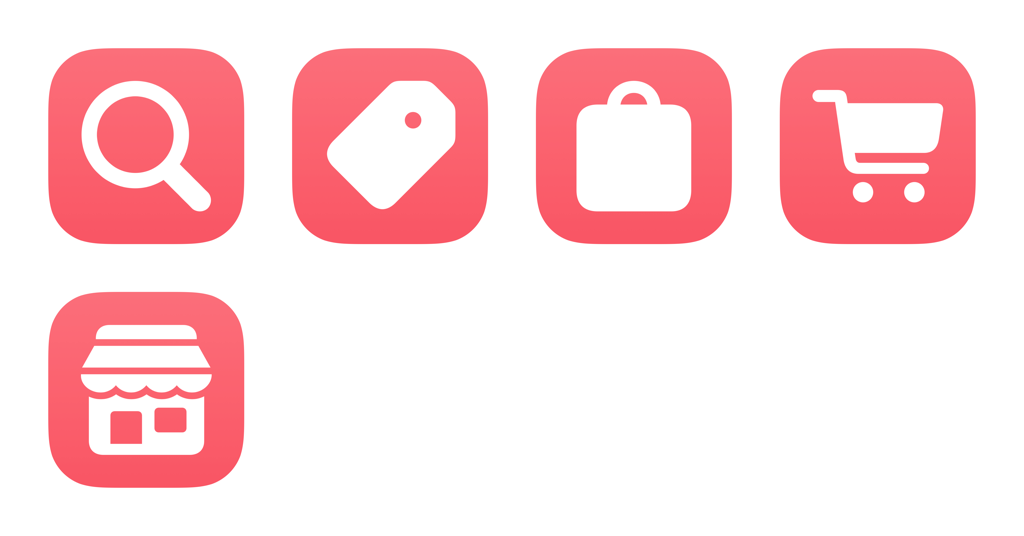
- Search in DoorDash: Opens DoorDash to the Search field with the keyboard active.
- Show deals in DoorDash: Opens the Deals area in DoorDash where you can see Deals for You, Like Your Favorites, and More Stores.
- Show orders in DoorDash: Opens your past DoorDash orders so you can see receipts, reorder, add reviews, or add photos.
- Open groceries in DoorDash: Opens the DoorDash grocery tab where you can choose a store, then pick items to be delivered.
- Open retail in DoorDash: Opens the Retail section of DoorDash where you can order products from stores nearby and have it delivered.
Check out the folder of DoorDash shortcuts on the Shortcuts Library.