Yours truly for iMore:
The evolution of the Home Screen has been the most interesting change to iOS and iPadOS of the last few years, with the addition of widgets, Focus modes, and now Lock Screen changes tied to Home Screens coming in iOS 16.
With the rollout of iPhone widgets, then iPad widgets and Focus, and now dynamic Home/Lock Screens, things have changed slowly over time — and yet all at once now that everything works together better than ever.
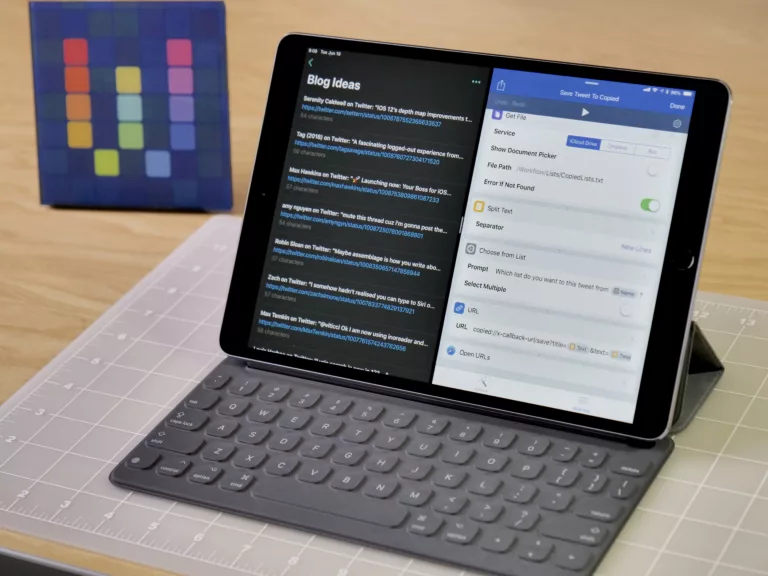
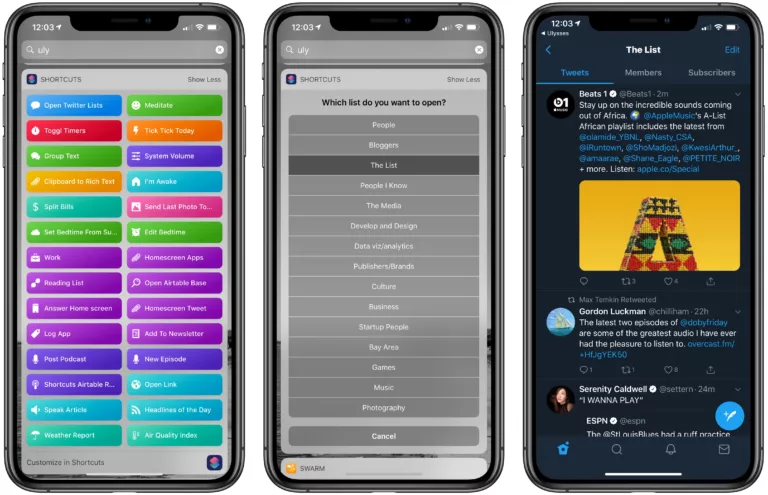
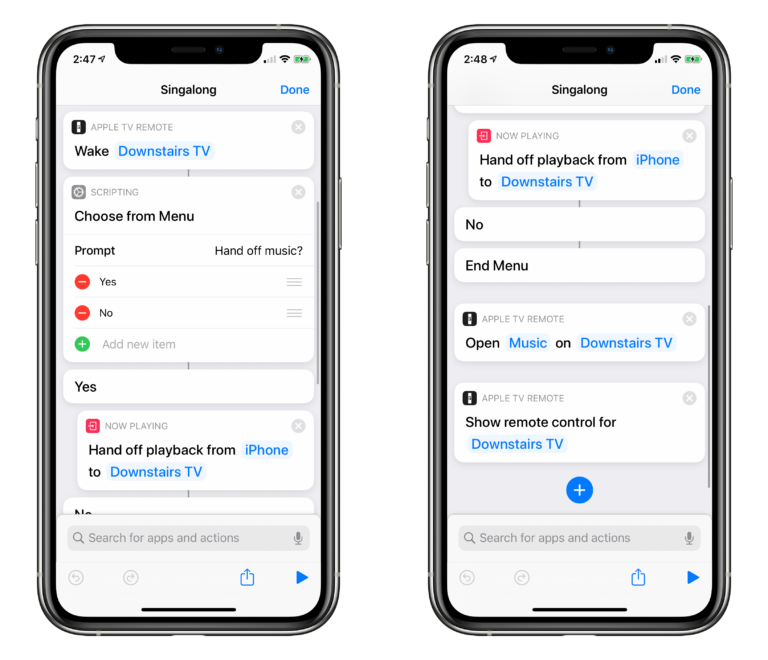
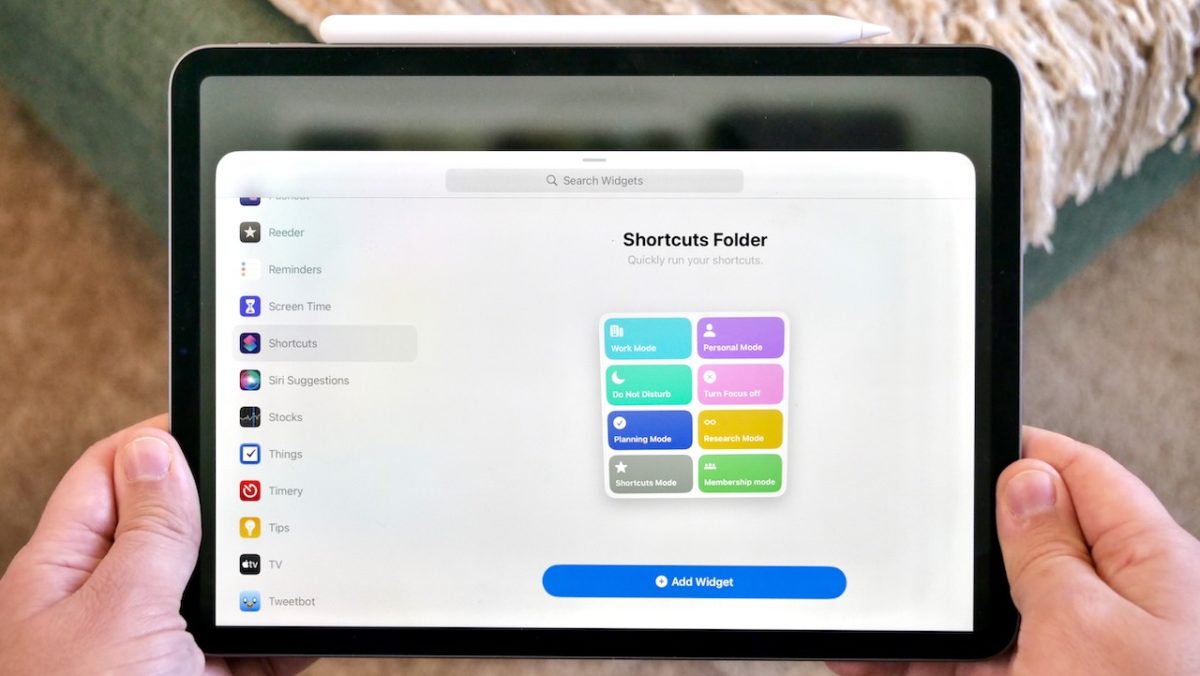
For folks invested in the Shortcuts app, this progression has meant an ever-deeper integration of their shortcuts into the ecosystem and onto their Home Screens. That’s because the Shortcuts widget has always had special entitlements that make it interactive, something no other widget has — you can run your shortcuts right from the widget, without opening the Shortcuts app: