From Apple Support:
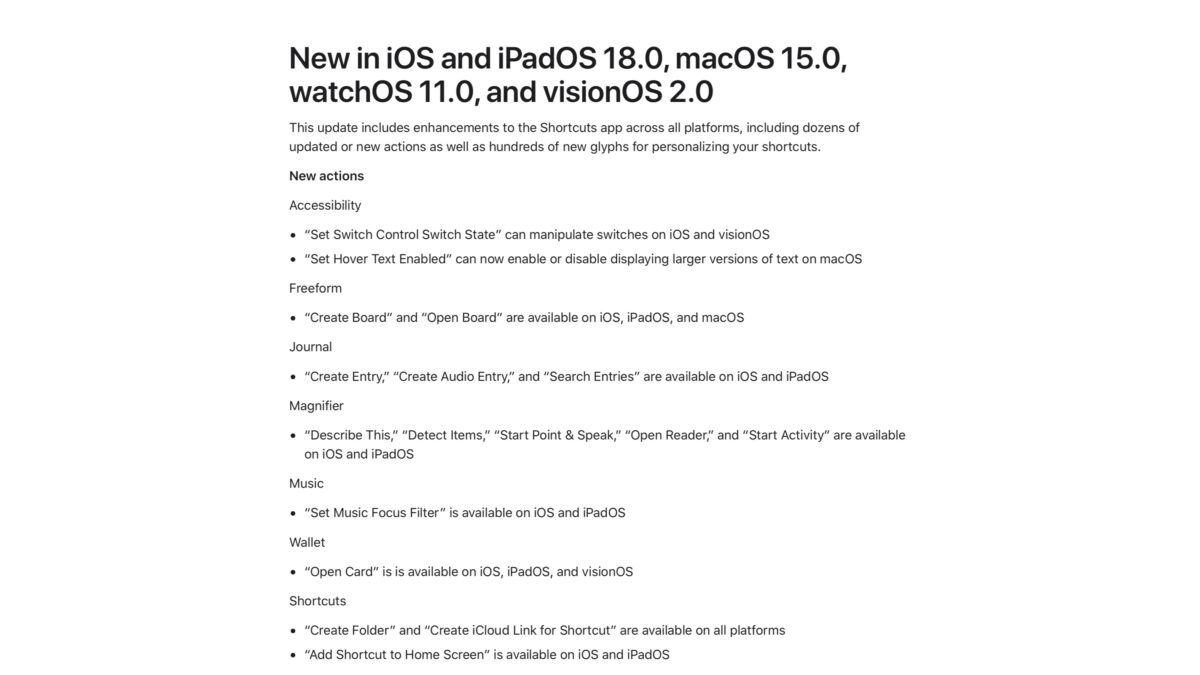
New in iOS and iPadOS 18.0, macOS 15.0, watchOS 11.0, and visionOS 2.0
This update includes enhancements to the Shortcuts app across all platforms, including dozens of updated or new actions as well as hundreds of new glyphs for personalizing your shortcuts.
New actions
Accessibility
- “Set Switch Control Switch State” can manipulate switches on iOS and visionOS
- “Set Hover Text Enabled” can now enable or disable displaying larger versions of text on macOS
Freeform
- “Create Board” and “Open Board” are available on iOS, iPadOS, and macOS
Journal
- “Create Entry,” “Create Audio Entry,” and “Search Entries” are available on iOS and iPadOS
Magnifier
- “Describe This,” “Detect Items,” “Start Point & Speak,” “Open Reader,” and “Start Activity” are available on iOS and iPadOS
Music
- “Set Music Focus Filter” is available on iOS and iPadOS
Wallet
- “Open Card” is is available on iOS, iPadOS, and visionOS
Shortcuts
- “Create Folder” and “Create iCloud Link for Shortcut” are available on all platforms
- “Add Shortcut to Home Screen” is available on iOS and iPadOS
Updated Actions
For those building custom shortcuts, some actions have been updated:
- “If” now supports evaluating multiple conditions at once, combining them with Any or All
- “If” now supports selecting date and time values inline
- “Open Smart List” can now open any Reminders list
- “Match Text” now indicates invalid regular expressions above the keyboard
- “Recognize Music” support has been expanded to watchOS
- “Listen to Page” support has been expanded to visionOS
Shortcuts editor
For those building custom shortcuts, some changes have been made to the shortcut editor:
- Faster search, improved categorization, and other enhancements to finding actions
- Actions can be pinned for quick access
- Keyboard navigation support has been expanded on macOS, including ⌘F for search, navigation with the tab and arrow keys, and more
- Over 200 new icon glyphs allow greater expressivity in your shortcut icons, including animals, sports, home devices, and more
- Improved performance and reliability
Control Center
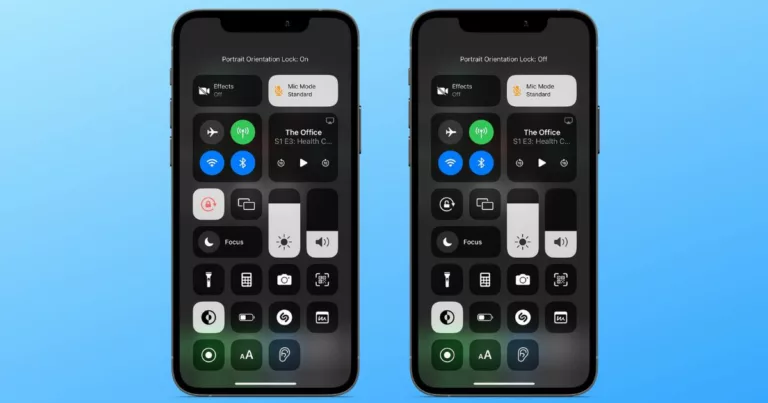
- Control Center now includes a Shortcuts Control that can be configured to run any available shortcut or open apps
Learn about the features in Shortcuts for iOS and iPadOS 17, macOS 14, watchOS 10 and visionOS 1.