From @ColinHughesUK:
Great for accessibility and I think will be popular with everyone. Lots of thanks to Apple for listening, and thanks for highlighting @zollotech https://t.co/Ake2MHsNbm
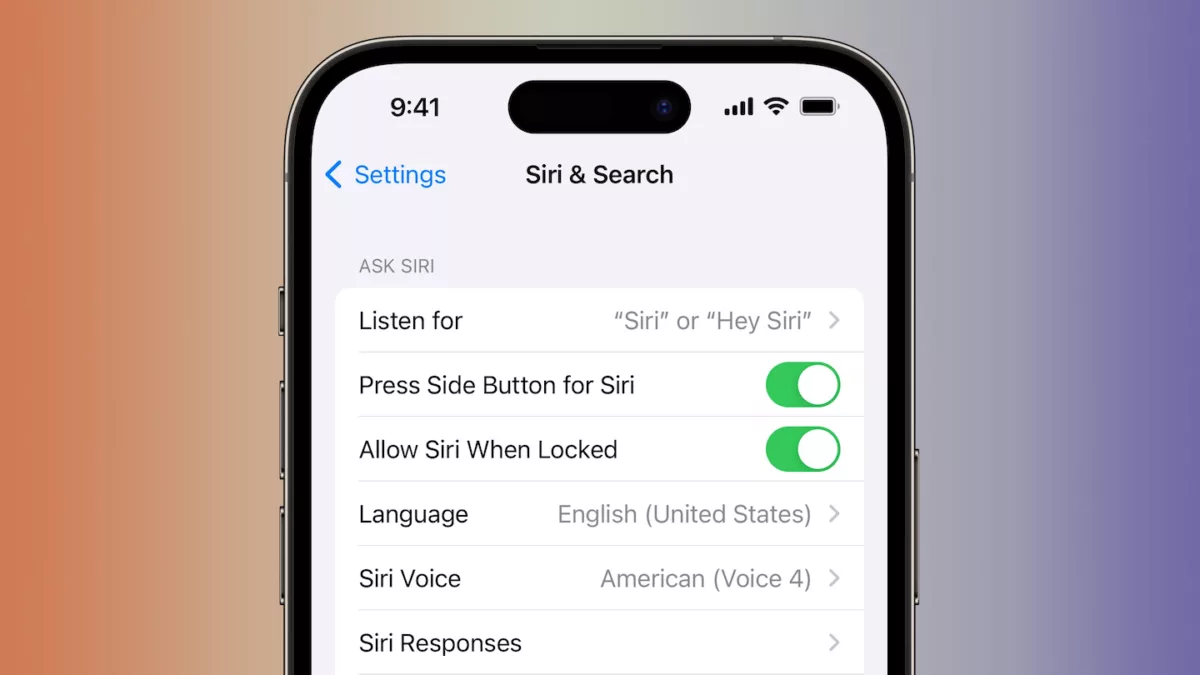
After mentioning that Siri’s “You need to unlock your iPhone first” was a big problem for quadriplegics like himself, Colin Hughes is now celebrating Apple’s update to Siri that lets AirPods act as authentication – when you’re wearing them, Siri requests will work without requiring you to unlock your device.
In a story from 9to5Mac, Colin is quoted about how this works for him:
There’s a new Siri authentication system on AirPods where if your device is unlocked while wearing your AirPods, it will be considered authenticated as long as they are in range (or until you change the output audio device on the system).
So basically when my carer puts my AirPods in my ears, then as long as my iPhone is unlocked when she does so, even if it locks afterwards I can still access my messages, calendar events and more.
View the original tweet, read the story from 9to5Mac, and check the original in-depth story on Colin’s experience with Accessibility and Apple products also from 9to5Mac.