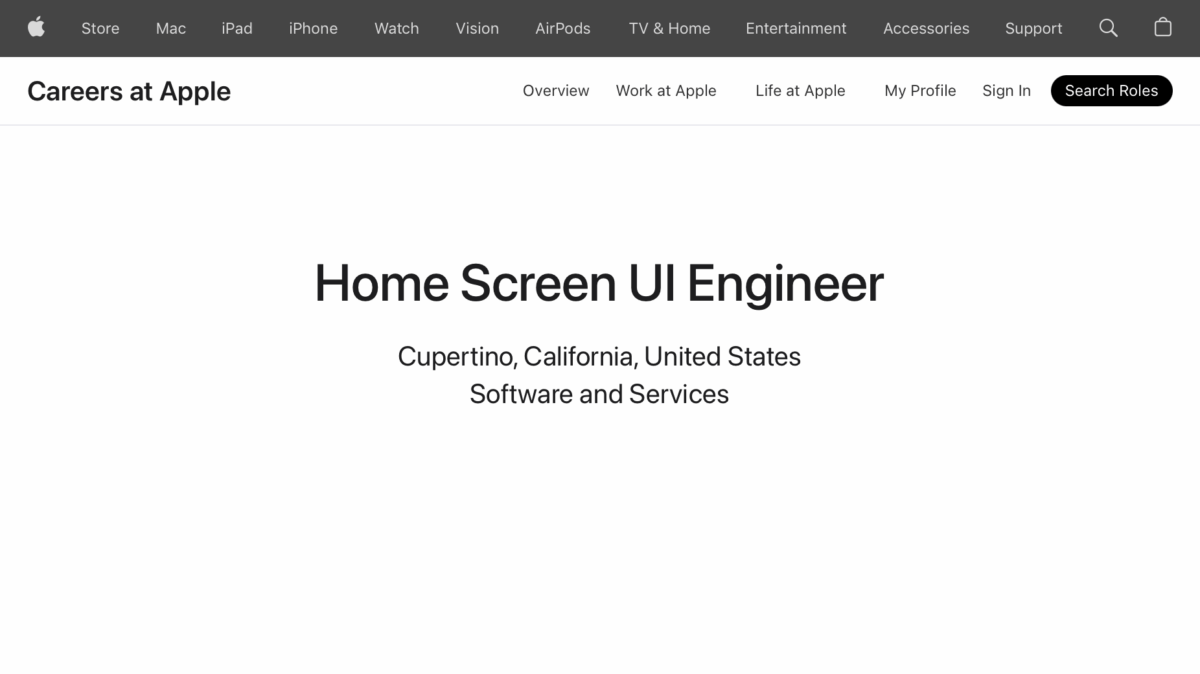
From Careers at Apple (line breaks added for clarity):
“The Home Screen team is responsible for many of the iconic system experiences on Apple devices.
The Team is responsible for the Home Screen, Control Center, Status Bar, Volume HUD and various other components on iOS and iPadOS.
As an engineer on the Home Screen team, your responsibilities will range from prototyping new user interface paradigms and implementing new features to defining API, fixing bugs, and improving performance.
You should have an excellent understanding of software design, good debugging skills and an eagerness to work hard and learn a lot.
You should have an eye for detail and a feel for making user interactions feel fluid and fun.
As our team works cross-functionally with many other groups across Software Engineering, Hardware Engineering and Design, you should have a good understanding of systems and excellent communication and collaboration skills!”
Very intriguing – I’d love to see things evolve for the future.
If this sounds like you and you’re qualified, please join Apple and set us up for the next generation of the Home Screen experience 🙏.