I had the pleasure of being a guest on episode 353 of the Clockwise podcast from Relay FM, joining Brianna Wu, Jason Snell, and Dan Moren for a 30-minute round table discussion of the week’s news.
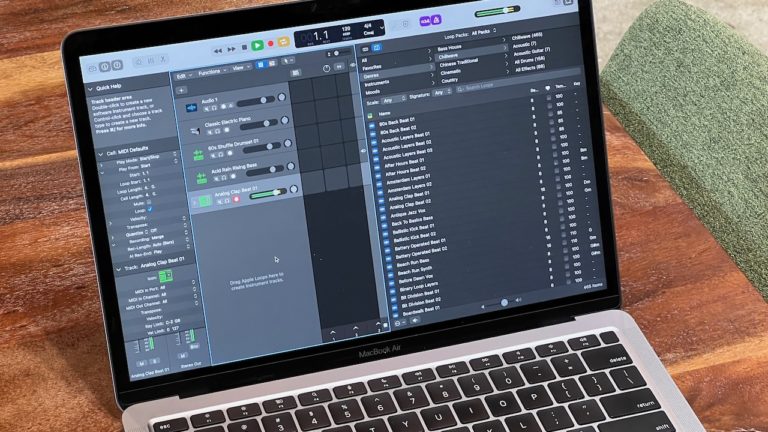
We talked about Apple silicon and what it means for gaming as well as whether we’ll be buying the first round of Macs, our beta-installation strategies, and how to use Shortcuts for public good.
Here’s the episode (screenshot from Six Colors): 
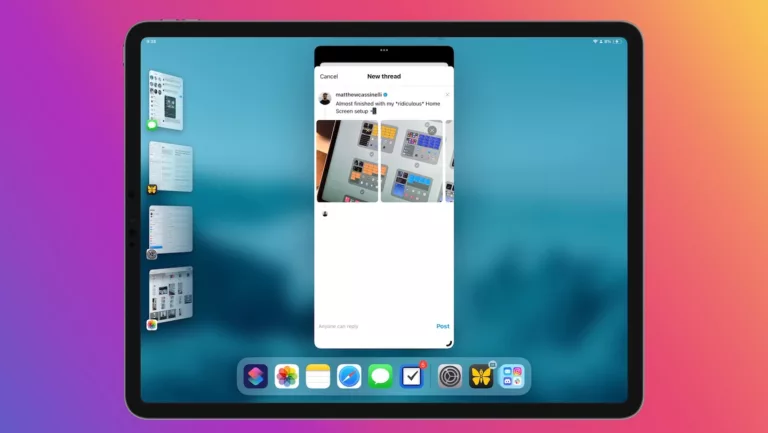
In my segment about Shortcuts, I asked everyone to come up with ways to use automations for some type of public benefit – as it turns out, pretty much every idea was already possible:
- Brianna wanted a way to use specific Accessibility features to read the screen out loud; I have Speak Screen and Speak article that do just that.
- Dan wanted a way to (half-jokingly) automate public shaming of people who are too close to you and not wearing a mask; I made Mask shame that at least plays the “Shame” clip from Game of Thrones right away.
- Jason wanted an easier way to fact-check articles; after the episode, I put together this Snopes shortcut that loads any link you‘ve copied or shared into Snopes’ search field so you can immediately check if there are any results debunking the piece.
Clockwise is always a blast to be on and the episodes are always less than 30 minutes, so definitely subscribe to the show and get exposed to an ever-rotating series of guests, plus the charm of Dan and Mikah as the usual cohosts.