From Apple Support:
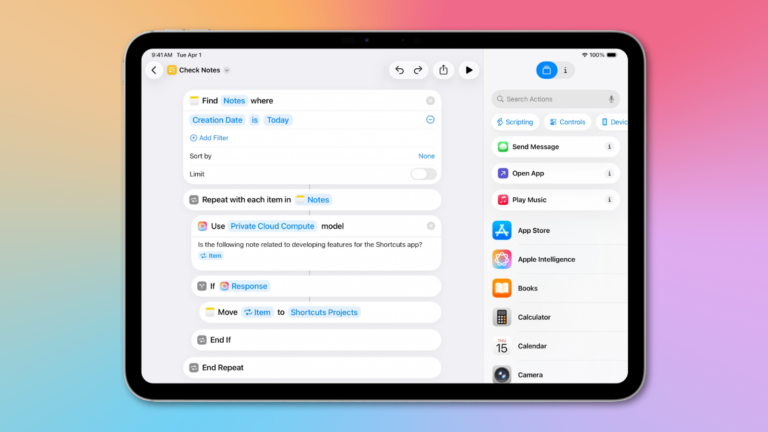
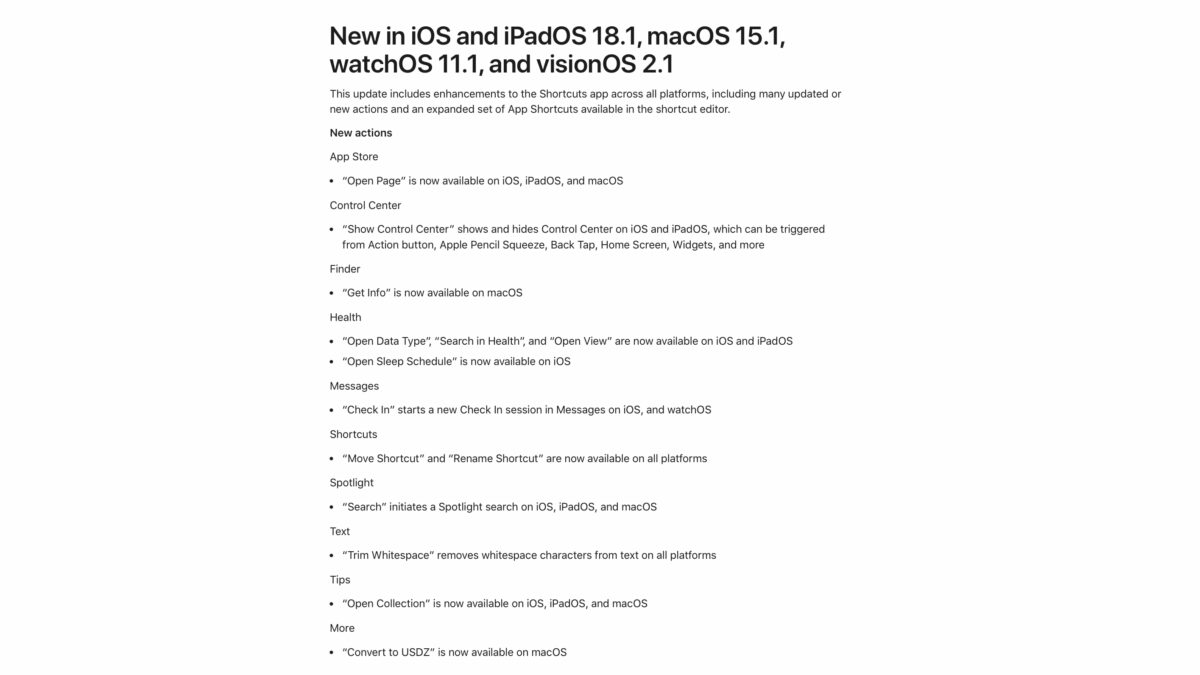
This update includes enhancements to the Shortcuts app across all platforms, including many updated or new actions and an expanded set of App Shortcuts available in the shortcut editor.
New actions
App Store
- “Open Page” is now available on iOS, iPadOS, and macOS
Control Center
- “Show Control Center” shows and hides Control Center on iOS and iPadOS, which can be triggered from Action button, Apple Pencil Squeeze, Back Tap, Home Screen, Widgets, and more
Finder
- “Get Info” is now available on macOS
Health
- “Open Data Type”, “Search in Health”, and “Open View” are now available on iOS and iPadOS
- “Open Sleep Schedule” is now available on iOS
Messages
- “Check In” starts a new Check In session in Messages on iOS, and watchOS
Shortcuts
- “Move Shortcut” and “Rename Shortcut” are now available on all platforms
Spotlight
- “Search” initiates a Spotlight search on iOS, iPadOS, and macOS
Text
- “Trim Whitespace” removes whitespace characters from text on all platforms
Tips
- “Open Collection” is now available on iOS, iPadOS, and macOS
More
- “Convert to USDZ” is now available on macOS