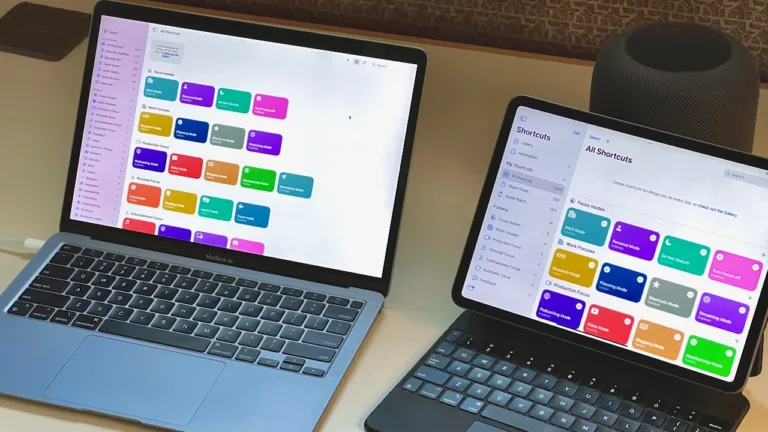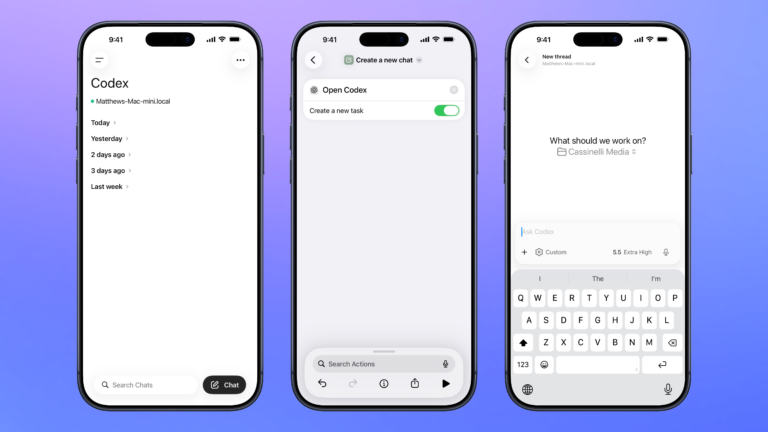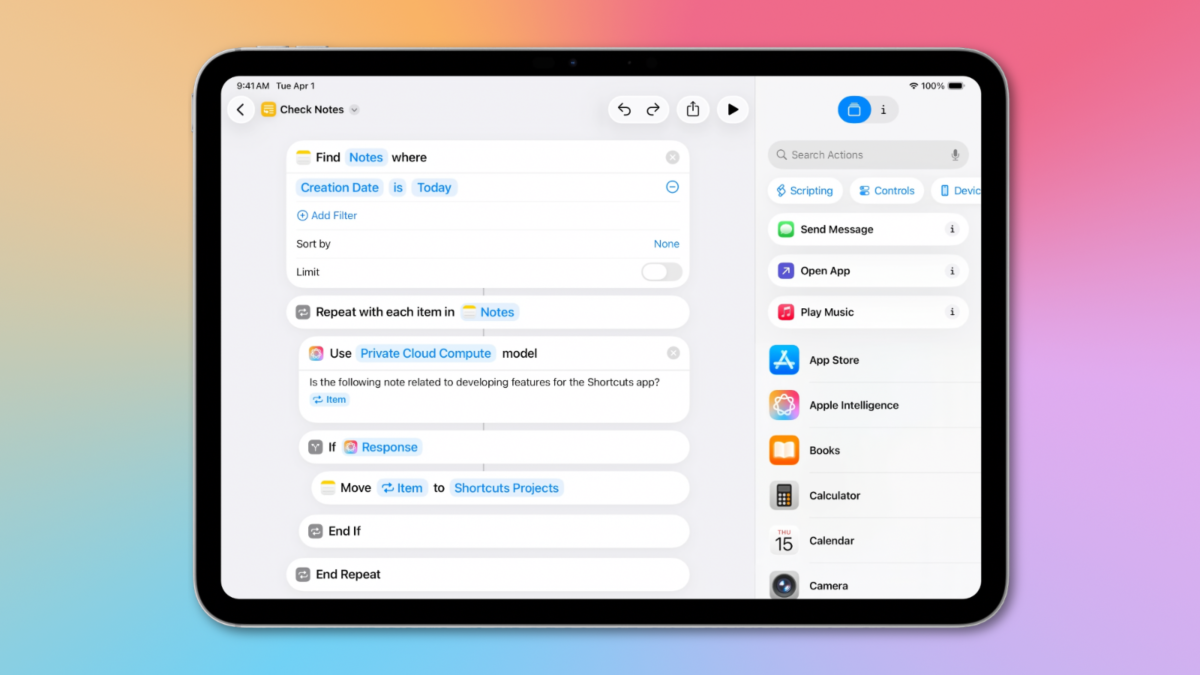
In iOS 26, Apple is adding a series of exciting new actions to Shortcuts, with a heavy focus on Apple Intelligence including direct access to their Foundation Models with the new Use Model action.
Alongside that, Apple has actions for Writing Tools, Image Playground, and Visual Intelligence, plus the ability to Add Files to Freeform and Notes, Export in Background from the iWork apps, and new Find Conversation & Find Messages actions for the Messages app, among others.
Plus, new updates to current actions—like turning Show Result into Show Content—make existing functionality easier to understand.
Here’s everything that’s new – available now in Public Beta:
Apple Intelligence
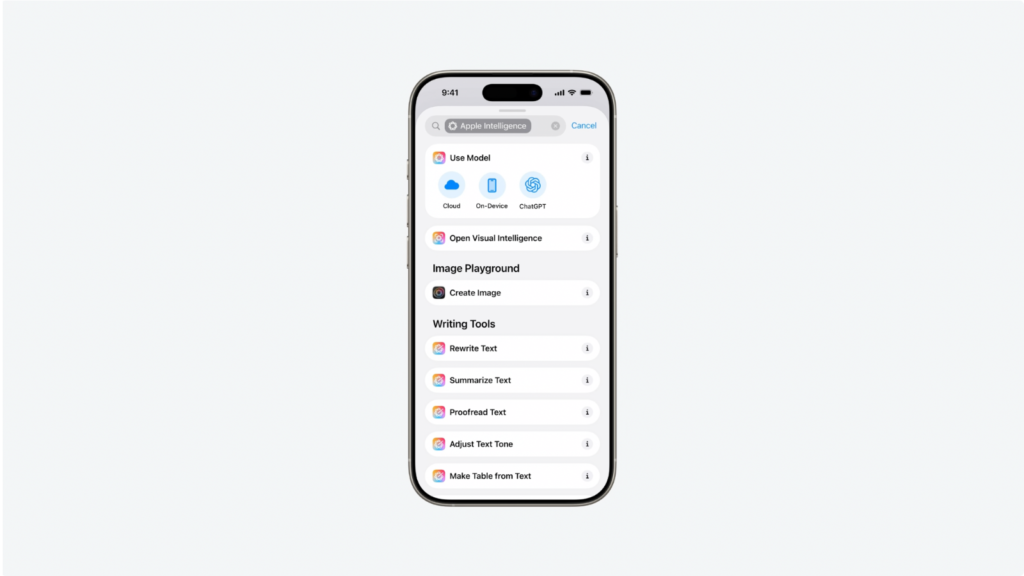
The major focus of actions in iOS 26 is access to Apple Intelligence, both directly from the Foundation Models and indirectly through pre-built Writing Tools actions and Image Playground actions – plus a simple “Open to Visual Intelligence” action that seems perfectly suited for the Action button.
Use Model
- Use Model
- Private Cloud Compute
- Offline
- ChatGPT Extension
Writing Tools
- Make Table from Text
- Make List from Text
- Adjust Tone of Text
- Proofread Text
- Make Text Concise
- Rewrite Text
- Summarize Text
Visual Intelligence
- Open to Visual Intelligence
Image Playground
- Create Image
Actions
Apple has added new actions for system apps and features, starting with an interesting Search action that pulls in a set number of results, similar to Spotlight.
Both Freeform and Notes got “Add File” actions, plus you can add directly to checklists in Notes now too. Apple put the Background Tasks to work with exporting from iWork apps, and nice-to-have actions for Sports, Photos, and Weather make it easier to take advantage of those apps.
Particularly nice is Find Conversations and Find Messages, the former of which works well with Open Conversation, and the latter of which is a powerful search tool.
Search
- Search
Freeform
- Add File to Freeform
Notes
- Add File to Notes
- Append Checklist Item
iWork
- Export Spreadsheet in Background
- Export Document in Background
- Export Presentation in Background
Documents
- Convert to USDZ
Sports
- Get Upcoming Sports Events
Photos
- Create Memory Movie
Messages
- Find Conversations
- Find Messages
Weather
- Add Location to List
- Remove Location from List
Updated
Apple continues to make Shortcuts actions easier to understand and adopt for new users, making small tweaks like clarifying Show Content and Repeat with Each Item.
Plus, existing actions like Calculate Expression, Translate, and Transcribe have benefitted from system-level improvements:
- Show Result is now titled Show Content
- Repeat with Each is now labeled “Repeat with Each Item” once placed
- Open Board for Freeform now shows as App Shortcuts
- Calculate Expression can accept real-time currency data
- Translate has been improved
- Transcribe has been improved
- “Use Search as Input” added to Shortcut Input
Coming this Fall
These new actions are available now in Public Beta—install at your own risk—and will be fully available in the fall once iOS 26 releases.
There are also further improvements on the Mac, which gained Automations in Shortcuts—including unique File, Folder, and Drive automations only available on Mac—plus the ability to run actions directly in Spotlight. I’ll cover these in future stories – be sure check the features out if you’re on the betas.
I will update this post if any more actions are discovered in future betas, or if there’s anything I’ve missed here.
P.S. See Apple’s video “Develop for Shortcuts and Spotlight with App Intents” for the example shortcut in the header photo.