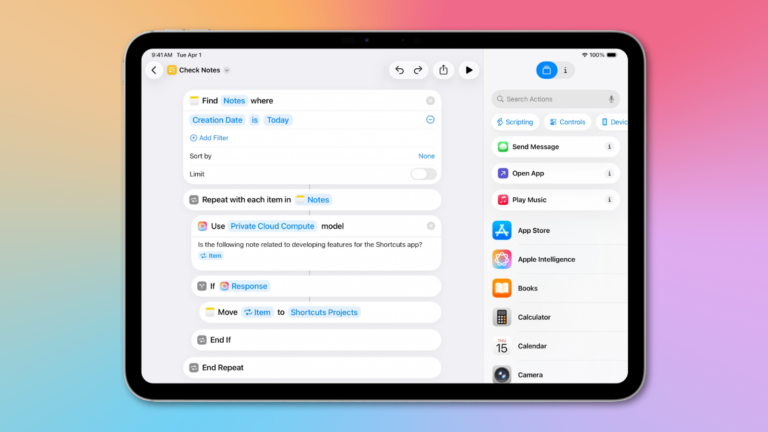
I’ve just added a new shortcut to the Shortcuts Library to my set of Apple News shortcuts – a new shortcut for the Emoji Game in Apple News+.
Here’s how Apple describes the game:
“The object of this logic and word puzzle is to complete several phrases with as few moves as possible. Each emoji may be interpreted directly, through association, or in combination with other emoji. When you attempt an answer or expand a clue, it counts as a move.”
You can also do any of the following:
- Try an answer: Consider the various definitions or associations for the emoji, then drag the most appropriate emoji (or group of emoji) to complete each word or phrase.For example, a “pear” emoji 🍐 could complete “DISAP_ _ _ _,” but interpreted as “fruit” it could complete “_ _ _ _ _ FUL.”Letters relating to emoji may appear nonconsecutively in an answer. For example, dragging an “earth” emoji 🌍 to “L_ _ _N _ _E ROPES” completes the phrase “learn the ropes.”Interpret grouped emoji as a whole. For example, a single 🐠 could mean “fish,” while 🐠🐠🐠 might mean “school.”
- Expand a clue: Tap [
Eye icon]. This counts as a move.- Reveal answers: Tap [
Three Dots icon], then tap Reveal. The answers you didn’t find are shown. The puzzle doesn’t count in your Scoreboard stats and streaks.
Get the Emoji Game shortcut, check out the folder of Apple News Plus shortcuts, and browse the full Shortcuts Library – or read about Emoji Game from Apple Support.