How to Pin Links in Apple Messages »

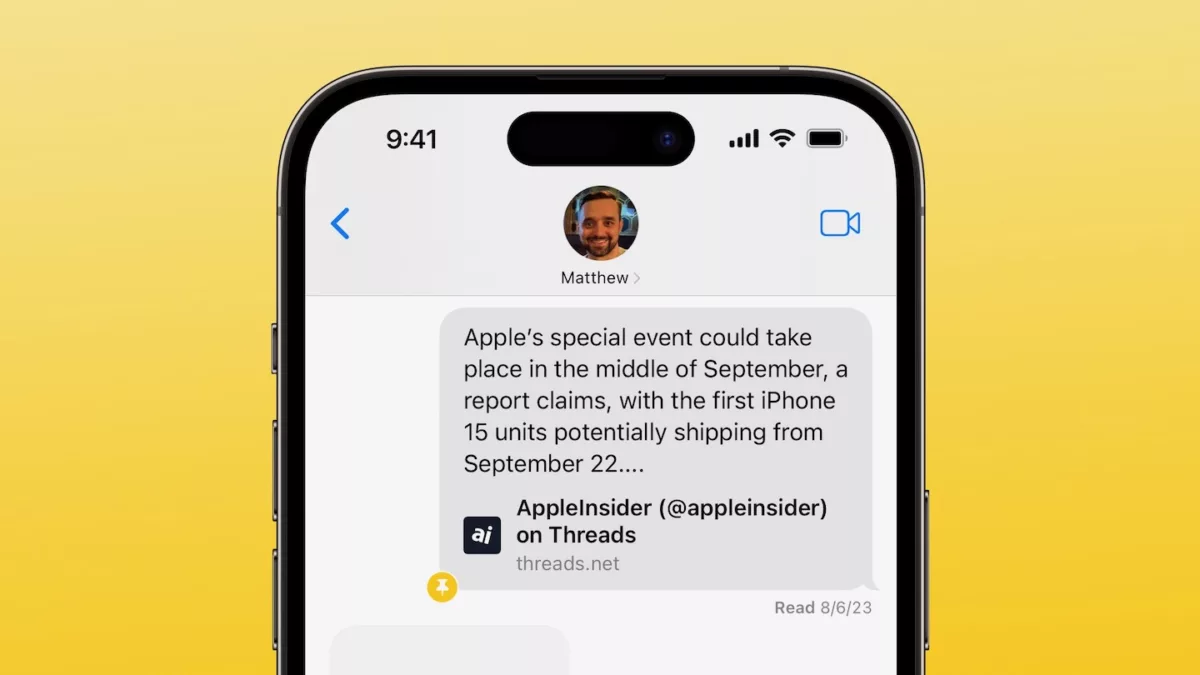
I'm linking Gruber who's linking AppleInsider about pinned links in Apple's Messages app – here's how it works, and why it's a bit odd right now.

From John Gruber on Daring Fireball:

When you pin a link, you can refer back to it in the profile details for the contact(s) in that thread. That’s the popover you get by:

  • Tapping the user avatar in the center of the top navigation bar on iOS.
  • Clicking the “i”-in-circle Info button on MacOS.

Scroll down in that popover and there’s a section for pins, right above the section showing all photos in the conversation.

Gruber goes on with a few updates to the post to explain all the oddities with how the feature is currently implemented – the feature is a good idea in theory, though.

View the linked post on Daring Fireball and read the original piece on AppleInsider.
 

Posts You Might Like

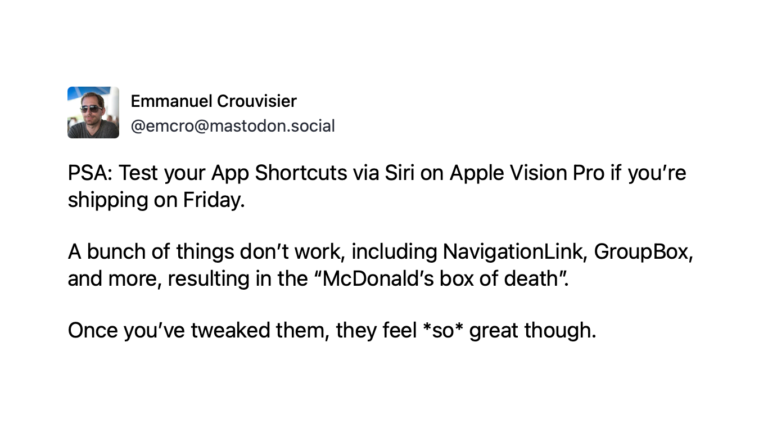
PSA: Test your App Shortcuts via Siri on Apple Vision Pro
CardPointers developer Emmanuel Crousivier has shared a warning for App Shortcuts developers, including multiple features that won't work at launch.
View Your Order History, Shopping Cart, and Amazon Categories With These Shortcuts
If you're an Amazon shopper, there's many parts of the site you might not have seen yet – use these shortcuts to quickly browse for items.
Chris Lawley’s MUST have Shortcuts Automations: What’s on my iPad »
Chris Lawley shares his top shortcuts and automations for working on the iPad – I always love seeing the latest versions of Chris' workflow.
How to Use Custom File Names for Screenshots on an iPhone »
MakeUseOf has put together a guide on how to use the Take Screenshot action in Shortcuts to give your captures a custom filename.