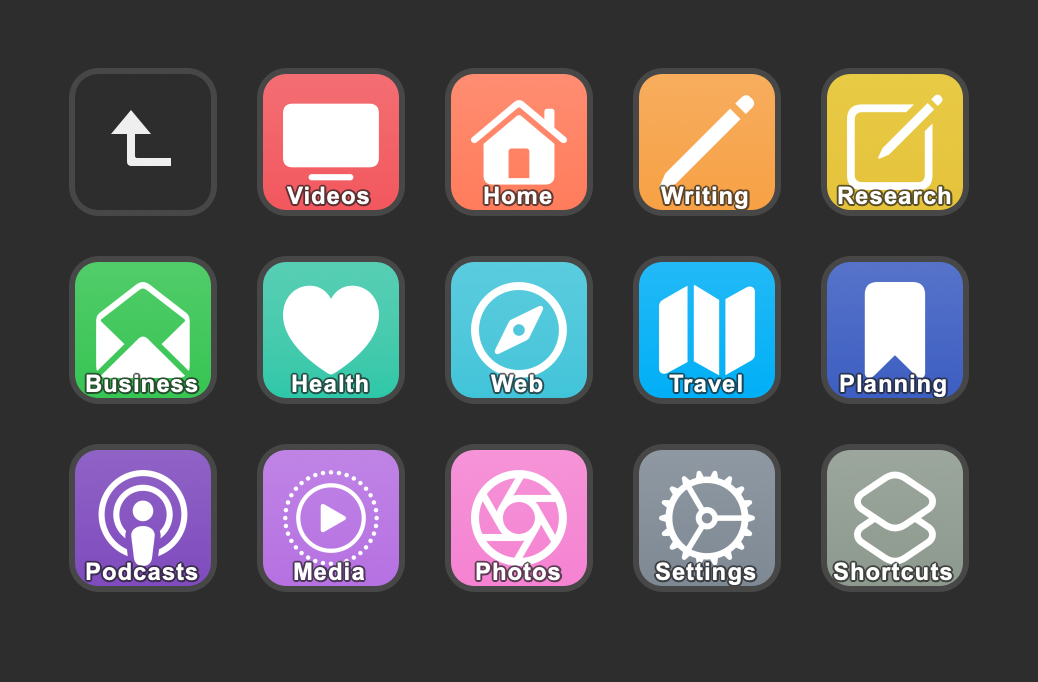
One of the excellent features coming to Shortcuts for Mac is the addition of a scripting capability for the Shortcuts app itself – Apple has added AppleScript support for commands like opening and running shortcuts, even without opening the app at all.
Naturally, I immediately got excited to bring this possibility to life using the Stream Deck, a USB device from Elgato with hardware keys that can be customized to your heart’s extent (including using folders and subfolders):

The Stream Deck software for Mac allows users to add third-party plugins offered by the community, including one such plugin called “Run OSA script” that lets users input a script that gets triggered when the button is pressed:

To take advantage of this plugin, I’d need to write my own AppleScript – something I’m not super familiar with.
Thanks to this tweet from Alex Hay, developer of Toolbox Pro, I knew to use the Script Editor app to look into the capabilities of Shortcuts app by examining its’ AppleScript dictionary – here’s how:
Step 1:
With Script Editor open, navigate to File \> Open Dictionary (or using Command + Option + O):

Step 2:
Select Shortcuts from the list

Step 3:
From the dictionary view, scroll to the bottom to see the Shortcuts apps’ specific suite of classes and commands:

From there, you can see the run command, which requires the name of the shortcut (surrounded in quotes), plus the instructions for background execution:
To run a shortcut in the background, without opening the Shortcuts app, tell 'Shortcuts Events' instead of 'Shortcuts'.
However, since I’m still new to AppleScript, I didn’t immediately know how to implement this – after briefly looking online, I found a Reddit post (from the creator of a similar AppleScript plugin) that explained the basics of what I’d need to surround my command with, and came up with this:
tell application "Shortcuts Events"

run shortcut "Search YouTube"

end tell
By pasting this into a OSA Script action in the Stream Deck interface and switching the name in the script & on the action to match, I got the custom integration working!

Now, I can trigger any one of my shortcuts from the Stream Deck – something dangerous for a person with 900+ shortcuts and 100 folders…

Get your own Stream Deck MK. 2 on Amazon.
This post contains affiliate links – if you take action after clicking on them, I may receive income. This doesn’t cost you anything and offsets the costs incurred to run this site, in addition to your membership. Thanks for your support!