Yours truly for iMore:
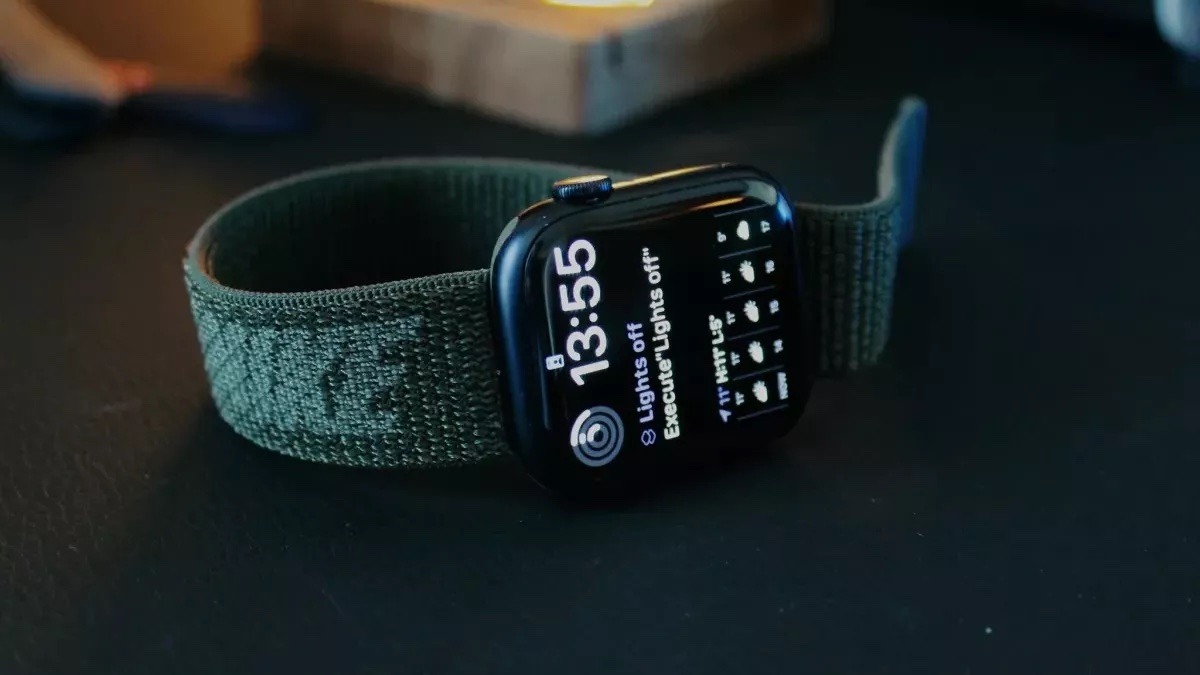
The Shortcuts app for Apple Watch is a small but powerful way to access the vast array of capabilities from the apps on your device, all from the convenience of a few taps on your wrist.
Some of the ways Shortcuts on Apple Watch can be most useful, however, are not immediately obvious — there’s a lot of potential in Shortcuts, but honing in on the best use cases and avoiding too much complexity is important for a good Watch-based experience.
This piece covers seven areas where you can build Shortcuts for Apple Watch that are worth exploring, have powerful actions to take advantage of, and work well when running from your favorite Apple Watch: