iOS 16’s sleeper hit? Focus Filters might change how you use Apple devices forever

iOS 16's Focus Filters add powerful contextual controls to iOS, iPadOS, and macOS — here's how this feature will affect how people will use Apple devices.

Yours truly for iMore:

With Apple’s iPhone event just under two weeks away and iOS 16’s imminent release soon after, we’ve started to see developers share teasers for special features like Focus Filters that are being added to their apps.

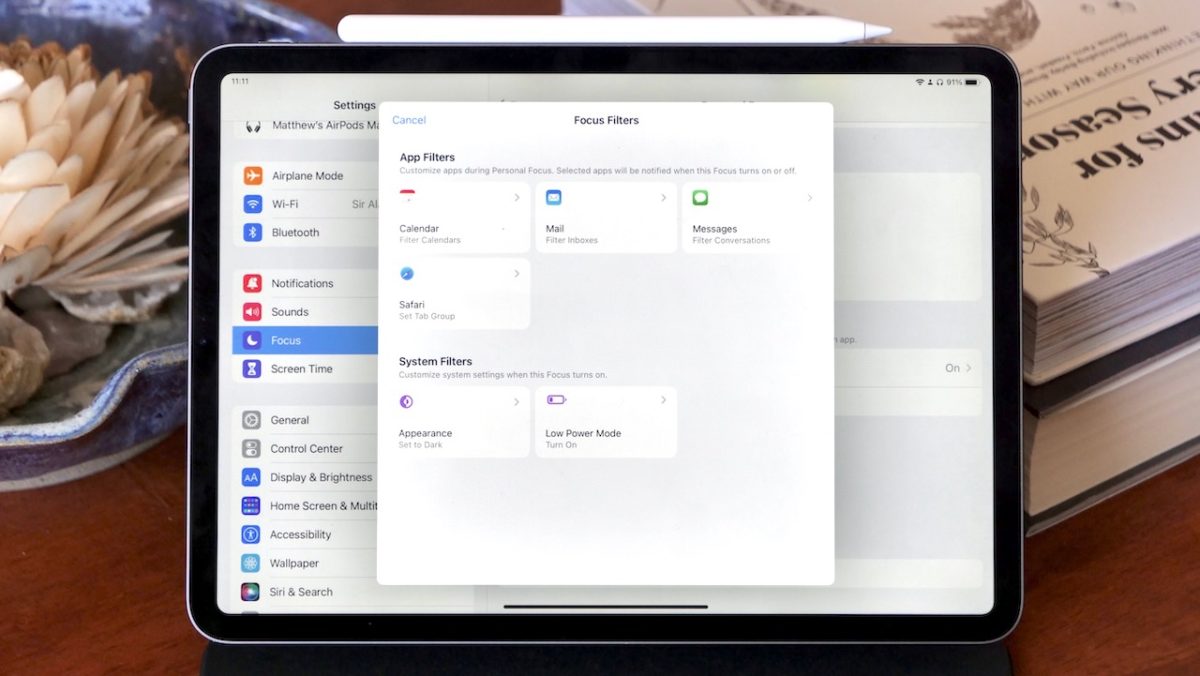
And after testing the built-in Focus Filters actions for Mail, Safari, Calendar, and Messages during the beta period, I’m convinced Focus Filters will be a powerful — but slept-on — feature once iOS 16 releases.

To help people get started so they don’t miss out on this new capability, here’s how to set Focus Filters up and customize them using Shortcuts, along with three examples of apps implementing Focus Filters to customize their app’s contents when inside a Focus mode:
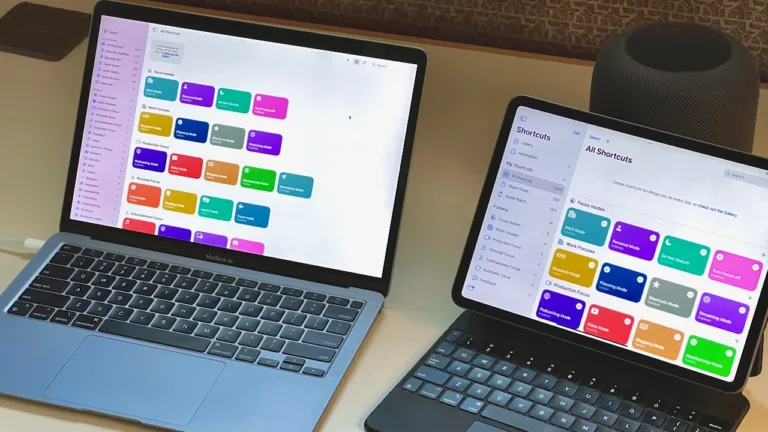
Read the full story on iMore.

Posts You Might Like

What to know about the Siri Shortcuts beta
With about 2,500 words and 24 screenshots, I covered everything that’s new in the betas so far for iMore
Why the Menu Bar is the best way to get started with Shortcuts for Mac
Shortcuts for Mac lets you run shortcuts from the Menu Bar. Here's how to set it up, optimize your shortcuts, and add advanced interactivity for your macOS experience.
8 ways to get help from Apple Support using Shortcuts
How to use Apple’s new Accessibility Assistant shortcut to assess your needs (and 26 accessibility shortcuts)